Portfolio basics
How to create a portfolio online as a university student: a guide for every country
Step-by-step: build a student portfolio website for internships, graduate jobs and remote work — plus what changes in the US, UK, Europe, India, Pakistan, the Gulf, Africa and more.
By Numan Qamar, Founder, Folitox AI · · 15 min read
Students in every country meet the same problem when applications open: many people in the same year have the same degree, similar grades and projects with similar titles. A portfolio is one of the clearest ways to show the difference, because it lets an employer open a project and see what you actually did.
The steps are the same everywhere, so they come first. After them, there is a section for each region with what employers there expect: application calendars, CV customs, how to explain your grades, languages and work rules. Jump to yours:
- United States
- Canada and Australia
- UK and Ireland
- Europe
- India
- Pakistan
- Bangladesh, Sri Lanka and Nepal
- Southeast Asia
- The Gulf and the UAE
- Africa
- Latin America
Your university name helps, but work convinces
A well-known university can get you a first look at some employers. It doesn't replace evidence of what you can do, and students at every kind of school, including smaller colleges, community colleges and transfer students, can build a portfolio that competes.
Put your university in the education section and let your projects carry the weight. A headline such as "Software engineering student building web apps with React and Node" tells a recruiter more than the name of your university alone.
Step 1: Decide what the portfolio is for
Before you open any tool, decide what you want from it:
- An internship, co-op or placement. Show projects that match the roles you are applying for.
- Your first full-time job. Show your strongest work and a clear direction.
- Higher studies or graduate school. Show research, papers, posters, your thesis and how you approach problems.
- Remote work or freelancing. Show client-style work, results and how to hire you. See portfolios for remote jobs and the freelancer portfolio guide.
- A creative career. Show your best visual or written work and the process behind it.
The answer decides which projects go at the top, so write it down first.
Step 2: Collect your material
Put everything in one folder before you write a word:
- Project descriptions, reports, posters and presentations
- Screenshots, photos, diagrams, designs or demo videos
- Code repository links, live demo links and published papers
- Internship, co-op, placement, research assistant and campus job details, with what you actually worked on
- Hackathon entries, competition results and awards
- Leadership roles in clubs, societies and student organisations
- Certificates that are relevant to your field
Your final year project, capstone or thesis is usually your largest piece of work and often your strongest. Give it a proper write-up with images, a demo and a clear statement of your own part. Students in management, commerce and the arts have strong material too: case studies, research papers, campaigns, event work and internships all count.
Step 3: Choose three to five projects
A project qualifies if:
- You did a real share of the work.
- You can explain it in two minutes.
- There is something to show, such as a demo, a document or images.
- It relates to the role you want.
For group projects, which are common almost everywhere, say exactly what you did. If your coursework feels generic or theoretical, finish one small project of your own. A finished small project shows initiative, which matters more than the size of the assignment. See building a portfolio with no work experience.
Step 4: Write each project as a short story
Use the same structure for every project:
- Problem. What were you trying to solve, and for whom?
- Your role. What exactly did you do, especially on group work?
- Approach. One or two decisions you made, and why.
- Result. What happened, what worked, what you measured if you did.
- What you learned or would improve.
Be honest. If a project began as a class assignment or followed a tutorial, say so, then explain what you did beyond it. Interviewers test every line, and they value honesty over inflated claims. The guide on how to write a case study goes deeper.
Step 5: Write your headline and bio
Your headline is one line and your bio is three or four sentences.
- Headline: who you are plus what you do or want. For example, "Final-year electronics student working on embedded systems and IoT."
- Bio: your field, what you like working on, one proof point and the kind of role you are looking for.
Read how to write a professional bio and portfolio headlines and taglines for examples.
Step 6: Keep the design simple and fast
A clean template with readable text, enough spacing and your best work at the top is better than something loud. Check that:
- It loads quickly on a mobile connection, not only on Wi-Fi.
- Text is large enough to read on a phone.
- Images are compressed, and large videos aren't on the first screen.
- Your contact details are easy to find.
See choosing a portfolio template and mobile-friendly portfolio websites.
Step 7: Publish it at your own link
You can build a website from scratch, but most students don't need to. Folitox AI reads your CV and drafts a portfolio website for you: bio, projects, skills and education. You choose a template, correct anything that's wrong, add your images and links, and publish it at your own address for free. Use the draft as a base, then improve the project write-ups with the steps above. If you want a personal web address later, see choosing a portfolio domain.
Step 8: Share it where people will see it
A portfolio nobody opens does nothing. Put the link:
- At the top of your CV or résumé
- On your LinkedIn profile, in the Featured and About sections
- In your GitHub profile README, if you write code
- On job portals and internship platforms that have a website field
- In your email signature and your first message to recruiters, alumni and seniors
Your university's careers service or placement cell, alumni network and student clubs are good places to ask for feedback, and sometimes introductions. See where to share your portfolio.
Applying to employers in another country
Many students now apply abroad or for remote roles. Wherever you are, the same few things help a reader who doesn't know your country:
- Explain your degree in plain words. Give the degree name in English (with the original in brackets if it helps), the university, city, country and years. If you include a grade, add the scale, such as "3.6 out of 4.0" or "1.3 (German scale, 1.0 is best)".
- State your location, time zone and availability. "Based in Nairobi (UTC+3), available for roles overlapping European hours" answers a question every remote employer asks.
- List languages with honest levels. The CEFR scale (A1 to C2) is widely understood. "English C1" is clearer than "fluent".
- Make your claims easy to check. Link live projects and repositories, add short testimonials with permission, and keep LinkedIn consistent with your portfolio. See testimonials and references.
- Keep work-eligibility statements short and factual. Rules depend on your visa and nationality and change over time, so check the official government site and your university's international office instead of guessing.
See portfolios for international job applications for more.
Protect your personal information
A public portfolio is visible to everyone. Share your email address and LinkedIn link. Leave out your home address, date of birth, ID or passport numbers and anything you wouldn't put on a public notice board. If your work shows other people, such as classmates, clients or test users, get their permission first.
Be careful with job offers that arrive after someone sees your portfolio. A genuine employer won't ask you to pay to get a job. See personal information on your portfolio.
What changes by country and region
United States
Recruiters at MIT, Stanford, Berkeley, Georgia Tech, state universities and community colleges alike see many applications with the same degree, similar GPAs and similar project titles, so evidence matters more than the school name.
- Use everything you have. US students often have strong material from capstone projects, labs, research with professors, student organisations, hackathons and part-time campus jobs.
- Aim at internships and co-ops early. They are the usual route to a first full-time offer.
- International students: rules about work authorization depend on your visa. Check with your school's international student office before you put any statement about work eligibility on your site.
Canada and Australia
At Toronto, UBC, McGill, Waterloo, Melbourne, Sydney, ANU, UNSW, Monash and other universities, early work experience drives graduate hiring.
- Co-ops and internships come first. Canadian universities (Waterloo is the best-known example), and some Australian ones, alternate study with paid work terms. Describe what you did in each term and give a result for each, not just the company name. Cycles start early, so have your portfolio ready before applications open.
- Keep it to résumé conventions. The usual document is one to two pages, without a photo or date of birth. Follow the same approach on your portfolio.
- Use the career centre. Ask them to review your portfolio as well as your résumé.
- Canada has two languages. In Québec especially, employers may expect French. If you target those roles, add a French version or section and state your level honestly.
- International students: check work rules on the official government site, and keep any eligibility statement factual.
UK and Ireland
At Oxford, Cambridge, Imperial, UCL, LSE, Edinburgh, Manchester, Trinity College Dublin, UCD and others, the job market runs on an early calendar.
- Know the calendar. Many large employers open graduate schemes and internships in the autumn for roles starting the next year, and some close early. Build your portfolio before the autumn of your penultimate or final year. If your degree has a placement or sandwich year, make that application your first target.
- Follow the CV convention. The standard CV is one or two pages without a photo, date of birth or marital status. Do the same on your portfolio.
- Give placements and societies space. A year in industry, a summer internship or a committee role (treasurer, events lead) is strong material. Say what you organised and what happened.
- Explain your classification. Write it as you would at home, such as "2:1" or "first-class honours", and if you apply abroad add a note like "UK upper second-class honours (2:1)". Not graduated yet? Write "expected" with the year.
- Use your careers service. Almost every university has one that reviews CVs and books mock interviews. It's free and often underused.
Europe
At ETH Zurich, TU Munich, TU Delft, the University of Amsterdam, KTH, Sorbonne, Politecnico di Milano, Bocconi, Charles University, the University of Warsaw and other European universities, you can apply at home, in a neighbouring country or remotely, which makes a portfolio especially useful.
- Translate your grades. A 1.3 in Germany, 18 out of 20 in France and a first in the UK mean little outside their own country. Most degrees follow the Bologna system with ECTS credits, but still add the scale to any grade you list.
- Mention exchanges. Erasmus+ or another exchange shows you've worked in another country and language.
- Give languages a proper place. List each with a CEFR level, and keep a complete English version if you apply in several countries.
- Photos are a choice. In Germany, Austria, Spain, France, Italy and Poland, CVs have traditionally included a photo; in the UK and Ireland they don't. A public portfolio is visible to everyone, so a simple headshot is optional, and date of birth stays off.
- Respect privacy law. Under the GDPR, get permission before showing other people, and never publish their personal details.
- Work rules differ for EU/EEA citizens, other nationals and students, so check them for each country you target.
India
At IITs, NITs, IIITs, BITS, VIT, SRM, Manipal, Delhi University, Christ, Symbiosis, NID, NIFT and every other college, placement season looks similar: the same degree, similar marks and similar project titles across the batch.
- Engineering and IT (IITs, NITs, IIITs, BITS and others): lead with projects, code links, hackathons and internships.
- Management and commerce (IIMs, Symbiosis, Christ and others): lead with case studies, internships, campaigns, research and club leadership.
- Design (NID, NIFT and similar): show process as well as final images, with three or four strong pieces.
- Science, arts and humanities: lead with research, writing samples and fieldwork.
- Use the placement cell. Your training and placement cell, alumni and seniors can review your portfolio and sometimes make introductions.
- See also portfolio websites for freshers and portfolios for campus placements.
Pakistan
At NUST, FAST-NUCES, LUMS, COMSATS, UET, GIKI, NED, IBA, the University of the Punjab, the University of Karachi and others, a portfolio helps you stand out in the batch and opens a second door: many students work with clients and companies abroad.
- Make your FYP the centrepiece. Your final year project is often your strongest piece. Write it up with images, a demo and your own part.
- Show freelance and remote work. Add client-style projects and a short "work with me" section with your time zone.
- For employers abroad, explain your degree and CGPA scale, write dates and numbers in a standard format and list your tools clearly.
Bangladesh, Sri Lanka and Nepal
At BUET, the University of Dhaka, North South, BRAC, the University of Moratuwa, the University of Colombo, SLIIT, Tribhuvan, Kathmandu University, Pulchowk Campus and others, the job search usually has two tracks: local employers, and remote or outsourced work for companies abroad.
- Stand out in a crowded graduate market. A list of project titles doesn't separate you from the batch; an open project does.
- Write up your thesis or final year project properly: the problem, what you built, your role, the result and a link to the code or report.
- Match the work that pays. Outsourcing, software, design, data, digital marketing, writing and engineering services are active areas. If you want to freelance, add a "work with me" section.
- Language: write in clear English for international clients. A section in Bangla, Sinhala, Tamil or Nepali is fine, as long as the English version stays complete.
Southeast Asia
At the University of the Philippines, Ateneo, De La Salle, Universitas Indonesia, ITB, Gadjah Mada, BINUS, Vietnam National University, FPT, Chulalongkorn, Universiti Malaya and others, outsourcing, shared services, technology and remote work are major sources of jobs, and many readers of your application will be abroad.
- Write for an international reader in clear English, and keep that version complete. A section in Filipino, Bahasa, Vietnamese, Thai or Malay is fine if nothing important appears only there.
- Be specific about English: "professional working proficiency" or a test score with the test name is clearer than "fluent". A short video introduction lets employers hear how you communicate.
- Show communication and reliability. Roles in support, operations and technology services depend on them. Clear writing, testimonials, your time zone and finished work all help. See showing soft skills and the virtual assistant portfolio guide.
The Gulf and the UAE
At Khalifa University, UAE University, the American University of Sharjah, King Saud University, KFUPM, KAUST, Qatar University, Sultan Qaboos and others, you study in one of the most international job markets in the world, and hiring teams often compare candidates from different education systems.
- Write for a multinational reader: clear English, with Arabic if you target employers who work in Arabic, and your degree and grading explained in one line.
- CV customs differ. Many Gulf employers are used to a photo, nationality and sometimes visa status on a CV. A public portfolio needs more care: a photo is optional, and passport or ID numbers, home address and date of birth stay off.
- Match regional sectors. Engineering, energy, construction, logistics, finance, aviation, hospitality, healthcare and technology are strong. Show designs and site reports, case studies, or apps and data projects to fit.
- International students: say where you're targeting, for example "seeking graduate roles in the UAE or Saudi Arabia", and check post-graduation work rules for your nationality.
Africa
At the University of Lagos, Ibadan, Covenant, the University of Nairobi, Strathmore, the University of Ghana, KNUST, the University of Cape Town, Wits, Makerere, Addis Ababa University and others, remote hiring means you can compete for roles abroad as well as at home.
- Write for two audiences: local employers who know your university, and clients abroad who don't and care whether you can deliver.
- Put your location, time zone and availability up front. "Based in Nairobi (EAT, UTC+3), available for roles overlapping European hours."
- Keep the site light. Many readers are on mobile data, so compress images and avoid heavy video on the first screen.
- Show work that delivered: software, designs or analysis for a real person, small business or community group, attachment work and small freelance jobs.
- Make proof easy to check. Clients abroad can't phone your lecturer, so link live work and repositories and add testimonials.
- If your grading system is unusual, add a short note on how it works.
Latin America
At the University of São Paulo, UNICAMP, UFRJ, PUC, UNAM, Tec de Monterrey, the University of Buenos Aires, Universidad de Chile, Los Andes and others, many students work in time zones close to North American employers, and many US and Canadian companies hire remotely across the region.
- Decide your languages first. A site in Spanish or Portuguese suits local employers. International and remote roles need a complete English version. For both, make two consistent versions.
- Be honest about your English level, and give an example if you've worked with international teams.
- Use your time zone as a selling point. "Based in Bogotá (UTC-5), available during US Eastern business hours."
- Explain your degree and grading in English, with the original name if it helps.
By field
- Engineering and IT: projects, code links, hackathons and internships. See the software developer portfolio guide and the engineering portfolio guide.
- Business, management and commerce: case studies, internships, campaigns and leadership. See the marketing portfolio guide.
- Design and media: a few strong pieces with the process behind them. See the designer portfolio guide.
- Science, arts and humanities: research, writing samples and fieldwork. See the researcher and academic portfolio guide and the writer portfolio guide.
Common mistakes
- Listing every project instead of the best three to five
- Group projects with no clear statement of your own part
- Assuming employers elsewhere understand your grades or degree name
- Language levels that are missing or inflated
- Personal details that don't belong on a public page
- Heavy pages that load slowly on a phone
- A broken link in an application
A quick checklist
- Purpose decided
- Three to five projects, including your strongest final year work, with problem, role and result
- Headline and bio written
- Degree and grade scale explained for readers abroad
- Languages with honest levels, and time zone if you want remote work
- Simple template that works on a phone
- Personal details limited to email and LinkedIn
- Published at your own link and added to your CV and LinkedIn
Putting it together
The best student portfolio is clear, honest and easy to open, wherever you study. Decide what it's for, choose your strongest work, explain each project simply, adapt the details to your region's expectations and share the link wherever you share your CV.
Portfolio templates for Education & Teaching
These are Folitox templates designed for education & teaching portfolios, shown with sample content. Every one is filled in from your CV, and you can switch between them at any time.
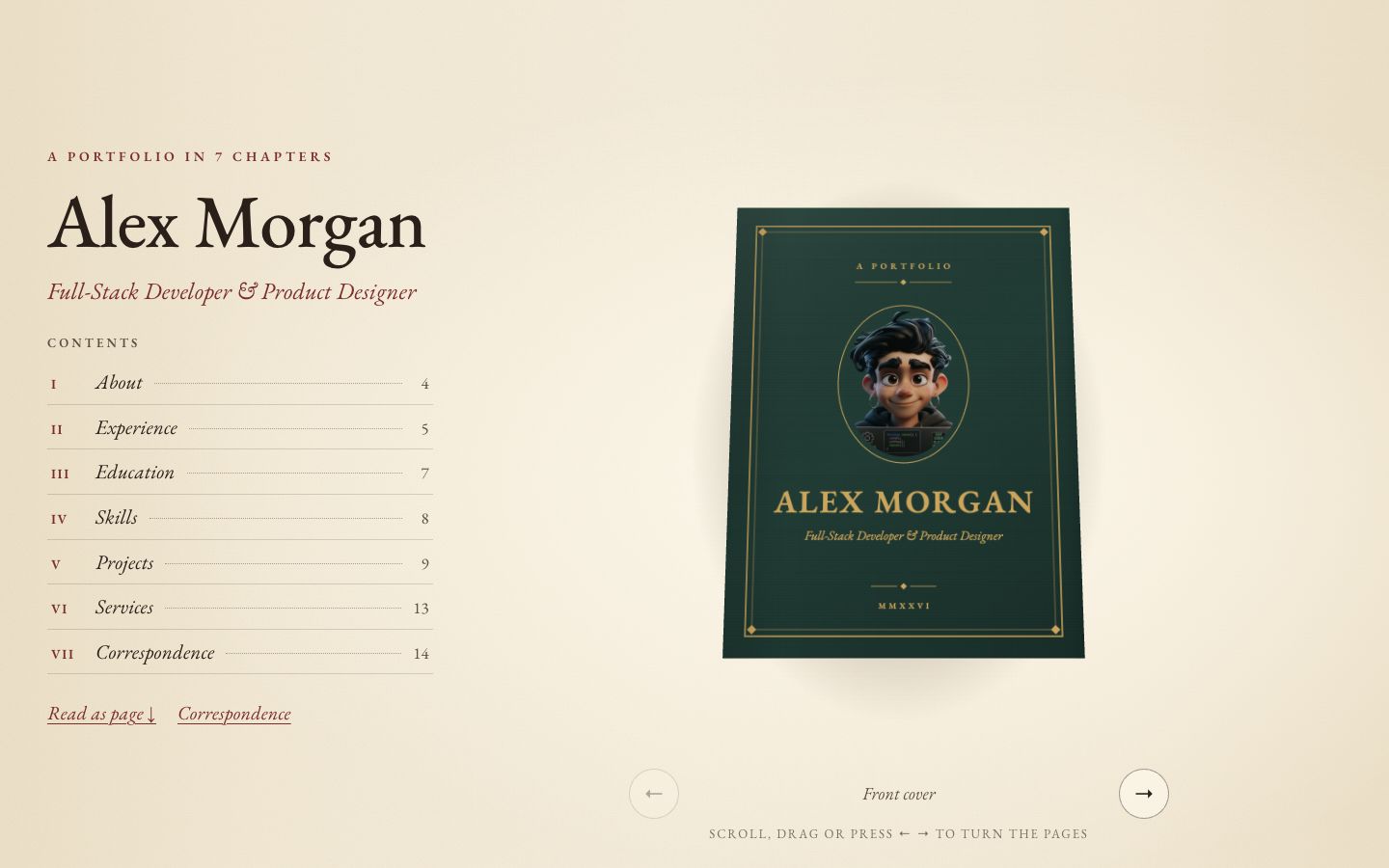
Chapter
Your story as a 3D hardcover on warm paper — scroll to turn curling pages, with a full reading view and letter-style contact form.
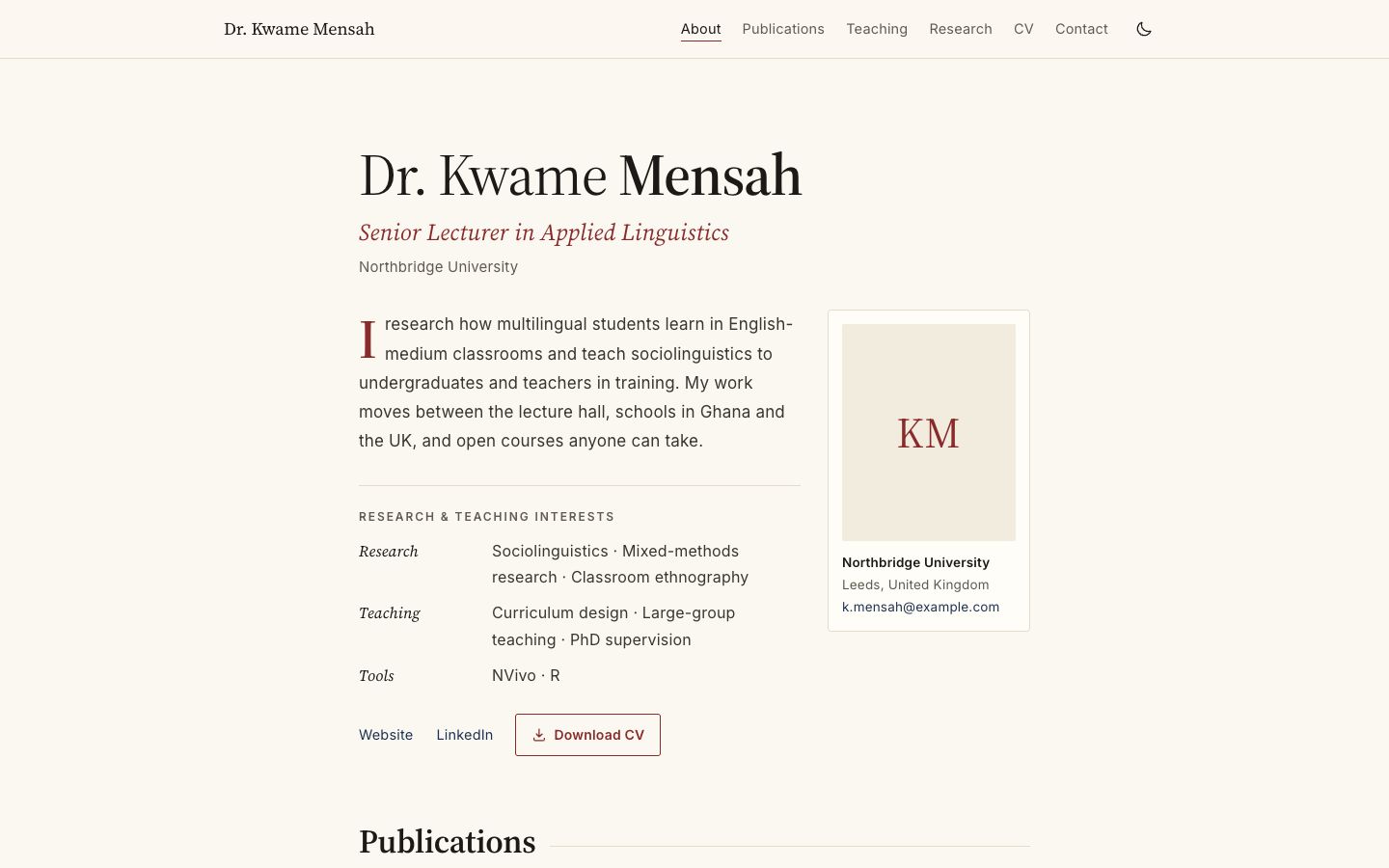
Academica
Scholarly single column: publications by year, teaching table, grants and talks.
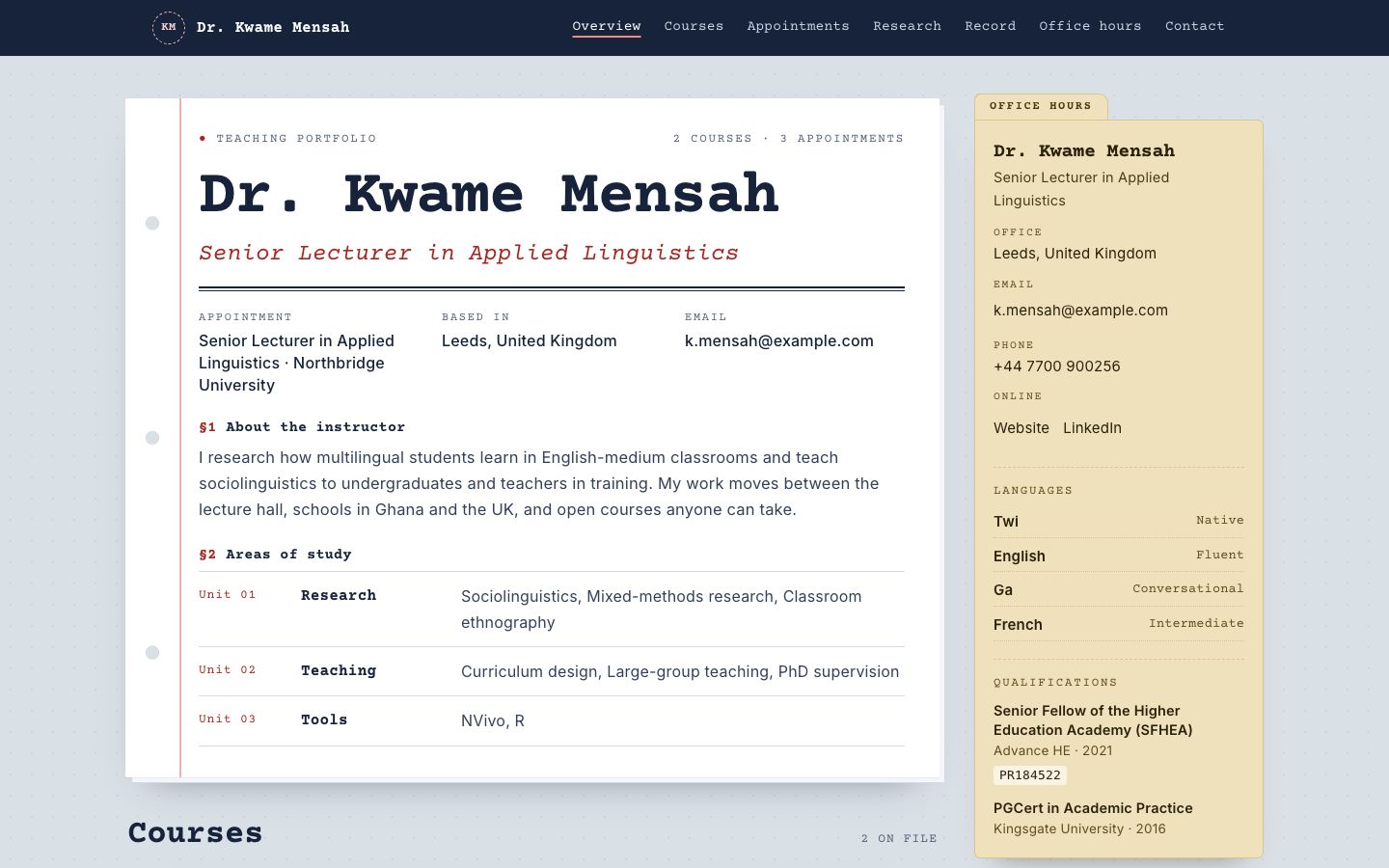
Syllabus
Courses as printed syllabus cards, with an office-hours sidebar and reading list.
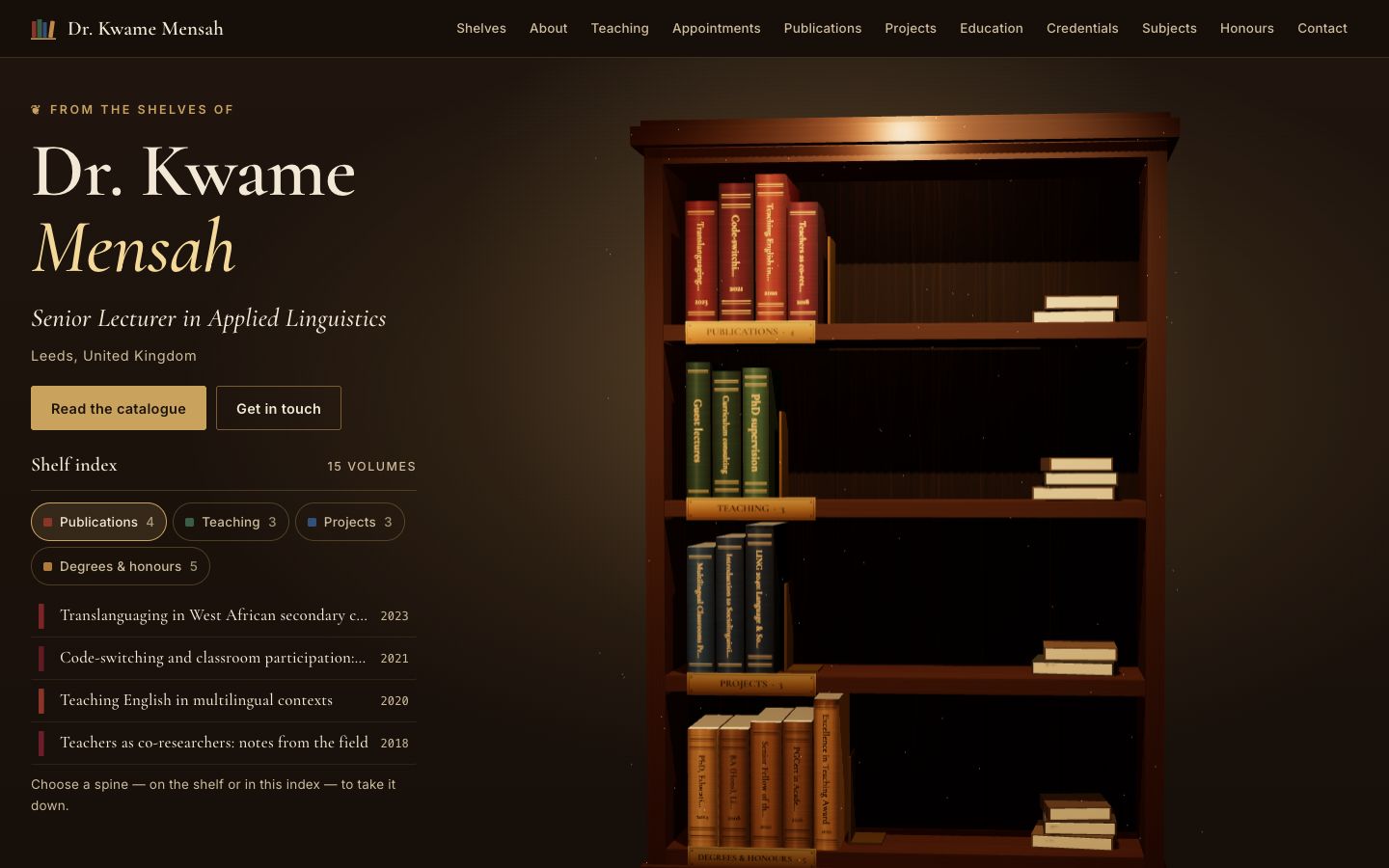
Stacks
A lamplit 3D bookcase: every spine is one of your publications, courses, projects or degrees — take one down to read it.
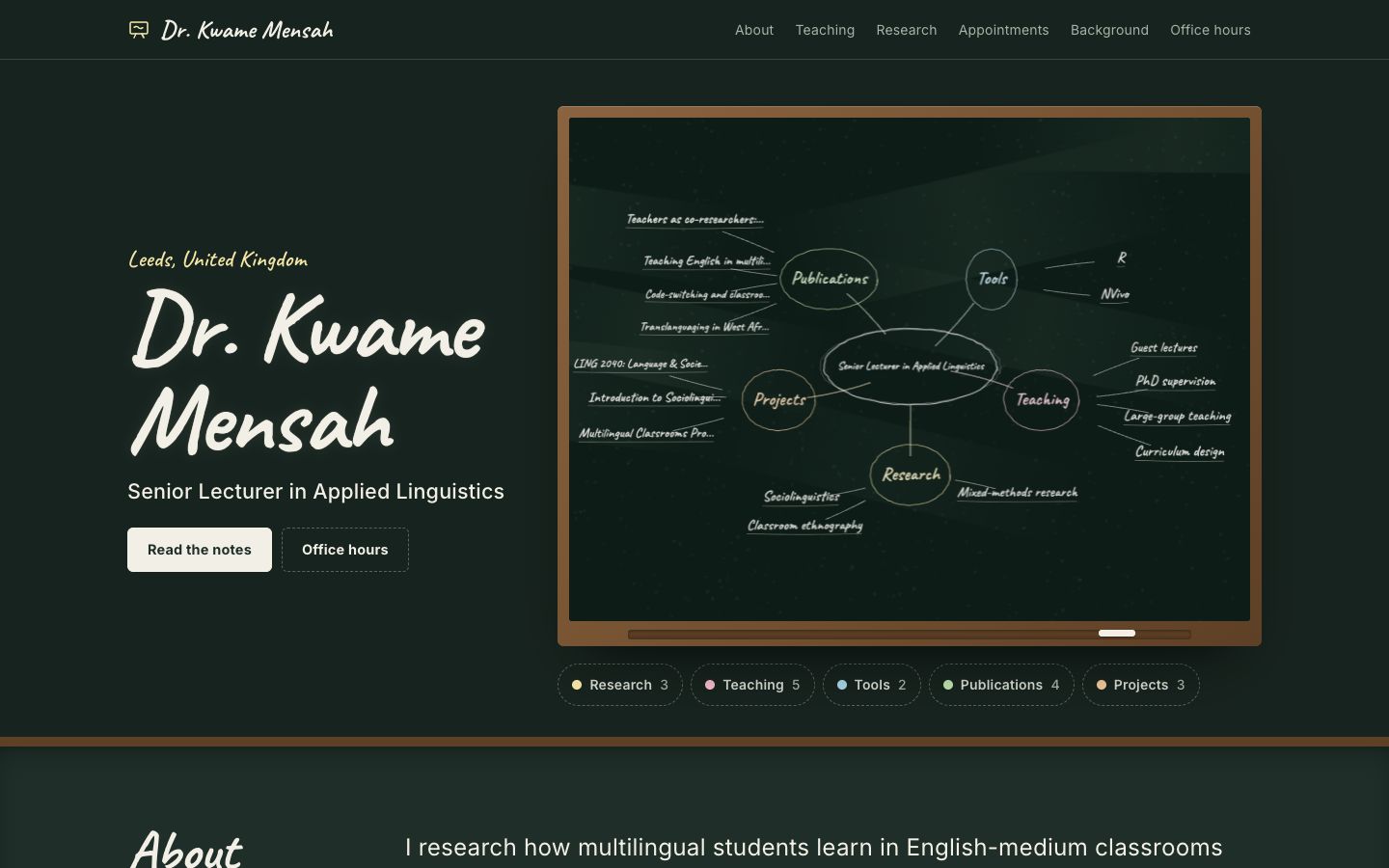
Chalkline
A framed chalkboard with a floating 3D chalk diagram of your subjects, teaching and publications.
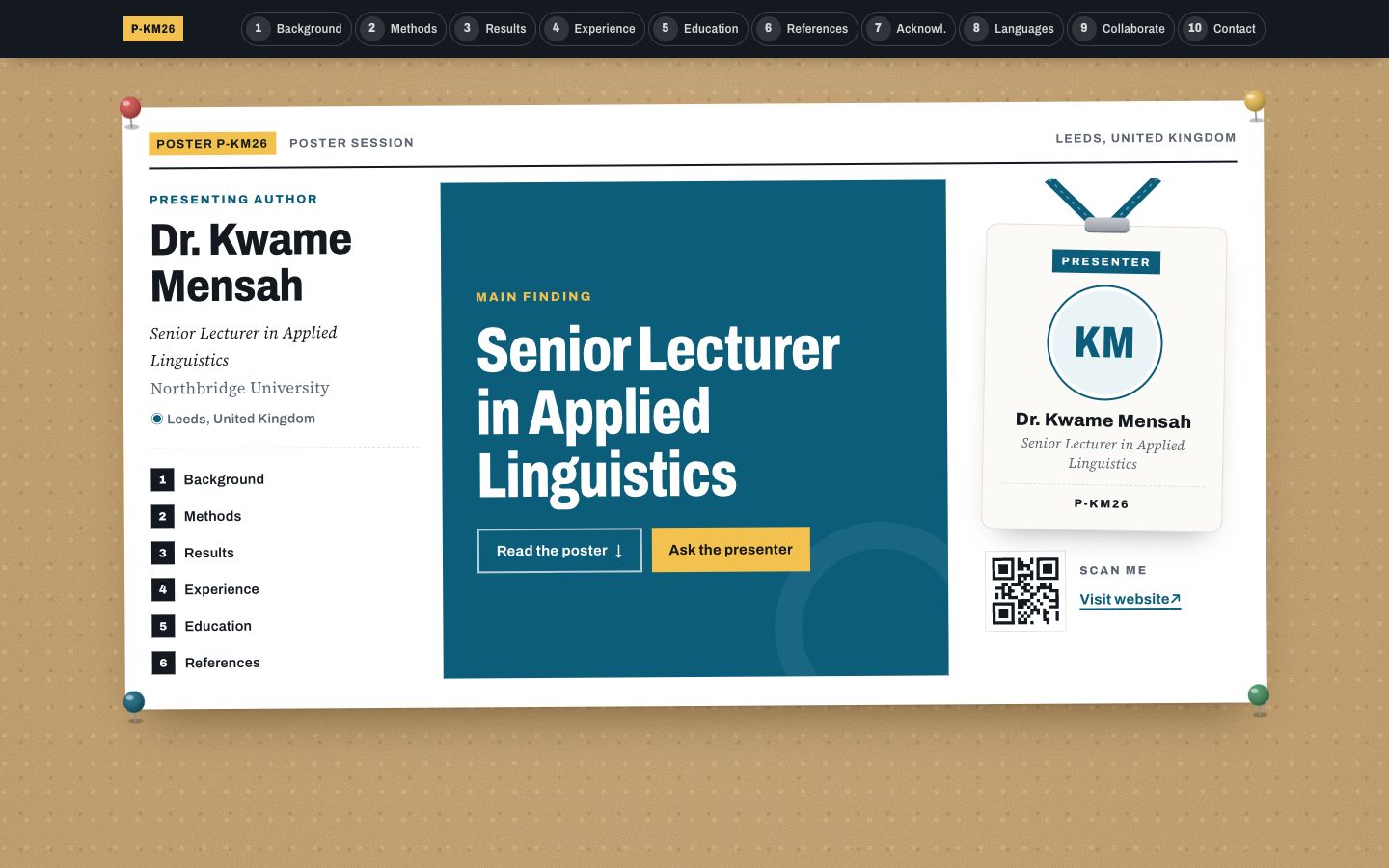
Poster Session
Your profile as a research conference poster: one big takeaway in the middle, methods-style columns around it and a scan-me corner.