Portfolio basics
Portfolio for campus placements and off-campus job hunting in India
How to use a portfolio website for campus placements, off-campus drives and internship applications in India, with tips on what to prepare and share.
By Numan Qamar, Founder, Folitox AI · · 4 min read
Placement season is competitive. At a campus drive, a company may shortlist from hundreds of resumes in a short time. In off-campus hiring, your application may sit in a large queue with many others. In both cases, the first few seconds with your profile decide whether you get a closer look.
A portfolio website helps you stand out in those seconds, and it keeps working for you in later rounds. This guide explains how to prepare one for placements and off-campus applications, and how to use it alongside your resume and your interview.
What a portfolio adds to a placement application
Your resume tells a company your branch, your marks and your project titles. A portfolio shows the work behind them. That helps in three ways:
- Shortlisting. A link on your resume lets a recruiter check a project in one click, which can tip a close decision.
- Interviews. An interviewer can open your site and ask about real work instead of generic questions.
- After the drive. If you don't get selected at one company, the same link is ready for the next application.
Nothing in a portfolio replaces marks, aptitude rounds or technical preparation. It supports them. Some companies will never look at it, and that is fine. The effort is small compared to the number of opportunities where it can help.
Prepare it before placement season starts
Build the site a few weeks before drives begin. During placement season you will be busy with tests, group discussions and interviews, and you won't want to build a website then.
A simple plan:
- Week one: collect your material. Project descriptions, screenshots, repository links, internship details, certificates worth showing.
- Week two: write the content: headline, bio and project write-ups.
- Week three: choose a template, publish and check it on your phone. Ask a friend or senior to open it and tell you what is unclear.
After that, only update it when you finish something new.
What recruiters usually look at first
You can't know what each recruiter checks, but these things are consistent:
- Who you are and what you want. A clear headline at the top.
- Your projects. The first two or three, especially those related to the role.
- Your skills. Do they match the projects you show?
- How to contact you. A working email address and your LinkedIn link.
Put your strongest, most relevant project first. If you apply for a software role, lead with a project that shows code and a live demo. If you apply for a core engineering role, lead with the design or analysis work. For a business role, lead with a case study, a campaign or a research project. See what to include on a portfolio website for the full list.
Adapt your portfolio for different roles
If you are applying to different kinds of companies, you don't need several websites. Instead:
- Reorder the projects before you apply, so the most relevant one is on top.
- Keep the headline general enough to cover the roles you are targeting, or update it when you switch focus.
- Mention the specific project in your cover message: "Project X on my portfolio is closest to this role."
The guide on mentioning your portfolio in a cover letter shows simple wording for this.
Using the portfolio in interviews
Interviewers often start with "Tell me about a project." A portfolio helps you prepare, because the write-up is already structured: problem, your role, decisions, result.
Before an interview:
- Reread each project page and be ready to explain it in two minutes.
- Know the parts you did yourself and be honest about the parts you didn't.
- Prepare one thing that went wrong in a project and how you handled it. Interviewers like honesty.
- Be able to explain every skill you list. If you can't talk about it, remove it.
For more, see presenting your portfolio in an interview.
For off-campus applications and internships
Off-campus applications are often sent through job portals, company career pages and direct messages to recruiters or alumni. A portfolio link works well in all of these:
- Add it to the "website" or "portfolio" field on application forms.
- Paste it near the top of your resume and your LinkedIn profile.
- Mention it in short messages: "I'm a final-year student with projects in X. You can see them here."
- Add it to your email signature.
Keep messages short and specific. A recruiter is more likely to click a link in a two-line message than to read a long introduction.
Mistakes to avoid
- Listing too many projects. Five good ones beat twelve thin ones.
- Skills you can't defend. Interviewers will test the ones you list.
- Copying content from tutorials as your own work. If a project followed a tutorial, say so and explain what you changed or added.
- A broken link. Open your site before every application round and check that the images and links work.
- Ignoring mobile. Many recruiters will open the link on a phone.
- Personal details you don't need to share. See personal information on your portfolio.
Building it quickly
If you already have a resume, you can start from it. Folitox AI turns a CV into a draft portfolio website: it fills in your bio, projects, skills and education, you choose a template, edit what needs improving and publish at your own address. It is free to start. Use the draft as a base and spend your time on the project write-ups, which are what recruiters remember.
Putting it together
Build your portfolio before placement season, lead with the project that fits each role, keep the design simple and make sure you can talk about everything on it. Put the link on your resume, your LinkedIn profile and your applications. It won't replace preparation, but it gives recruiters and interviewers a clear picture of your work, and it stays useful long after the drive is over.
Portfolio templates for Education & Teaching
These are Folitox templates designed for education & teaching portfolios, shown with sample content. Every one is filled in from your CV, and you can switch between them at any time.
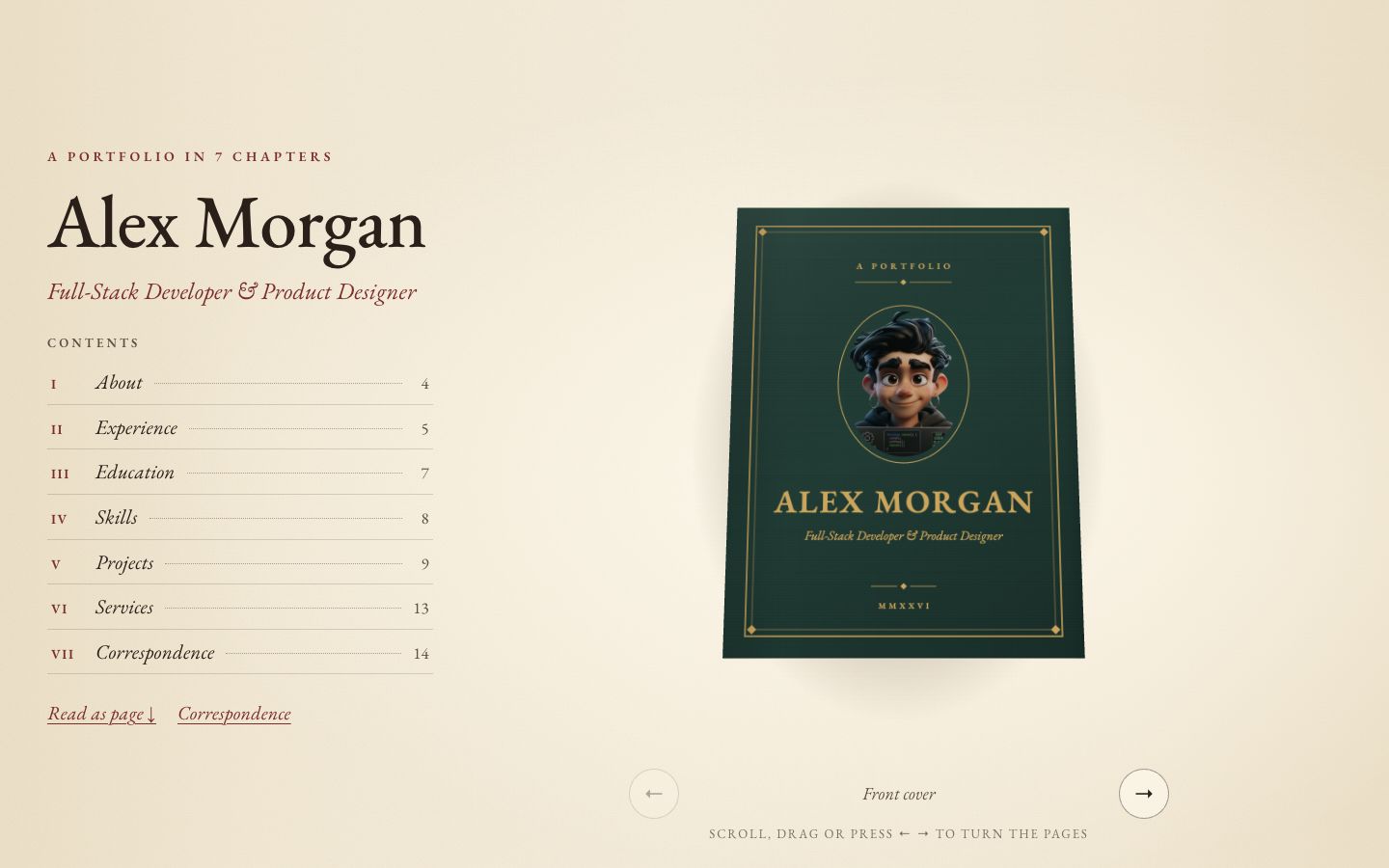
Chapter
Your story as a 3D hardcover on warm paper — scroll to turn curling pages, with a full reading view and letter-style contact form.
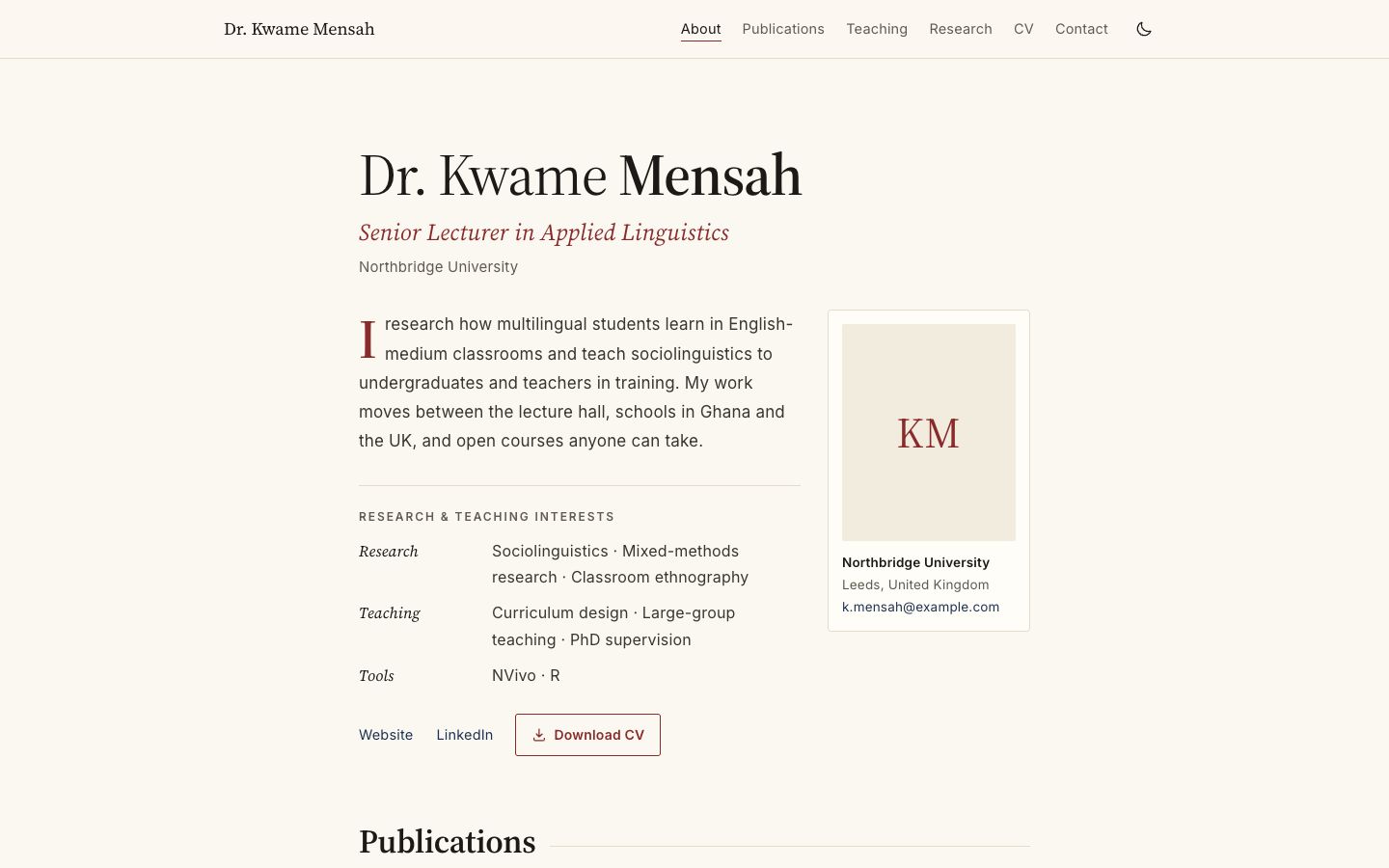
Academica
Scholarly single column: publications by year, teaching table, grants and talks.
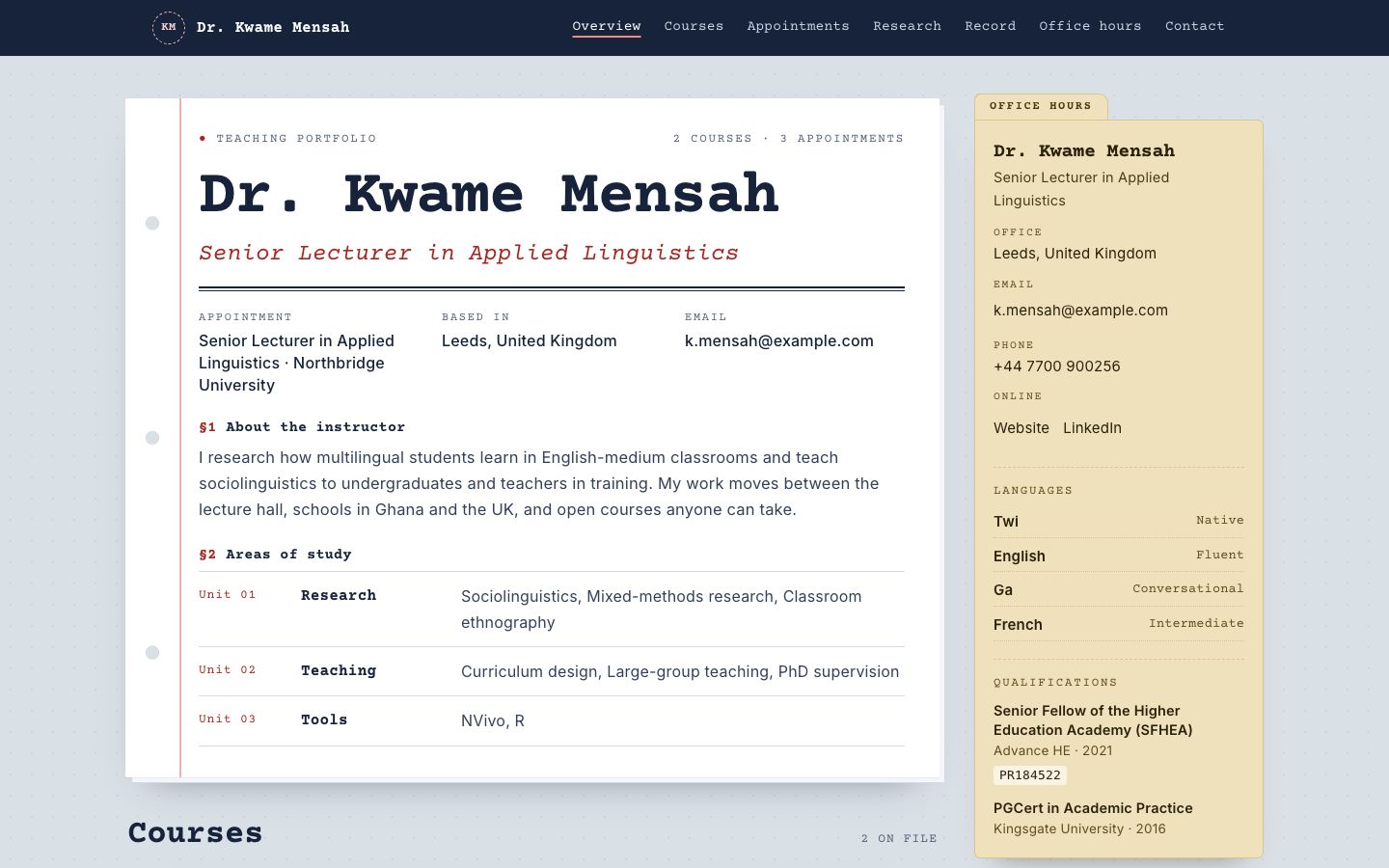
Syllabus
Courses as printed syllabus cards, with an office-hours sidebar and reading list.
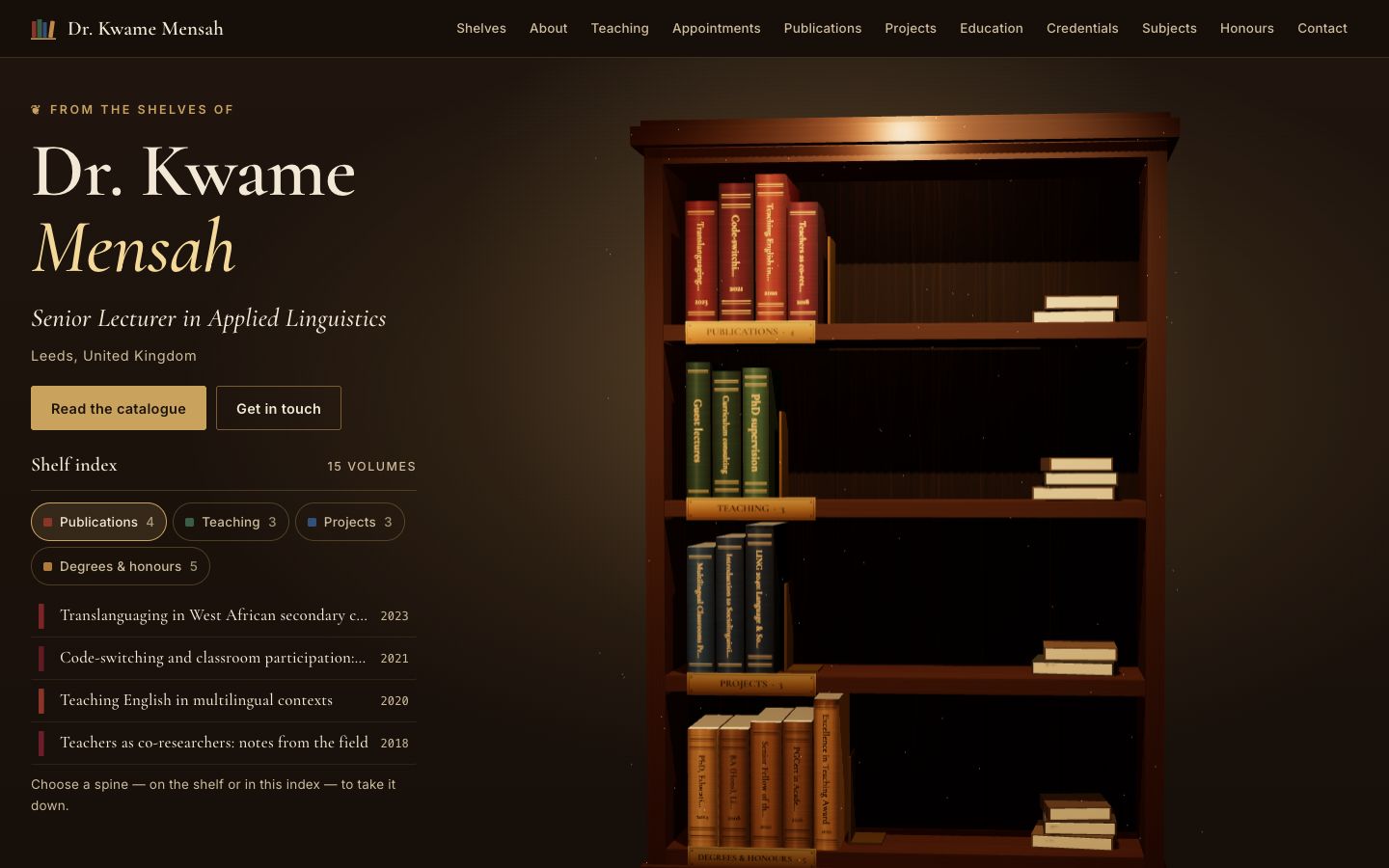
Stacks
A lamplit 3D bookcase: every spine is one of your publications, courses, projects or degrees — take one down to read it.
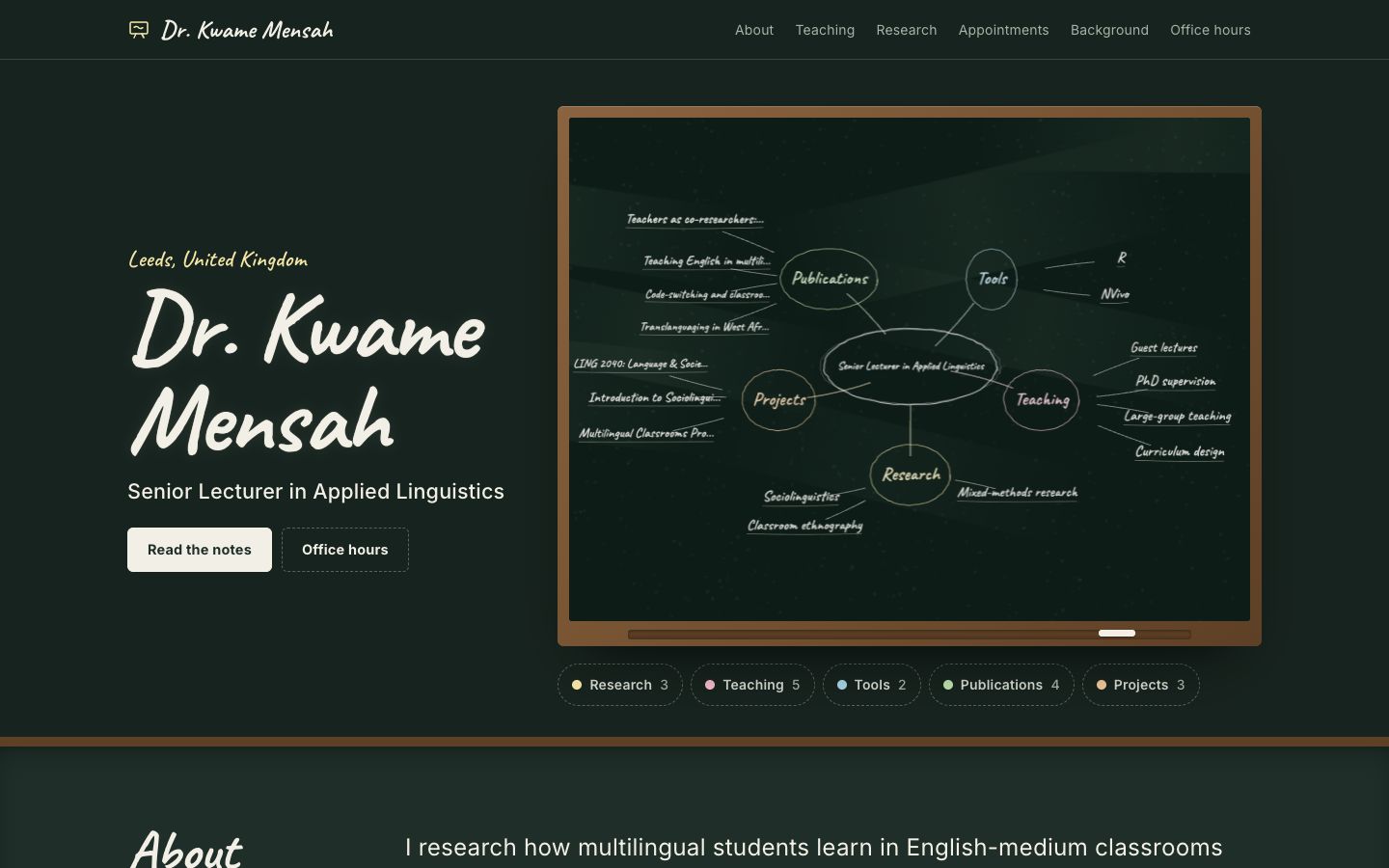
Chalkline
A framed chalkboard with a floating 3D chalk diagram of your subjects, teaching and publications.
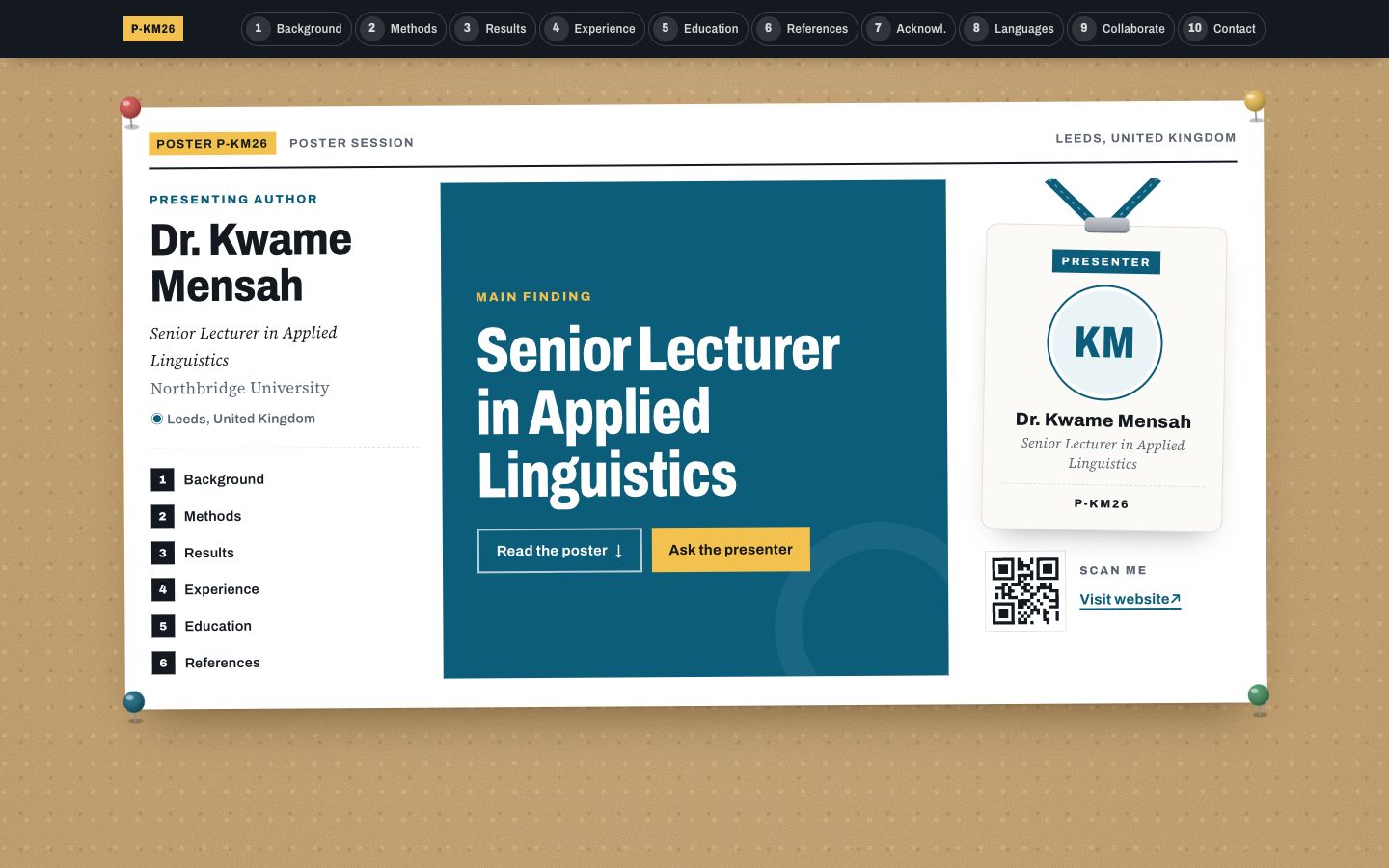
Poster Session
Your profile as a research conference poster: one big takeaway in the middle, methods-style columns around it and a scan-me corner.