Portfolio basics
Portfolio website for freshers in India: how to build one that gets noticed
A practical guide for Indian freshers: what to put on a portfolio website, how to describe projects and internships, and how to share it with recruiters.
By Numan Qamar, Founder, Folitox AI · · 5 min read
If you are a fresher in India, you probably share a problem with thousands of other graduates: your resume looks a lot like everyone else's. Same degree, similar marks, a few projects, a few certificates. Recruiters who open dozens of applications a day can't tell who actually built things and who just listed them.
A portfolio website fixes that. It is a single link where someone can see what you made, read how you think and contact you in one click. This guide explains how a fresher can build one without a design background, without paying for hosting and without waiting for a job to fill it.
Why a fresher needs a portfolio, not only a resume
A resume is a summary written for a quick scan. It has to fit on one page, so every project gets a line or two. That is not enough room to show that a project was real.
A portfolio gives each project room to breathe. You can add a screenshot, a short explanation of the problem, a link to the live version or the code, and what you learned. For a fresher, that proof matters more than for an experienced person, because you do not have a long job history to lean on.
It also helps in practical ways:
- One link for every application. You can put it on your resume, your LinkedIn profile, job portals and your email signature.
- It works at any hour. A recruiter in another city can look at it without waiting for you to send a file.
- It shows effort. Most freshers don't have one, so having one is a quiet signal that you take your career seriously.
For a deeper comparison, read resume vs. portfolio: what each one is for.
What to put on it
You don't need many sections. A clean fresher portfolio usually has these:
- A headline. One line that says who you are and what you want, such as "Final-year computer science student building web apps with React and Node" or "BBA graduate interested in digital marketing and analytics."
- A short bio. Three or four sentences: your degree and college, what you enjoy working on and the kind of role you are looking for.
- Three to five projects. Quality beats quantity. Pick the ones closest to the job you want.
- Skills. Only the tools you have actually used in your projects.
- Internships, training and certificates. Keep it brief and relevant.
- Contact details. An email address and your LinkedIn link, easy to find.
You can leave out your marks, your date of birth and your home address. Marks can sit on your resume, and personal details are better shared only when asked. See personal information on your portfolio for what is safe to include.
How to describe projects when you have no job experience
Most fresher projects fail the same way: they describe the assignment instead of the work. "Made a library management system using Java and MySQL" tells a recruiter almost nothing.
Try this structure for each project:
- The problem, in one or two sentences. Who needed this and why?
- Your role. On a team project, say which part you did.
- What you built and the decisions you made. One or two real choices, and why.
- The result. It was used by your department, it works live, it taught you something, it won a round at a hackathon.
A weak version: "College management system using PHP."
A stronger version: "Our department tracked attendance on paper, which took about ten minutes every class. I built a simple web app for teachers to mark attendance in one tap and export a monthly report. Three teachers in my department used it for a semester."
The second version is specific and honest. It does not need big numbers to be convincing. If you don't have measurable results, be clear about what you did and what you learned. The guide on how to write a case study goes through this in more detail.
If your coursework feels too thin, see building a portfolio with no work experience for ideas on projects you can finish in a few weekends.
Internships, training and certificates
Internships and short-term training count. Describe what you did, not just the company name and dates. "Completed a six-week web development internship" is weak. "Built the contact and enquiry forms for a small company's website and fixed layout bugs on mobile" is useful.
Certificates are fine as supporting evidence, but a list of twenty course certificates is less persuasive than one project that uses what the course taught. If you have many, show the three most relevant and mention the rest in one line.
Keep the design simple
Freshers sometimes try to impress with heavy animations and busy layouts. That tends to backfire: pages load slowly on mobile data and recruiters stop reading. A clean layout with readable text, good spacing and your best projects near the top beats a flashy one. Most people will open your link on a phone, so check that it looks fine on a small screen. The mobile-friendly portfolio guide lists what to check.
Share it where recruiters will actually see it
A portfolio nobody opens does nothing. Put the link in these places:
- At the top of your resume, next to your email and phone number.
- In the "Website" or "Featured" section of your LinkedIn profile, and in your LinkedIn headline or About section.
- On job portals and internship platforms that have a profile or "portfolio link" field.
- In your email signature and in the first lines of cold emails and application messages.
- In your GitHub profile README, if you write code.
When you apply, add a line such as "You can see my projects at the link below" so the reader knows it is worth a click. For more ideas, see where to share your portfolio and how your portfolio works with your LinkedIn profile.
Build it fast, from the resume you already have
You don't have to start from a blank page. You probably already have a resume with your education, projects and skills. A tool like Folitox AI can read your CV and draft the site for you: it fills in your bio, projects and skills, you choose a template, edit anything that sounds wrong and publish at your own link. It is free to start, and you can improve the wording afterwards using the advice above.
A quick checklist before you publish
- Does the headline say who you are and what you want?
- Are there three to five projects, each with a problem, your role and a result?
- Is every skill listed something you have really used?
- Does it look fine on a phone?
- Is your email address and LinkedIn link easy to find?
- Have you removed personal details that don't need to be public?
- Did you read it out loud once to catch typing mistakes?
Putting it together
A fresher's portfolio doesn't need years of experience. It needs a clear headline, a few projects explained honestly, simple design and a link you share everywhere. Build it once, then update it every time you finish a better project. When a recruiter searches your name or clicks the link on your resume, they should find proof that you can do the work.
Portfolio templates for Education & Teaching
These are Folitox templates designed for education & teaching portfolios, shown with sample content. Every one is filled in from your CV, and you can switch between them at any time.
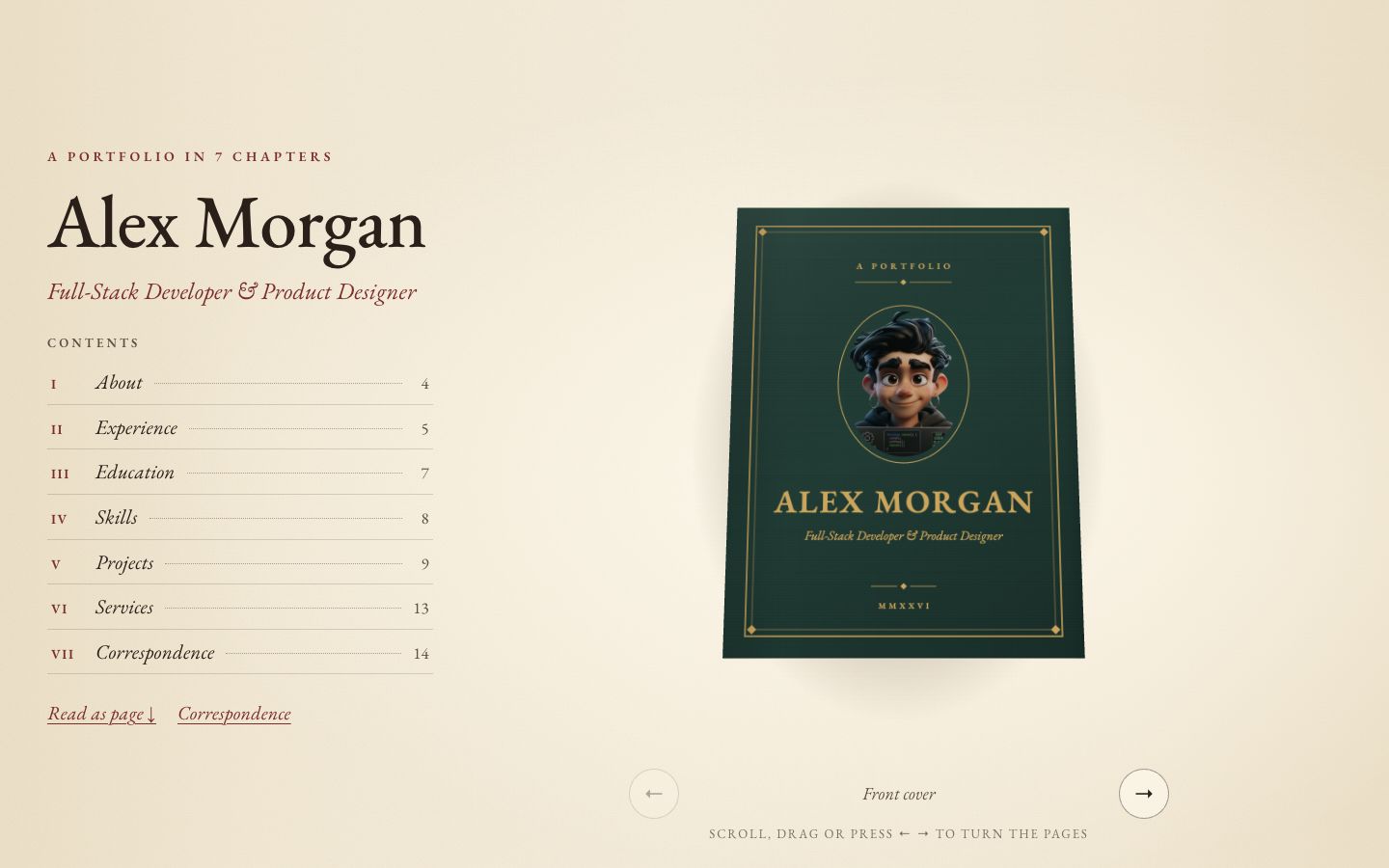
Chapter
Your story as a 3D hardcover on warm paper — scroll to turn curling pages, with a full reading view and letter-style contact form.
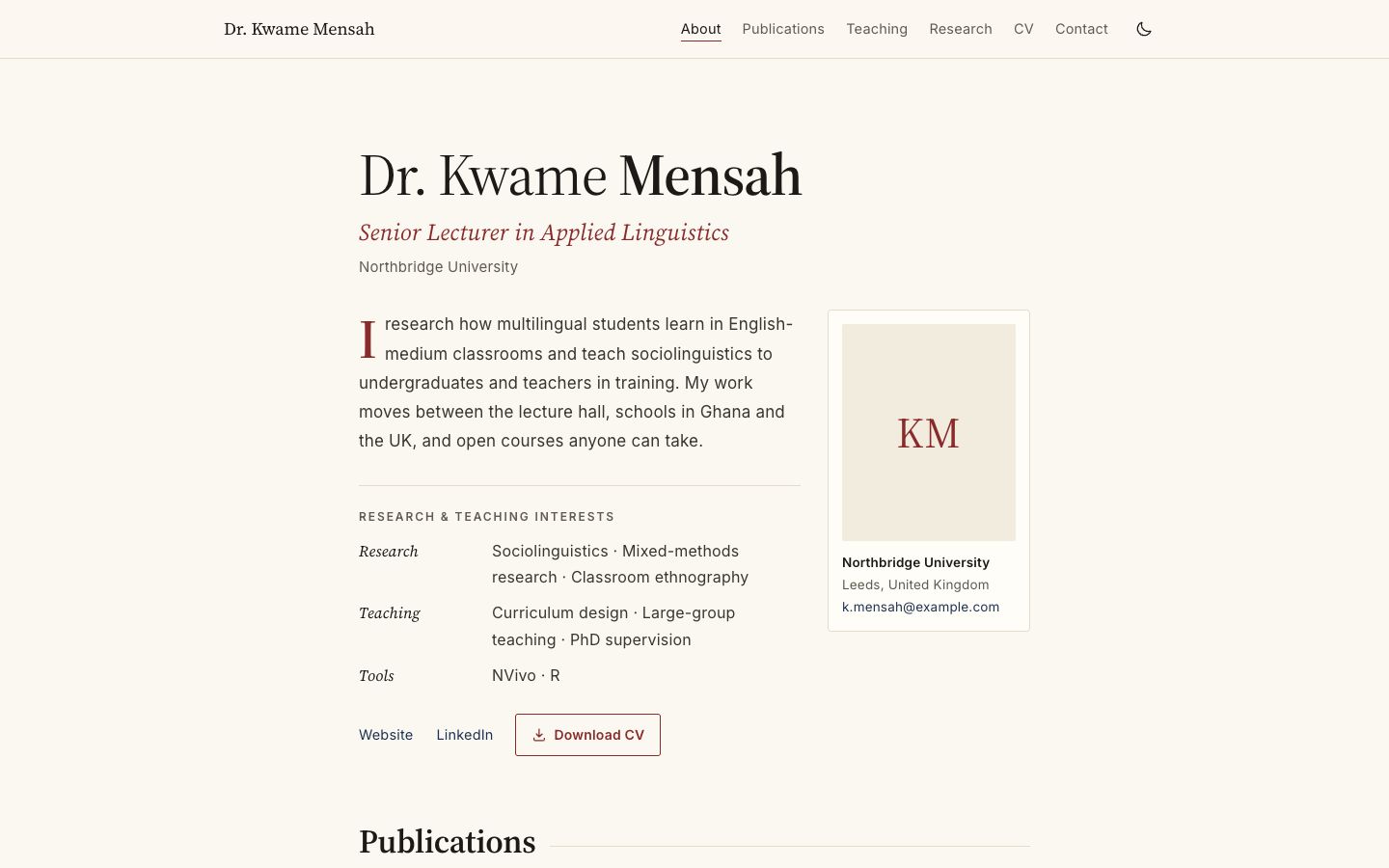
Academica
Scholarly single column: publications by year, teaching table, grants and talks.
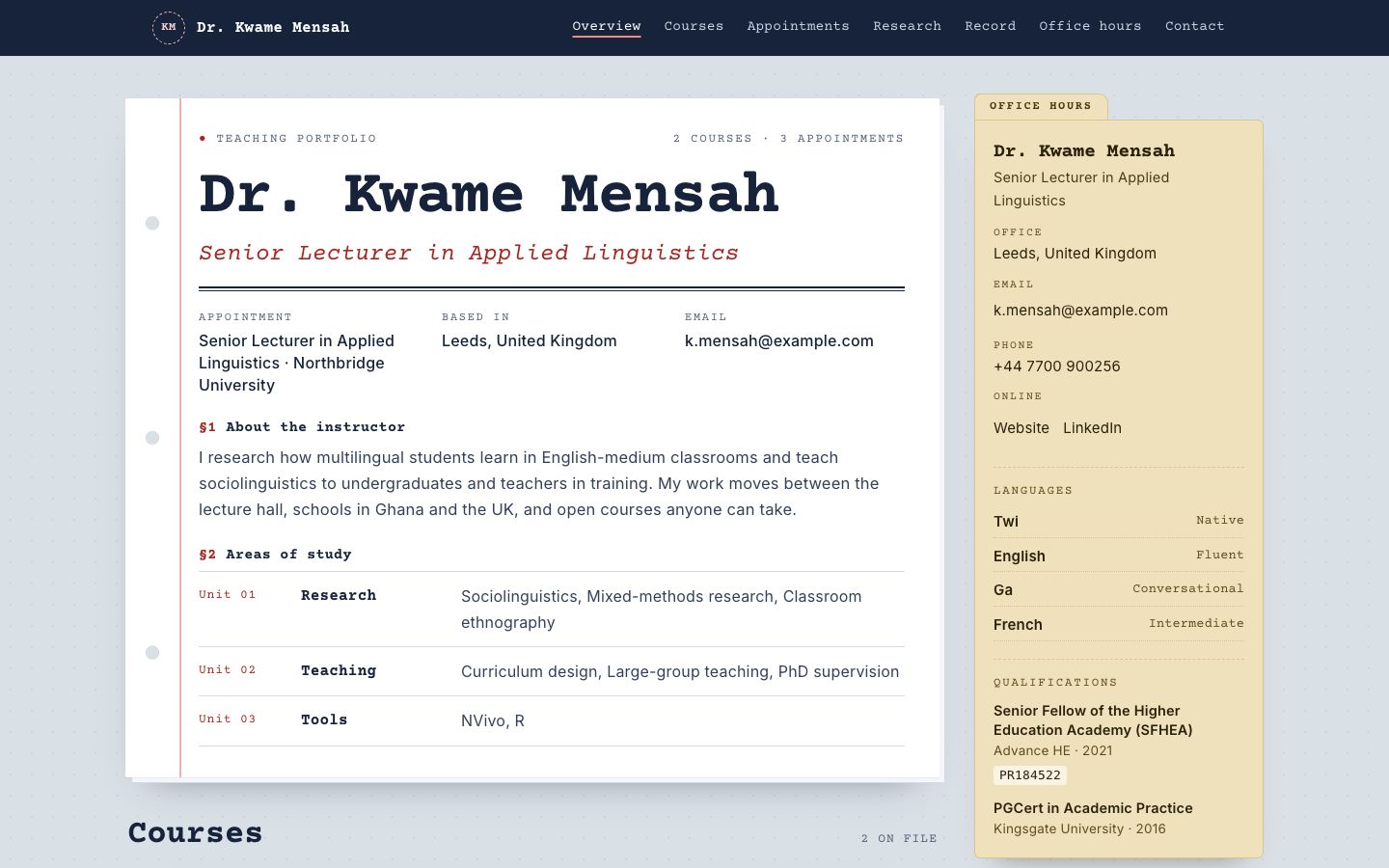
Syllabus
Courses as printed syllabus cards, with an office-hours sidebar and reading list.
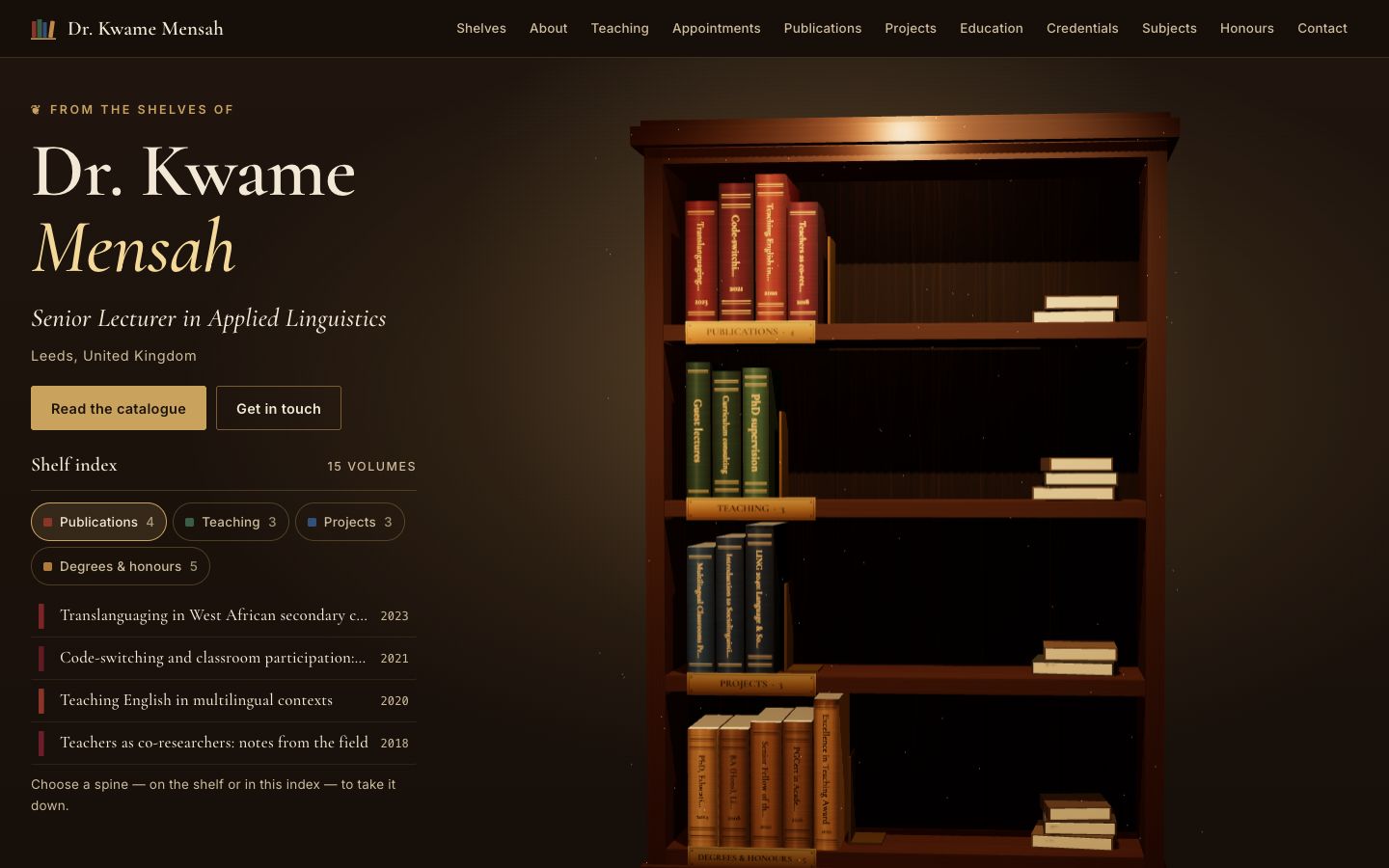
Stacks
A lamplit 3D bookcase: every spine is one of your publications, courses, projects or degrees — take one down to read it.
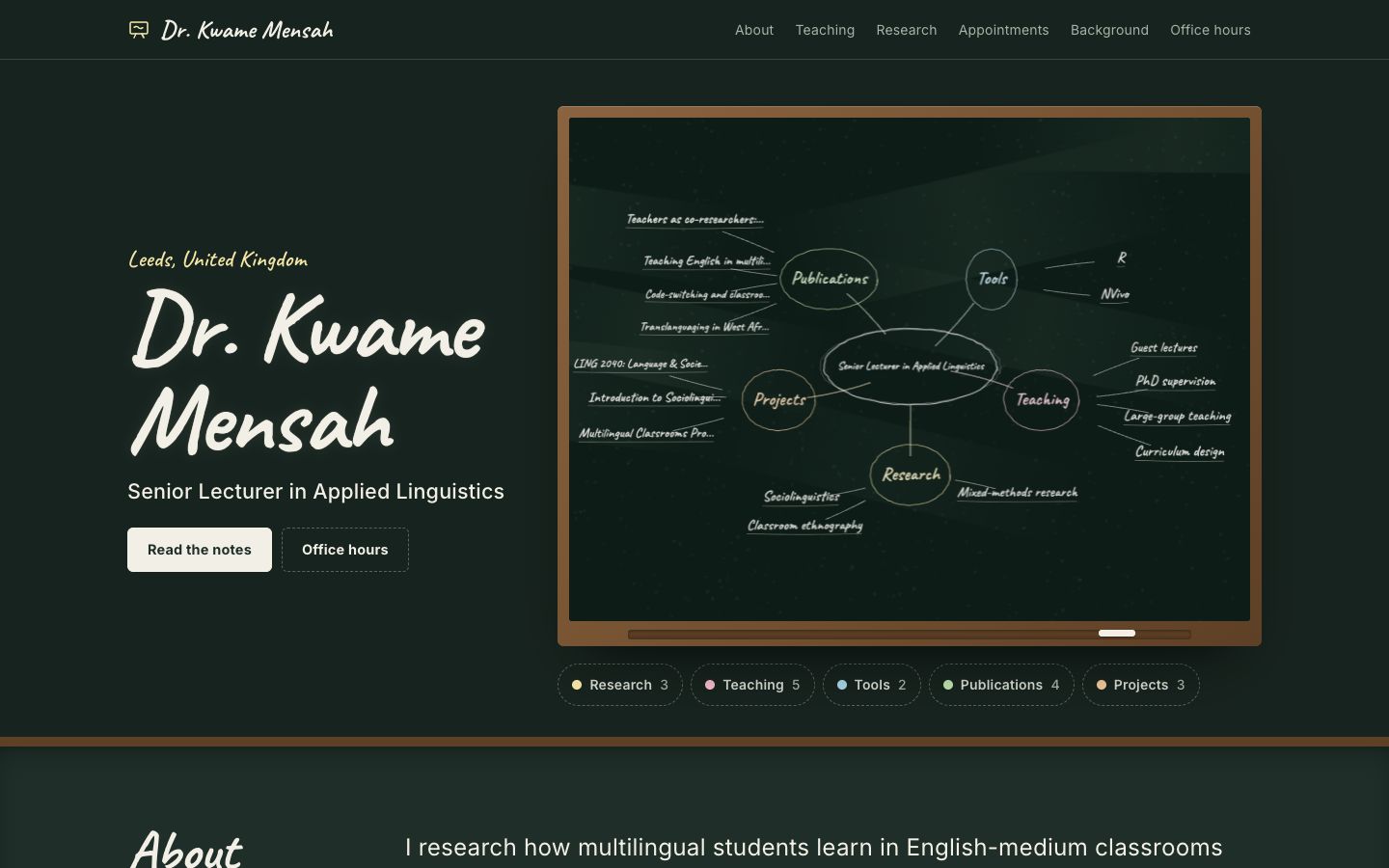
Chalkline
A framed chalkboard with a floating 3D chalk diagram of your subjects, teaching and publications.
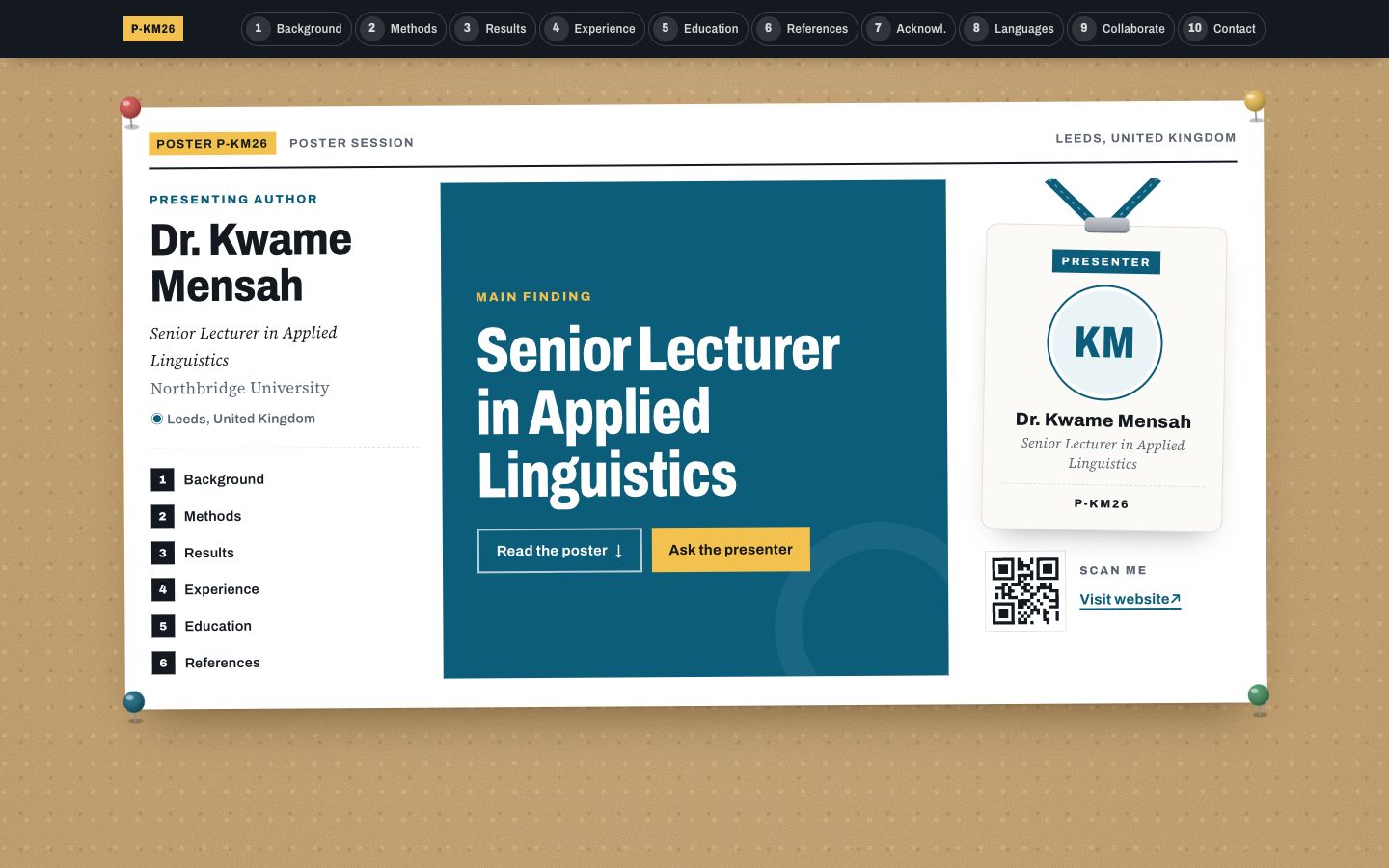
Poster Session
Your profile as a research conference poster: one big takeaway in the middle, methods-style columns around it and a scan-me corner.