Portfolio templates
Free video editor portfolio website templates
Portfolio templates for video editors and motion designers: full-bleed video, cinematic layouts and room for your reel, credits and software. Upload your resume and the AI drafts the rest, then pick the look.
Video editing template gallery
7 templates for Video editing
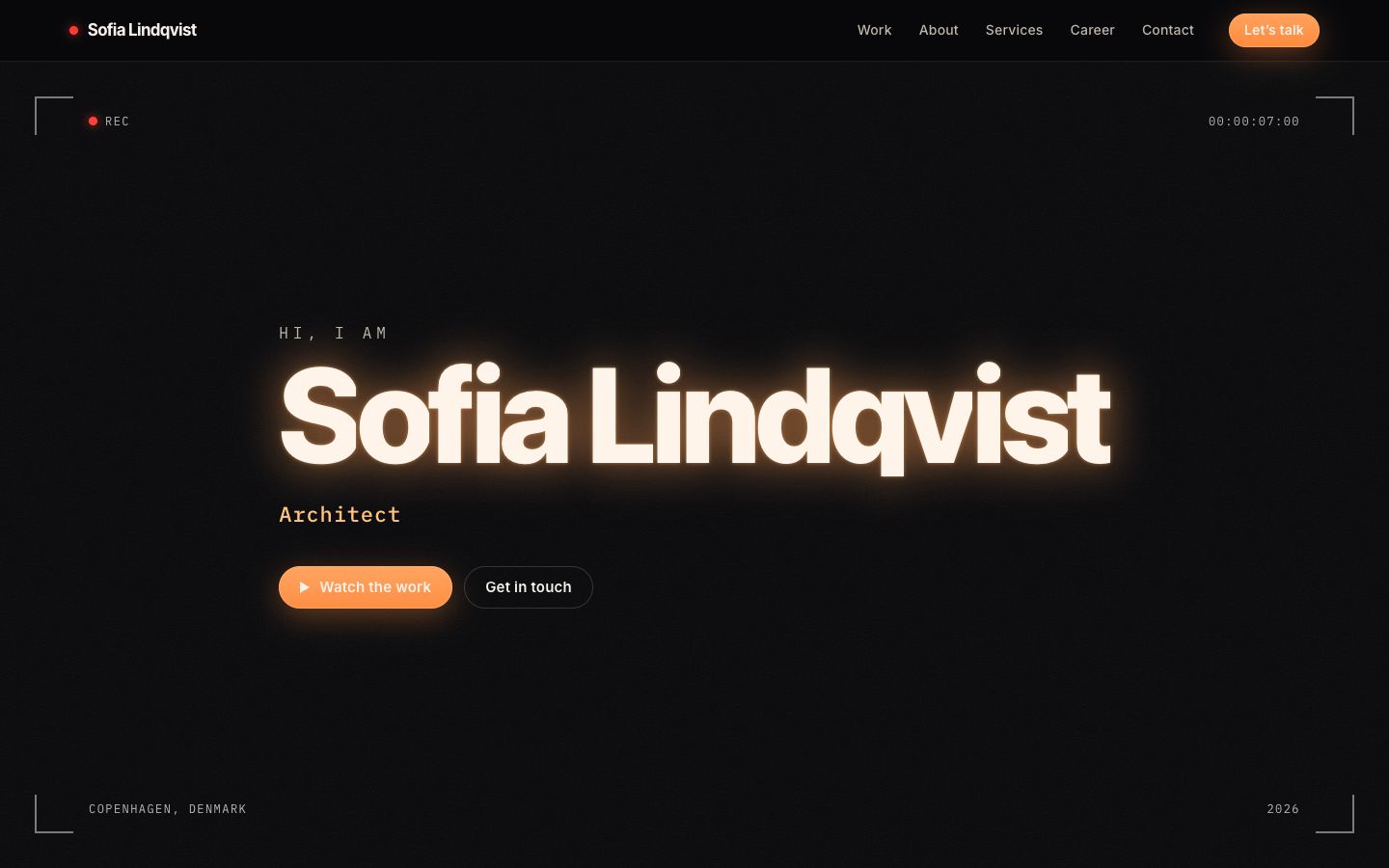
Afterglow
Design & Creative · Sales & Marketing · Graphic Design
A cinematic showreel for video editors — a camera-viewfinder intro with a glowing name and running timecode, player cards that play YouTube work in place, and your career laid out on an editing timeline.
Use the Afterglow template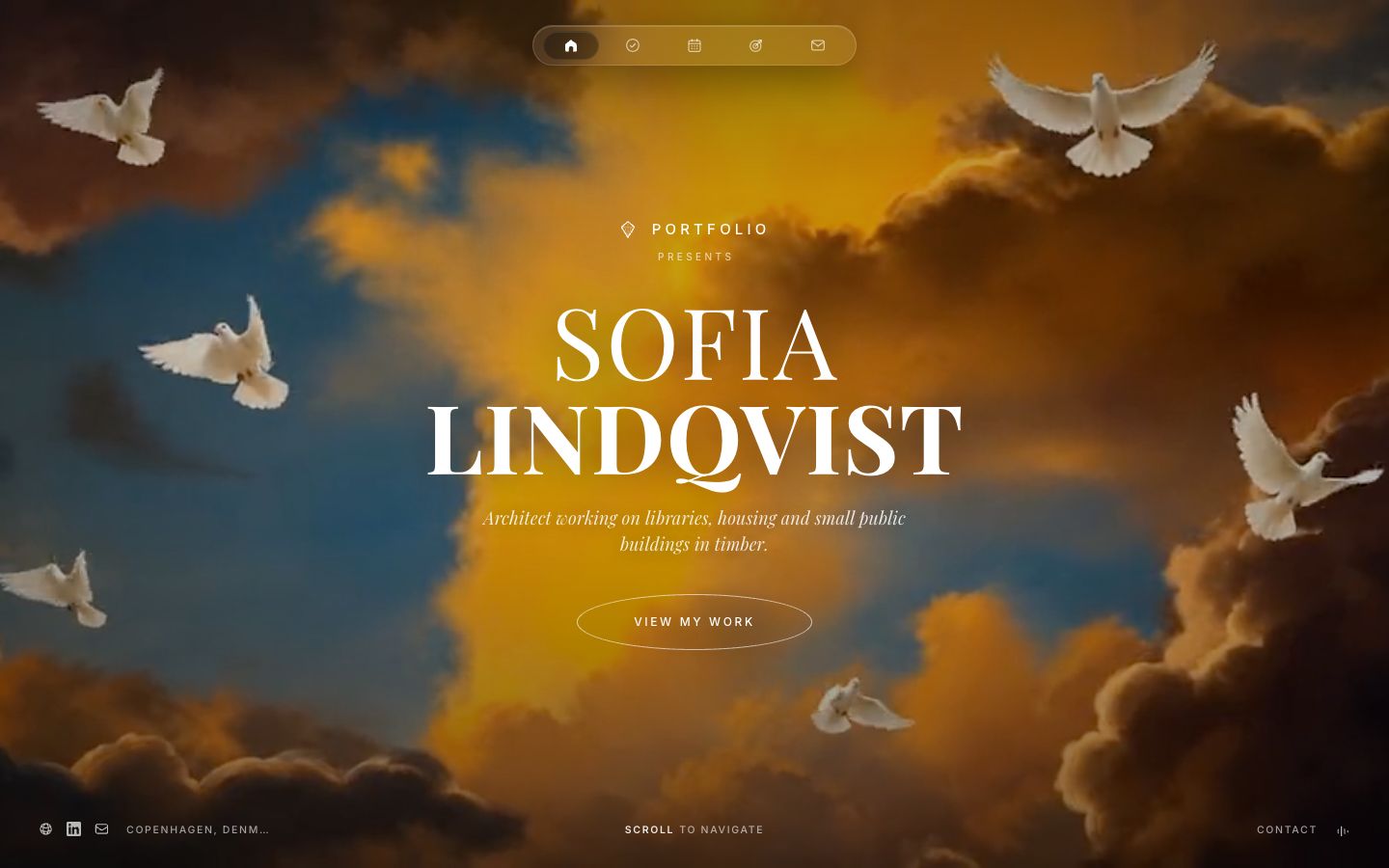
Glacier
Design & Creative · Graphic Design · Sales & Marketing
A cinematic exhibition — a full-bleed glacier video, a two-line serif headline, a true-oval button and a floating glass icon dock, with every project hung as a numbered exhibit.
Use the Glacier template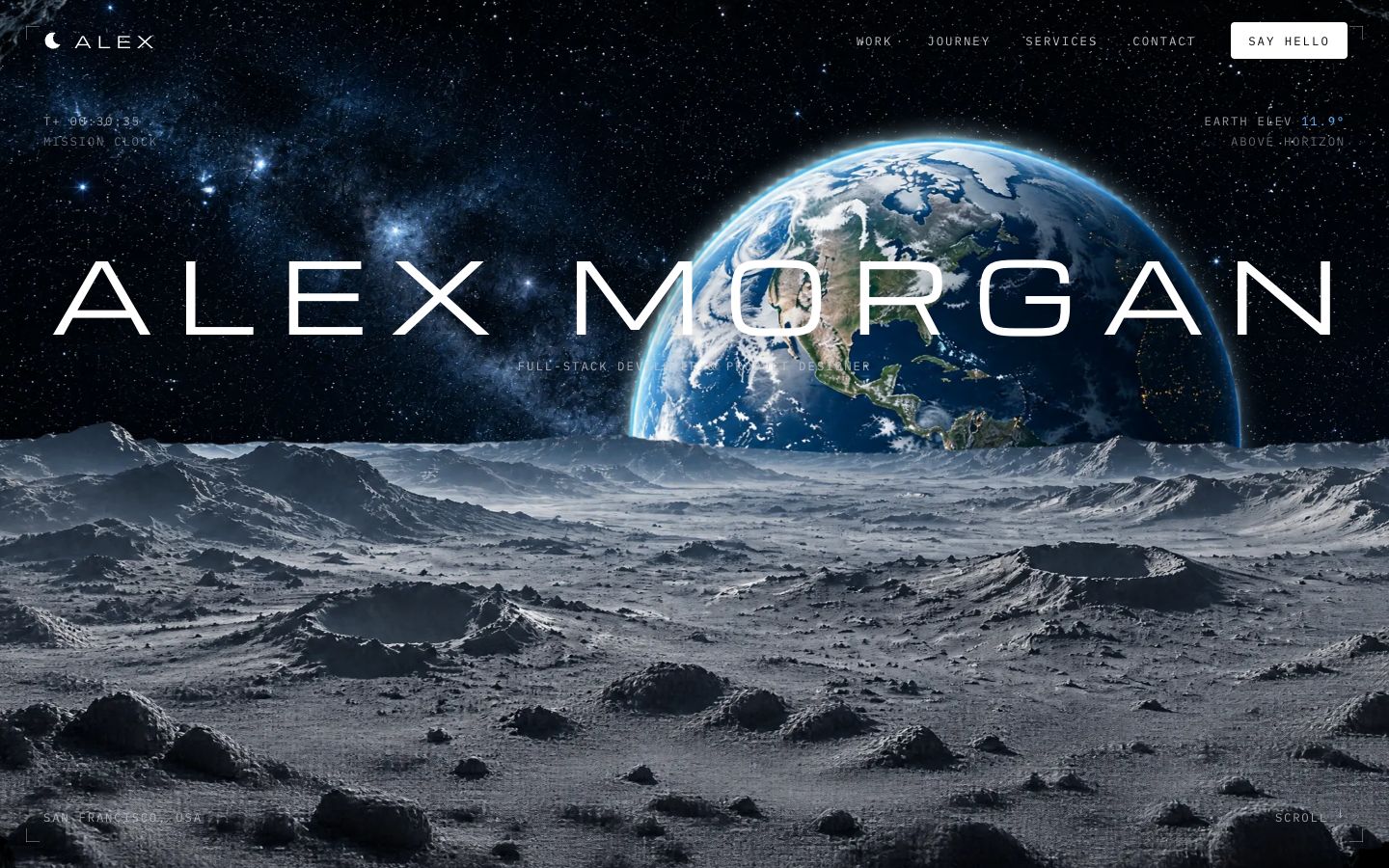
Selene
Technology · Design & Creative · Graphic Design
Watch the Earth rise — a veil of dust clears onto the Moon as layered art slides past, a work reel drifts sideways and your career is drawn as a flight path.
Use the Selene template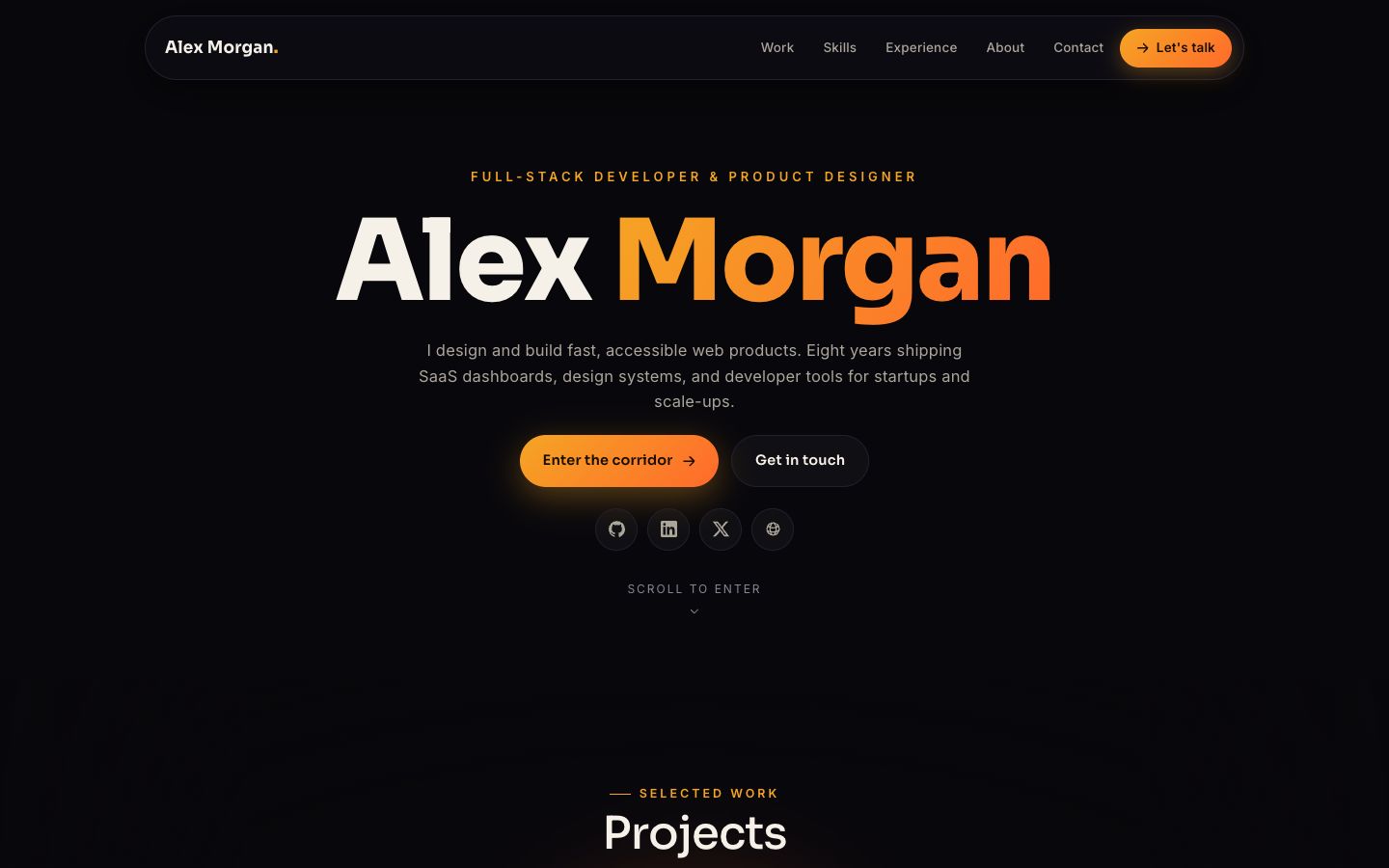
Corridor
Design & Creative · Technology
Cinematic 3D-corridor portfolio (CSS 3D + scroll) — fly down a dark tunnel as projects stream past on alternating walls toward a warm vanishing point.
Use the Corridor template
Fluxora
Technology · Business & Management · Sales & Marketing
Warm ember glow — a looping molten-orange video behind a pill navbar, a bold headline with one serif-italic accent, glass stat cards and flame-gradient buttons.
Use the Fluxora template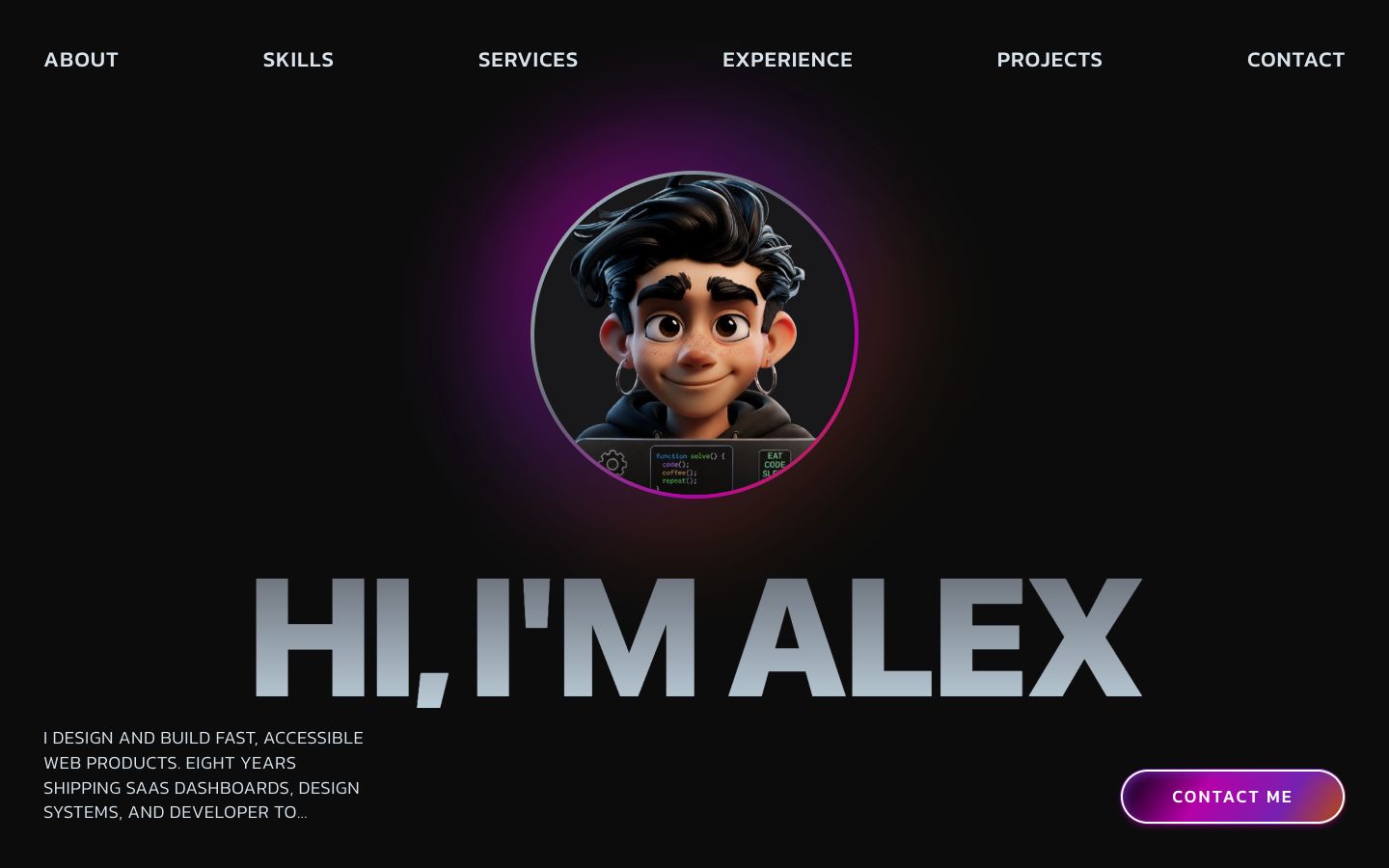
Jack
Design & Creative · Sales & Marketing
Dark "3D Creator" portfolio with brushed-steel gradient type, a magnetic portrait, scroll-driven marquee, character-reveal about, and sticky-stacking project cards.
Use the Jack template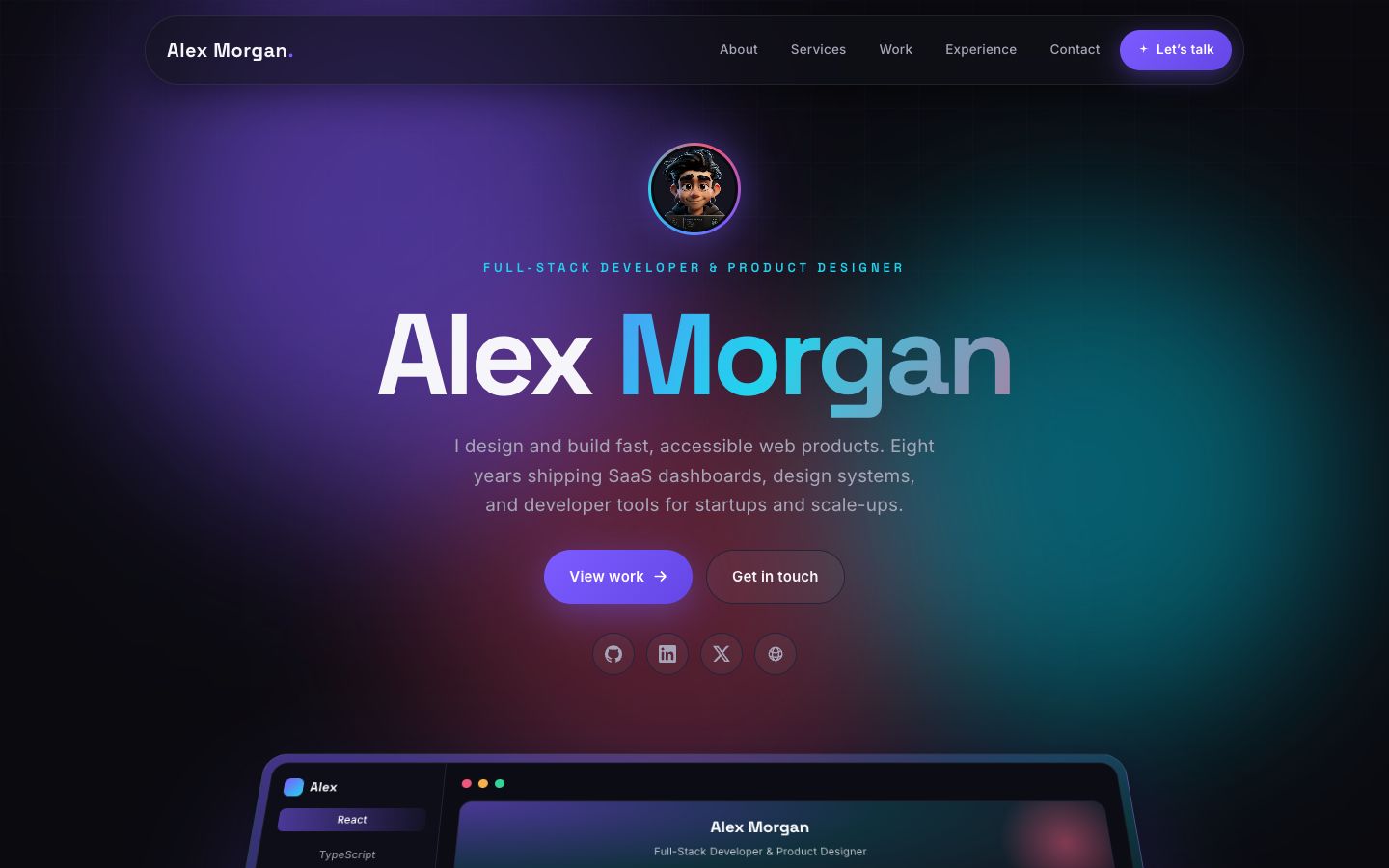
Rox
Technology · Design & Creative
Dark, neon-glow portfolio with glassy cards, gradient project tiles, and bold display type.
Use the Rox template
Why these templates
Made for video editing work
A video editor portfolio lives or dies on the reel, so these templates give footage large, uncluttered space and keep credits and tools easy to scan.
Because the AI drafts your portfolio from your resume, you can compare these templates with your real bio and experience instead of placeholder text. See the video editor portfolio guide: reels, credits and footage rights guide for more ideas.
Guides for video editing
- Video editor portfolio guide: reels, credits and footage rightsHow video editors and motion designers can build a portfolio with a tight reel, honest credits, cleared footage, fast-loading video and proper captions.
- Adding a video introduction to your portfolio: script, setup and captionsWhen a short intro video helps your portfolio, how to script and record it with simple gear, how long to make it, and why captions and a transcript matter.
- How to write a portfolio case study: structure and a worked exampleA clear structure for portfolio case studies, covering problem, role, process and result, with a full worked example and tips for confidential work.
Templates for other fields
Common questions
Video editing template FAQs
Are these templates free?
Yes. Every template is free, including publishing your portfolio website at a free folitox.com address or on your own domain.
Do I have to fill the template in by hand?
No. Upload a PDF or DOCX resume or CV and the AI drafts your content, then you review it and pick the template that fits.
Can I switch templates later?
Yes. Your content is stored separately from the design, so you can try another template any time and your bio, experience and projects stay put.
See your resume in any template
Upload a PDF or DOCX, let the AI draft your portfolio website, and switch templates until it feels right.
Make your portfolio freeNo sign-up required to try