Portfolio basics
How to create the best portfolio online: a guide for US college and university students
A step-by-step guide for students at US universities and community colleges to build a portfolio website for internships, co-ops and first jobs.
By Numan Qamar, Founder, Folitox AI · · 5 min read
Whether you study at MIT, Stanford, UC Berkeley, Carnegie Mellon, Georgia Tech, the University of Texas at Austin, Michigan, Purdue, NYU, Arizona State, Penn State, a state university or a community college, the internship and job search looks similar. Recruiters see many applications with the same degree, similar GPAs and projects with similar titles. A clear portfolio helps you stand out.
This guide walks through building a strong portfolio online, step by step. It applies to students in engineering, computer science, business, design, communications, health, the sciences and the humanities.
Your school name is a start, not the whole story
A well-known school can help get a first look at some employers. It doesn't replace evidence of what you can do, and students at every kind of school, including community colleges and transfer students, can build a portfolio that competes. Put your school in your education section and let your work carry the rest.
Your headline should say what you do or want, not only where you study. "Computer science student building web apps with React and Python" tells a recruiter more than the name of your university alone.
Step 1: Decide what it is for
- Internships and co-ops. Show projects that match the roles you are applying for.
- Your first full-time job. Show your strongest work and a clear direction.
- Graduate school. Show research, papers, posters and how you approach problems.
- Freelancing or a side business. Show client-style work and how to hire you.
This decides which projects go at the top.
Step 2: Collect your material
Put everything in one folder first:
- Project descriptions, reports, posters and presentations
- Screenshots, photos, diagrams, designs or demo videos
- Code repository links and live demo links
- Internship, co-op, research assistant and campus job details
- Hackathon entries, competition results and awards
- Leadership roles in clubs and student organizations
US students often have strong material from capstone projects, labs, student orgs, hackathons, research with professors and part-time campus jobs. Use all of it.
Step 3: Choose three to five projects
Pick projects that fit the role you want, where you did a real share of the work, can explain it in two minutes and have something to show. For team projects, say exactly what you did. If your coursework feels generic, finish one small personal project. Initiative stands out. The guide on building a portfolio with no work experience has ideas.
Step 4: Write each project as a short story
- Problem: what you were solving and for whom
- Your role: what you personally did
- Approach: one or two decisions and why
- Result: what happened, with real numbers only if you have them
- Takeaway: what you learned or would improve
If a project started as a class assignment, say so and describe what you did beyond the requirements. If you followed a tutorial, say that too. Interviewers will ask about every line. See how to write a case study and quantifying your achievements.
Step 5: Write your headline and bio
Keep the headline to one line and the bio to three or four sentences: your field, what you like working on, one proof point and the kind of role you want. See how to write a professional bio.
Step 6: Keep the design simple
Choose a clean template with readable text and your best work at the top. Check that it loads fast and looks right on a phone, since many recruiters open links on mobile. See choosing a portfolio template and mobile-friendly portfolio websites.
Step 7: Publish it
You don't have to build from scratch. Folitox AI reads your resume and drafts a portfolio website with your bio, projects, skills and education. You choose a template, fix anything that's wrong, add your images and links, and publish at your own address. It is free to start. Use the draft as a base and put your effort into the project write-ups.
Step 8: Share it where recruiters look
- At the top of your resume
- On your LinkedIn profile, in the Featured and About sections
- In your GitHub profile README, if you write code
- In applications on your school's career platform and job boards
- In your email signature and outreach to recruiters and alumni
Your career center, alumni network and student organizations can review your portfolio and sometimes make introductions. See where to share your portfolio and your portfolio and LinkedIn profile.
International students
If you are studying in the US on a student visa, your portfolio can help, but rules about work authorization are specific to your situation. Check your school's international student office before you put any statement about work eligibility on your site. See portfolios for international job applications.
By field
- Engineering and computer science: projects, code links, internships and hackathons. See the software developer portfolio guide and the engineering portfolio guide.
- Business and marketing: case studies, campaigns, internships and club leadership. See the marketing portfolio guide.
- Design and media: process and three or four strong pieces. See the designer portfolio guide.
- Sciences and research: posters, papers and lab work. See the researcher and academic portfolio guide.
- Writing and communications: clips and samples. See the writer portfolio guide.
Common mistakes
- Listing every project instead of the best few
- Skills you can't discuss in an interview
- Relying on the school name instead of showing work
- Heavy pages that load slowly on a phone
- A broken link in an application
- Personal details that don't need to be public. See personal information on your portfolio
A quick checklist
- Purpose decided
- Three to five projects with problem, role and result
- Headline and bio written
- Simple template that works on a phone
- Contact details easy to find
- Published at your own link and added to your resume and LinkedIn
Putting it together
The best online portfolio is clear, honest and easy to open. Decide what it's for, choose your strongest work, explain each project simply, keep the design clean and put the link wherever you put your resume. That works at any school.
Portfolio templates for Education & Teaching
These are Folitox templates designed for education & teaching portfolios, shown with sample content. Every one is filled in from your CV, and you can switch between them at any time.
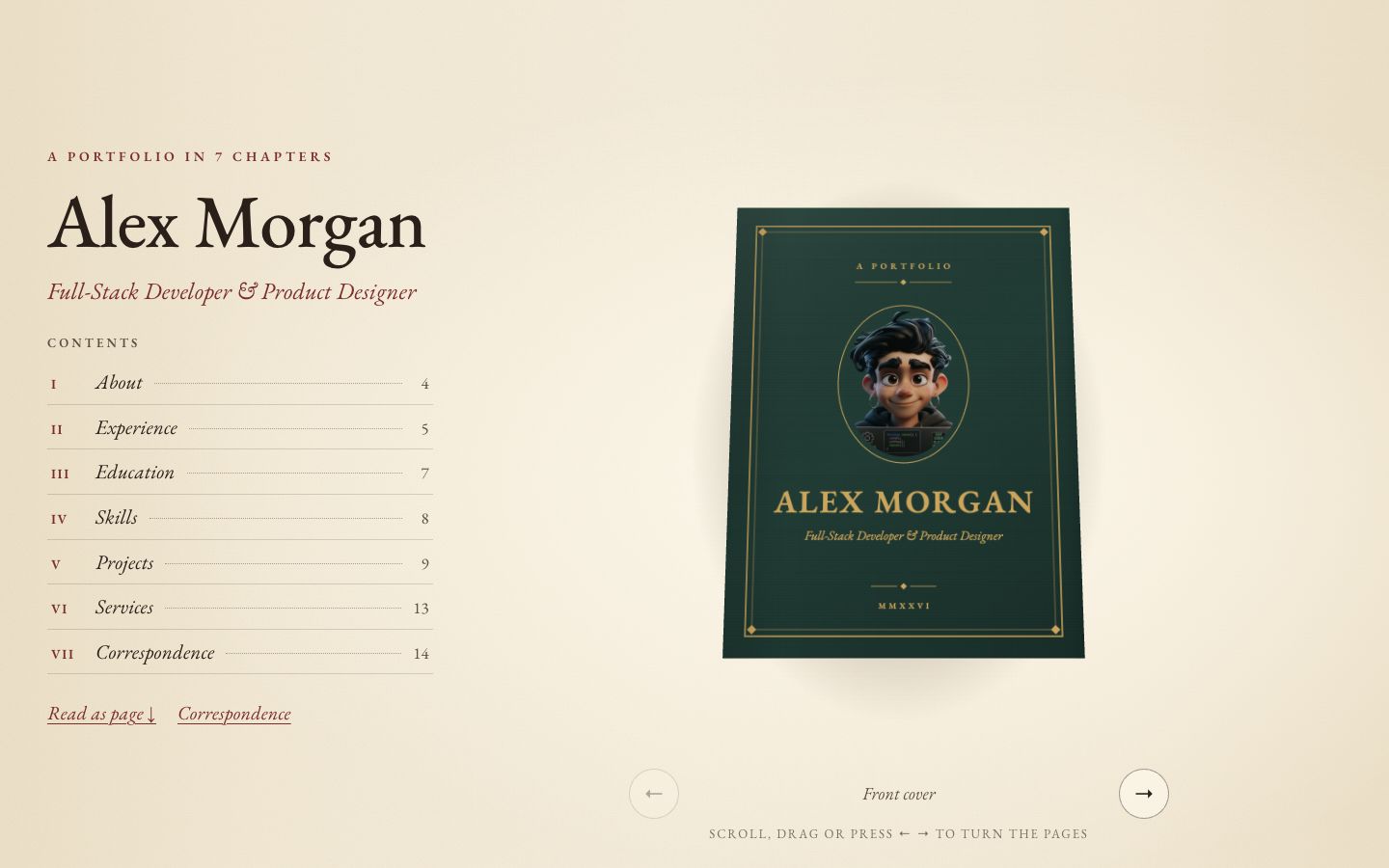
Chapter
Your story as a 3D hardcover on warm paper — scroll to turn curling pages, with a full reading view and letter-style contact form.
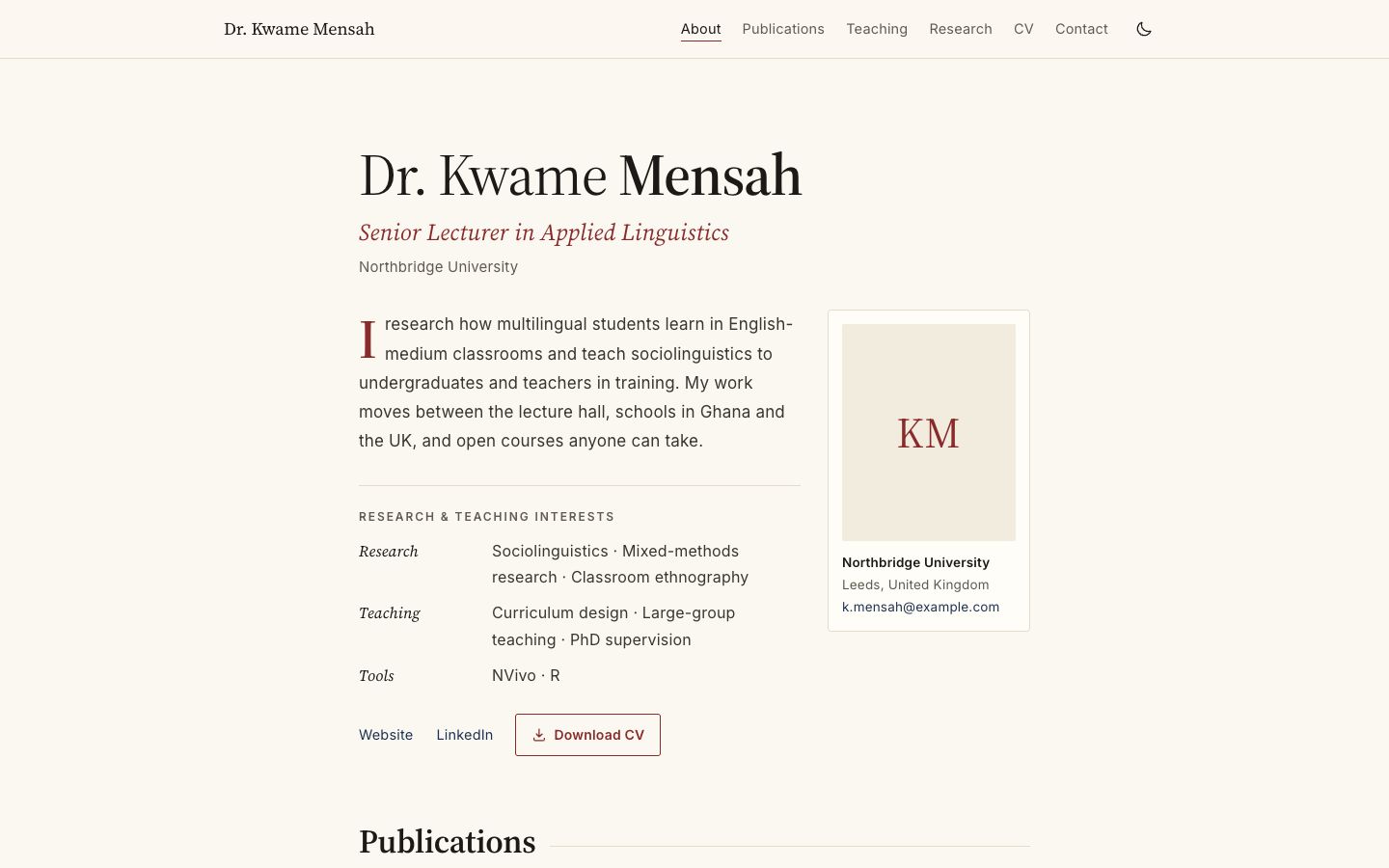
Academica
Scholarly single column: publications by year, teaching table, grants and talks.
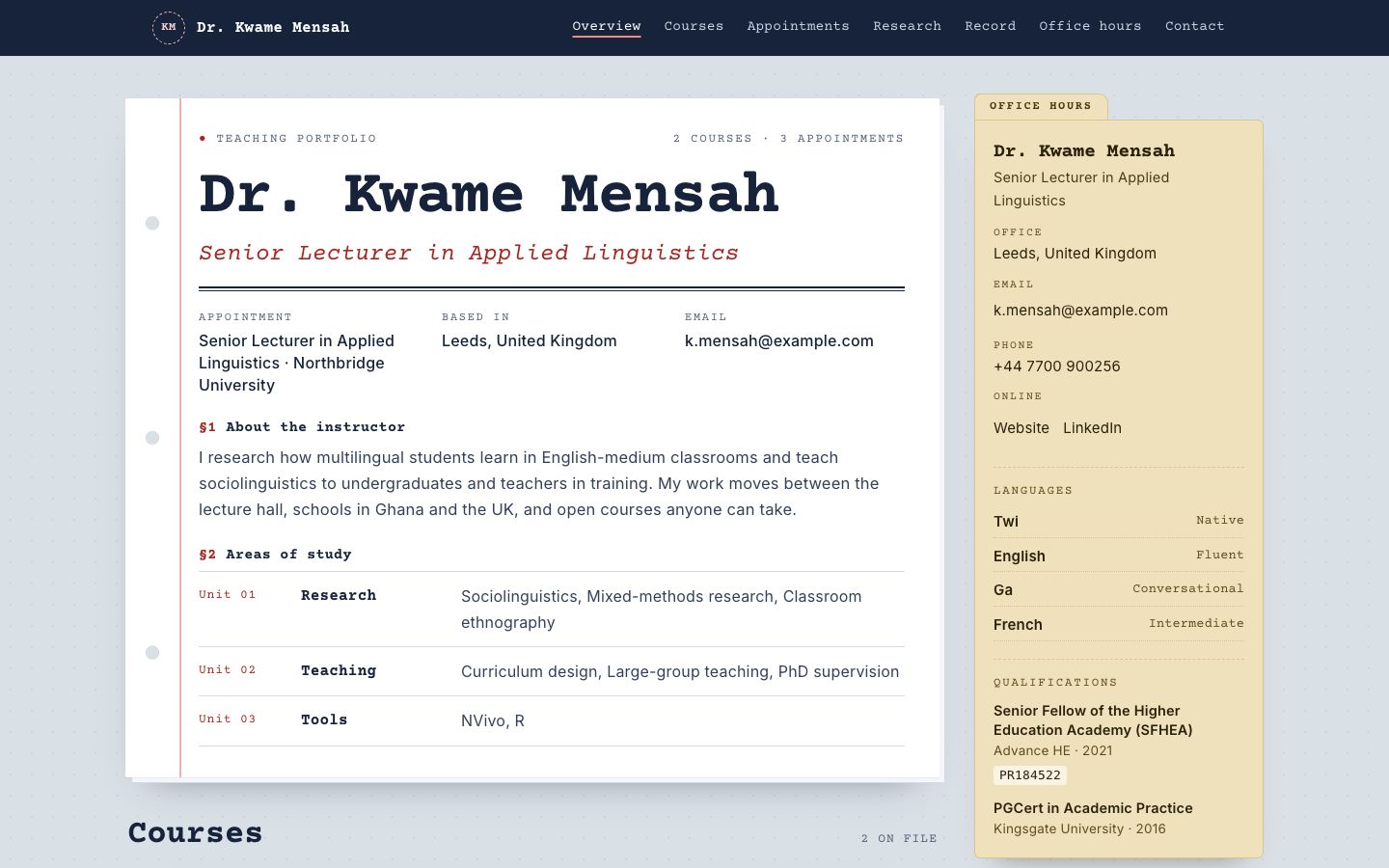
Syllabus
Courses as printed syllabus cards, with an office-hours sidebar and reading list.
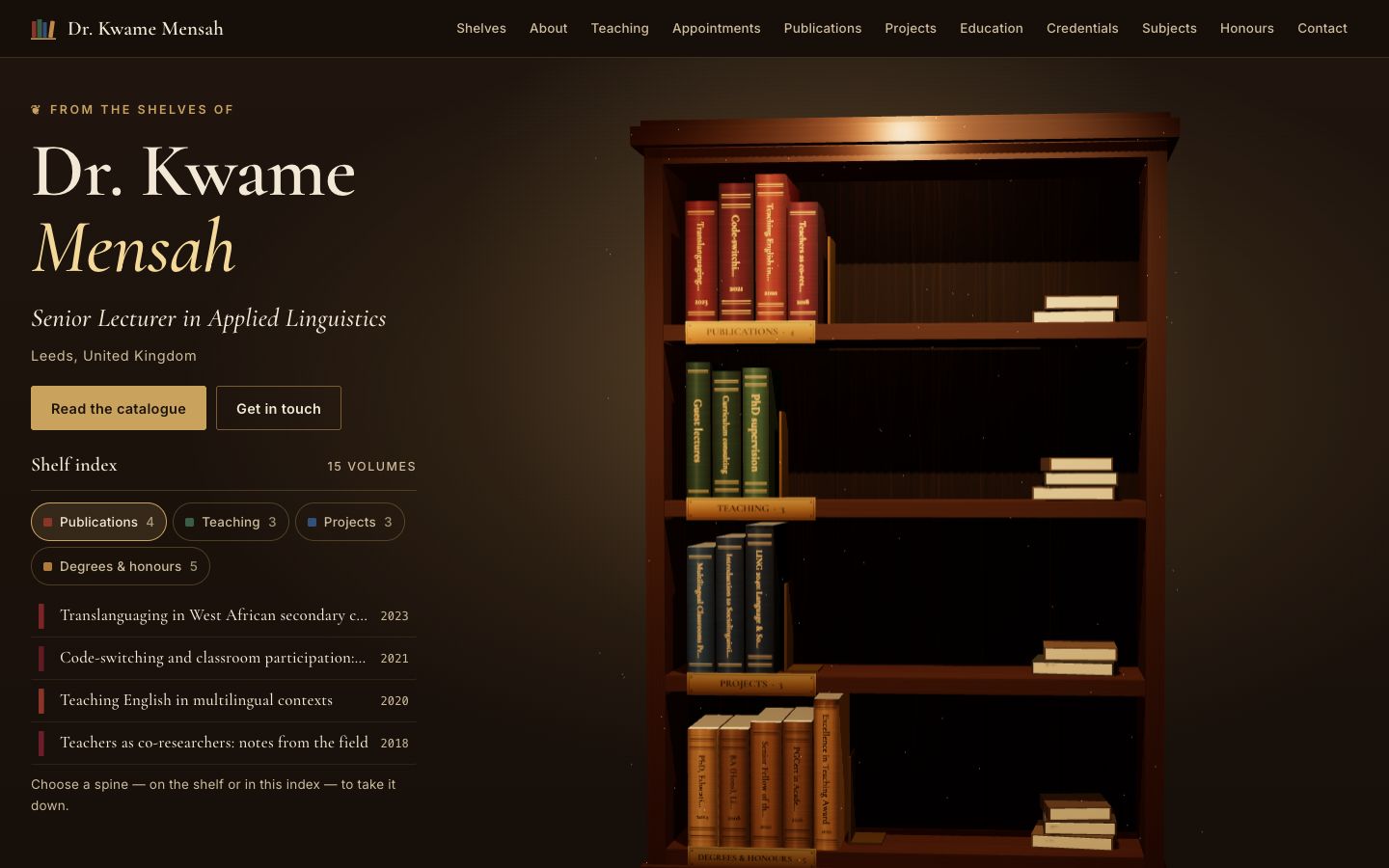
Stacks
A lamplit 3D bookcase: every spine is one of your publications, courses, projects or degrees — take one down to read it.
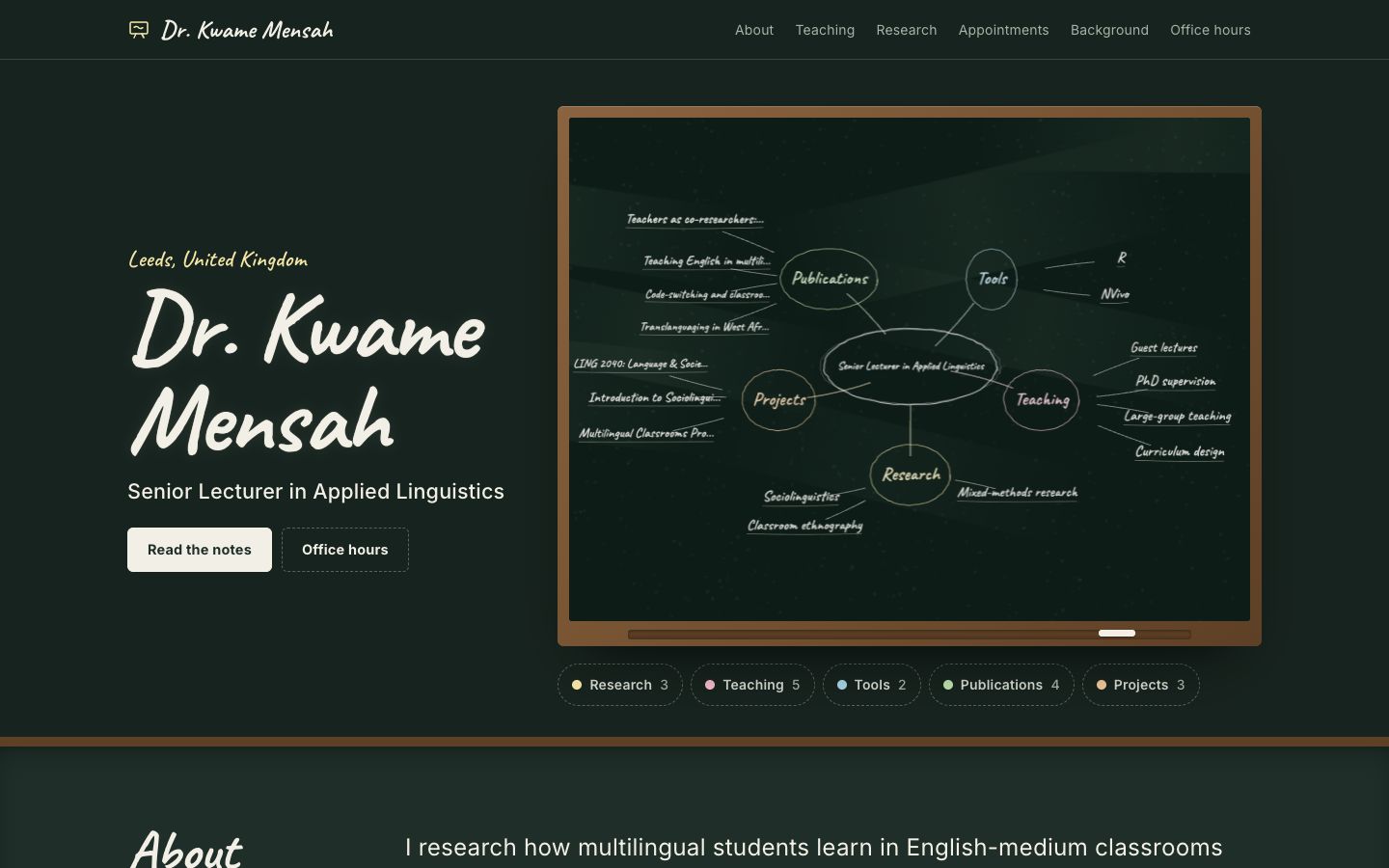
Chalkline
A framed chalkboard with a floating 3D chalk diagram of your subjects, teaching and publications.
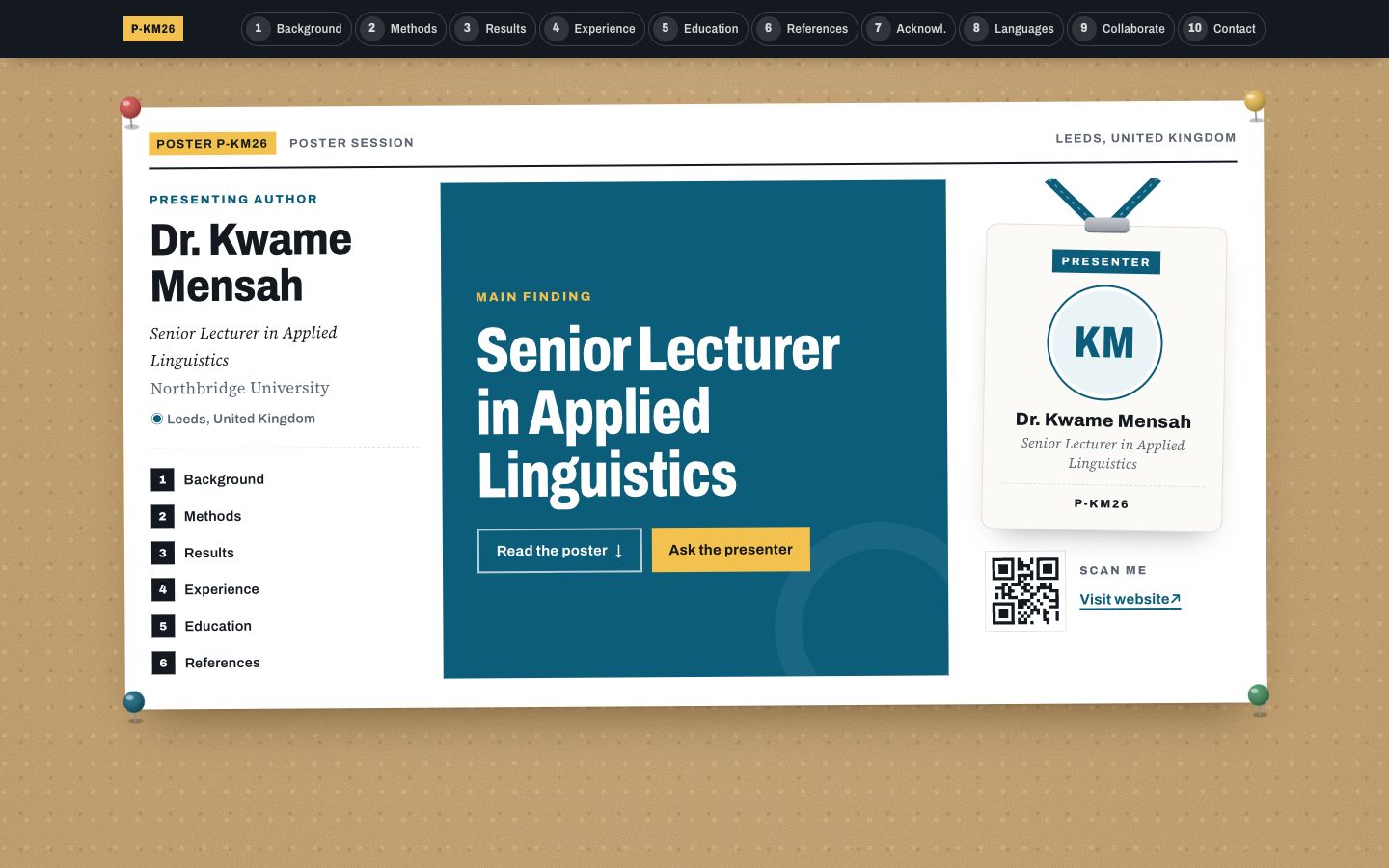
Poster Session
Your profile as a research conference poster: one big takeaway in the middle, methods-style columns around it and a scan-me corner.