Portfolio basics
How to create the best portfolio online: a guide for students in Latin America
For students at USP, UNAM, UBA, Universidad de Chile, Los Andes, Tec de Monterrey, UNICAMP and others: a portfolio in Spanish, Portuguese and English.
By Numan Qamar, Founder, Folitox AI · · 4 min read
If you study at the University of São Paulo, UNICAMP, UFRJ, PUC, UNAM, Tec de Monterrey, the University of Buenos Aires, Universidad de Chile, the University of the Andes, the National University of Colombia or another university in Latin America, you have a particular advantage in the global job market: many of you work in time zones close to those of North American employers, and many companies in the US and Canada now hire remotely across the region.
A portfolio lets you compete for those roles and for local ones. This guide covers what is specific to students in Latin America.
Decide your languages first
Most students in the region choose between Spanish, Portuguese and English. Think about who you want to reach:
- Local employers. A site in Spanish or Portuguese is natural.
- International employers and remote roles. You need a complete English version.
- Both. Create two versions, or make the site bilingual, and keep them consistent.
Be honest about your English level. Use the CEFR scale (A1 to C2) or plain words, such as "professional working proficiency". If English is a strength, say so and give an example, such as work you did with international teams. See language versions in portfolios for international applications.
Use your time zone as a selling point
If you want remote work for North American companies, say where you are and that you work in a compatible time zone. For example, "Based in Bogotá (UTC-5), available during US Eastern business hours." State your availability and how you communicate. See portfolios for remote jobs.
Explain your degree and your institution
Degree names and grading systems differ across the region, and employers abroad may not know them. In your education section, give the degree in English, with the original name if it helps, plus the university, city, country and years. If you include a grade, add the scale. Mention your thesis or final project in a line.
Choose three to five projects
Pick work that matches the role you want, where you did a real share of the work and can explain it in two minutes. Final projects (such as a TCC in Brazil or a tesis in Spanish-speaking countries), group projects, internships, research with a professor, hackathons and freelance jobs all count.
For each, say the problem, your role, what you did and the result. Write in clear sentences in each language you use. See how to write a case study and building a portfolio with no work experience.
Show proof
Employers abroad can't easily verify local references, so make your claims easy to check:
- Link to live projects and code repositories.
- Add short testimonials from professors, clients and team leads, with permission. See portfolio testimonials and references.
- Show screenshots and short demos.
- Keep your LinkedIn profile consistent with your portfolio.
Keep the site light and clear
Compress images and keep pages quick to load on mobile. Use a simple template with readable text and your best work at the top. See mobile-friendly portfolio websites and choosing a portfolio template.
Protect your personal information
Share your email address and LinkedIn link. Leave out your home address, national ID number and other sensitive details. See personal information on your portfolio.
Publish and share it
Folitox AI reads your CV and drafts a portfolio website with your bio, projects, skills and education. You choose a template, correct anything that's wrong, add your images and links, and publish at your own address. It is free to start. Add the link to:
- The top of your CV (in each language version)
- Your LinkedIn profile
- Your GitHub profile README, if you write code
- Job-site and freelancing profiles
- Your email signature
See where to share your portfolio and your portfolio and LinkedIn profile.
By field
- Software and data: live demos and code. See the software developer portfolio guide.
- Engineering and architecture: drawings, analysis and design. See the engineering portfolio guide and the architect portfolio guide.
- Design, marketing and media: a few strong pieces with the process. See the designer portfolio guide and the marketing portfolio guide.
Quick checklist
- Language versions decided and consistent
- English level stated honestly
- Time zone and availability stated
- Degree and grading explained
- Three to five projects with problem, role and result
- Proof people can check
- Link on your CV, LinkedIn and applications
Putting it together
Latin American students are well placed for both local and remote roles. Decide your languages, state your time zone, explain your degree, show real projects and make your claims easy to check.
Portfolio templates for Education & Teaching
These are Folitox templates designed for education & teaching portfolios, shown with sample content. Every one is filled in from your CV, and you can switch between them at any time.
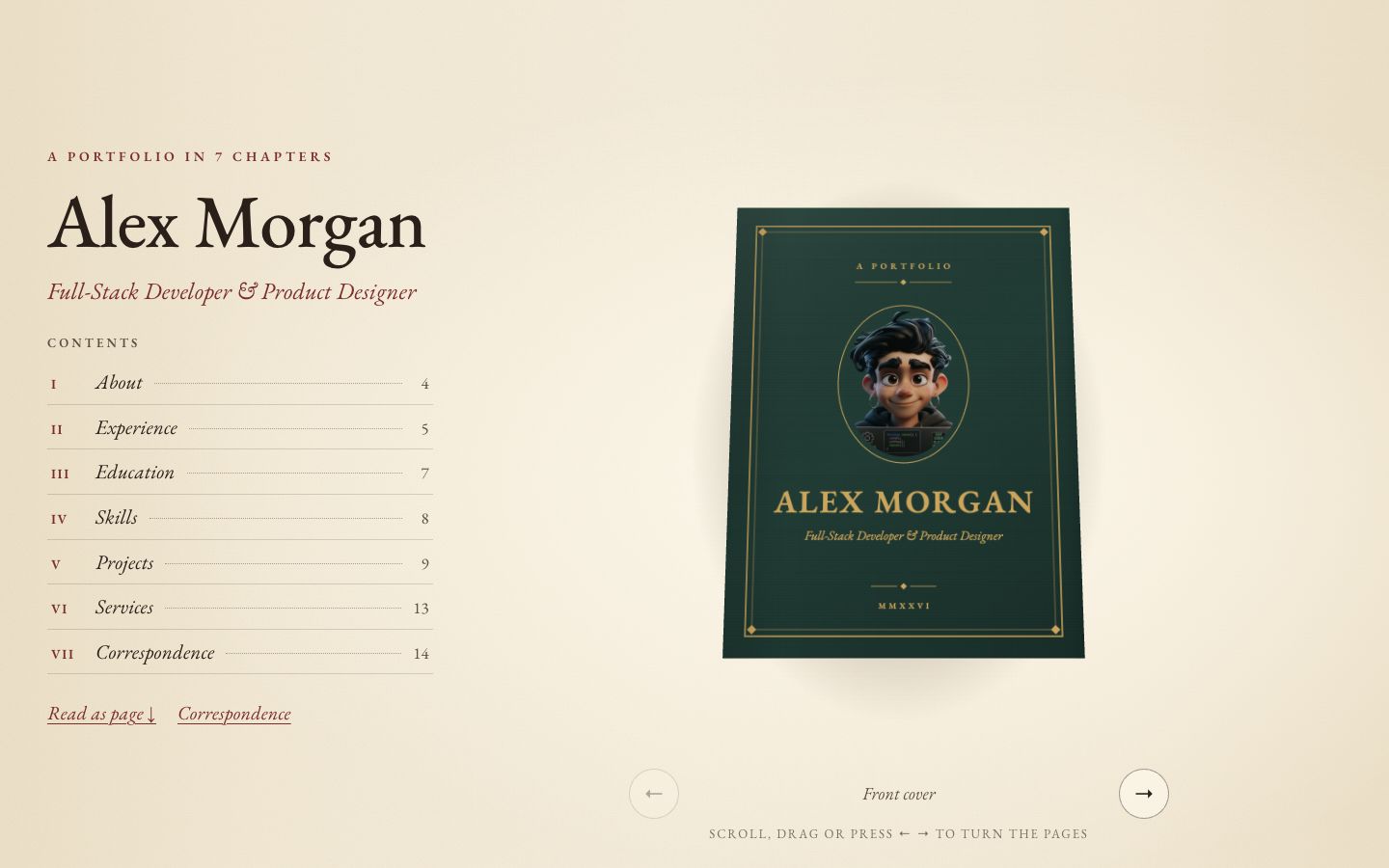
Chapter
Your story as a 3D hardcover on warm paper — scroll to turn curling pages, with a full reading view and letter-style contact form.
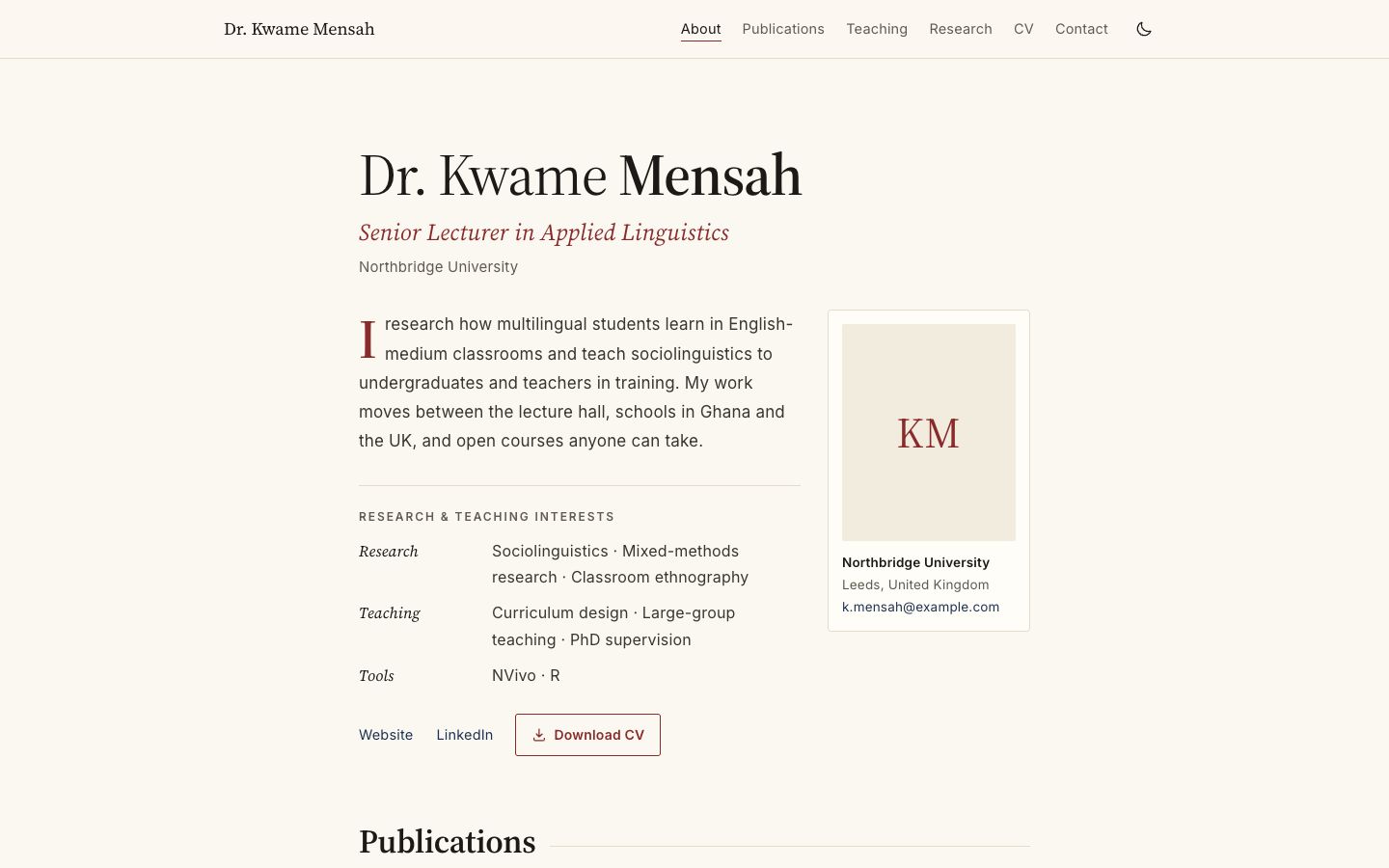
Academica
Scholarly single column: publications by year, teaching table, grants and talks.
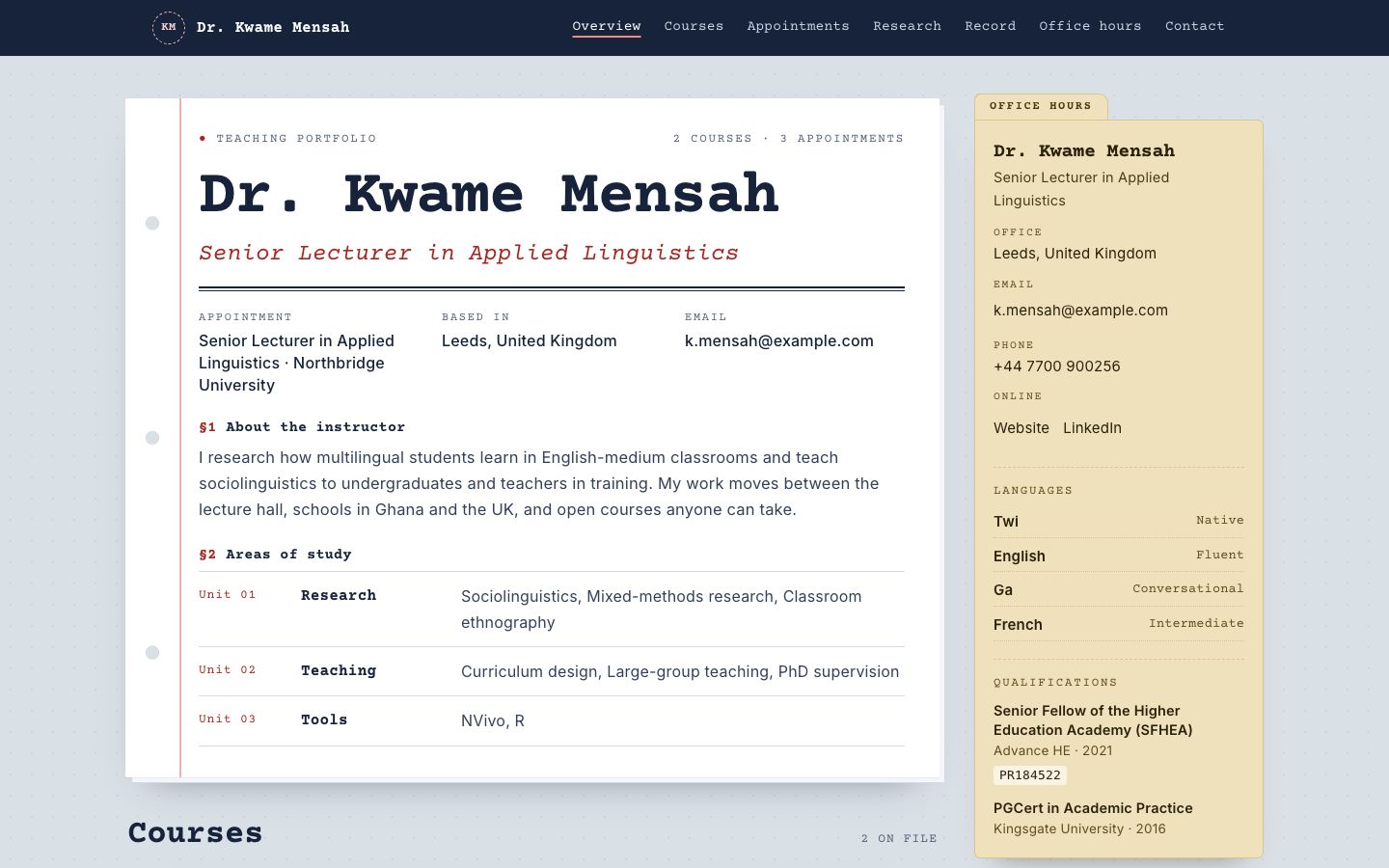
Syllabus
Courses as printed syllabus cards, with an office-hours sidebar and reading list.
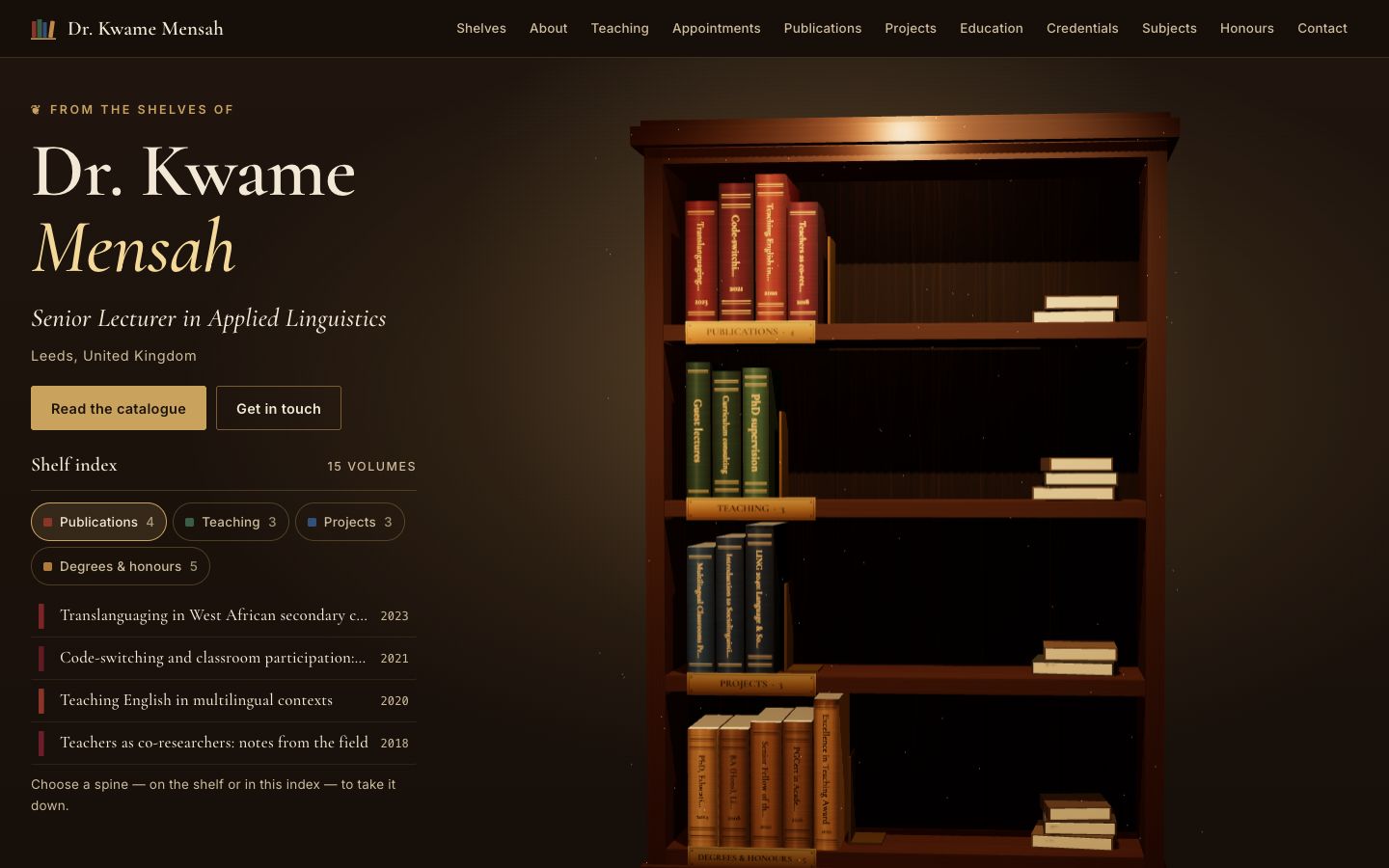
Stacks
A lamplit 3D bookcase: every spine is one of your publications, courses, projects or degrees — take one down to read it.
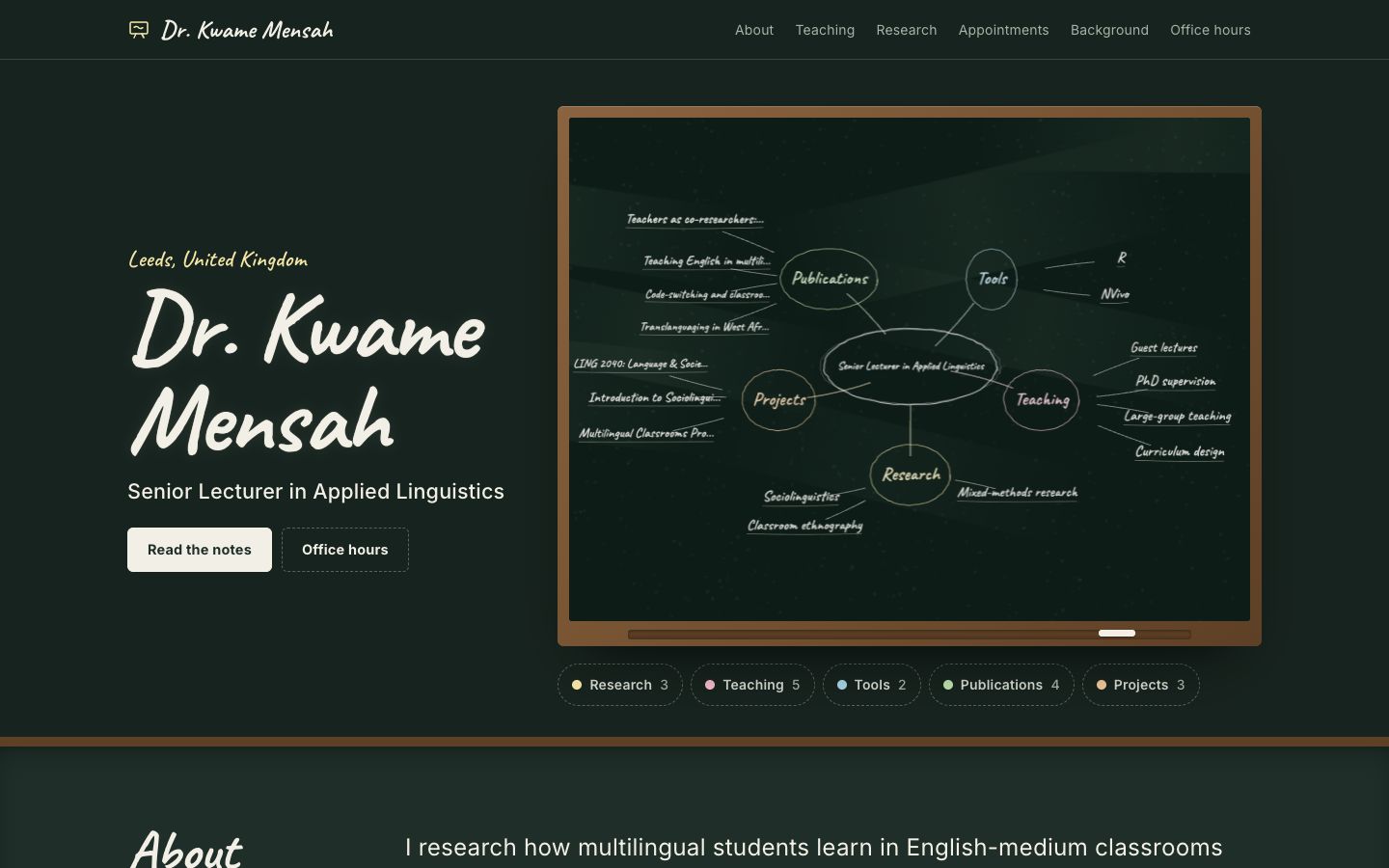
Chalkline
A framed chalkboard with a floating 3D chalk diagram of your subjects, teaching and publications.
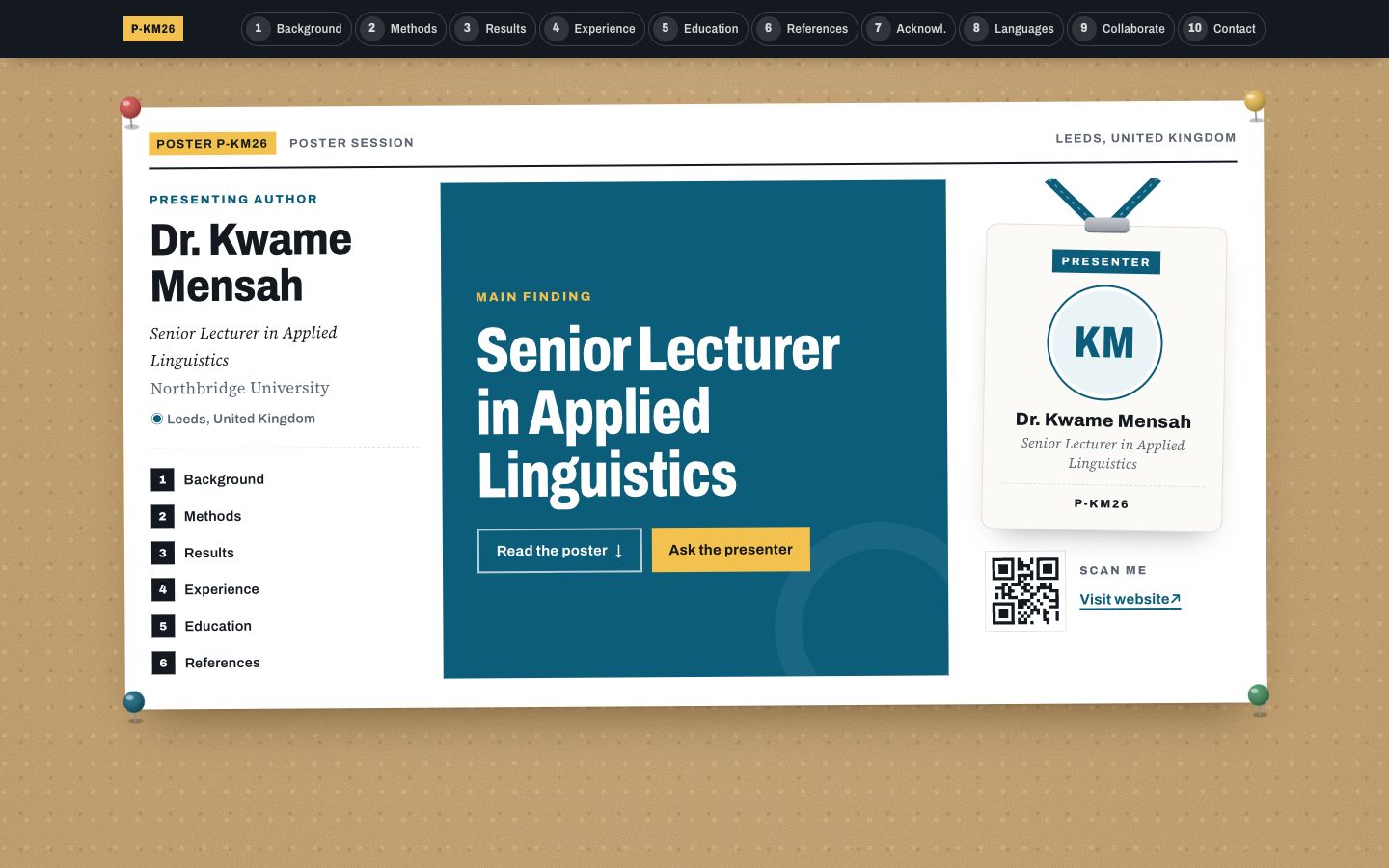
Poster Session
Your profile as a research conference poster: one big takeaway in the middle, methods-style columns around it and a scan-me corner.