Portfolio basics
How to create the best portfolio online: a guide for students at European universities
A guide for students at European universities, from ETH Zurich and TU Munich to Oxford and Bocconi, on building a portfolio that works across borders.
By Numan Qamar, Founder, Folitox AI · · 6 min read
Whether you study at ETH Zurich, TU Munich, RWTH Aachen, TU Delft, the University of Amsterdam, KTH in Stockholm, the University of Copenhagen, Sorbonne, Sciences Po, HEC Paris, Politecnico di Milano, Bocconi, the University of Barcelona, Charles University in Prague, the University of Warsaw, Oxford, Cambridge, Imperial, UCL, Edinburgh or any other European university, you are in an unusual position. You can apply for internships and jobs in your own country, in a neighbouring one, or remotely for a company on another continent.
That makes a portfolio especially useful in Europe. A single link can be opened by an employer in Berlin, Dublin, Madrid or Warsaw without anyone needing to know your university or your grading system. This guide covers how to build one, and what changes when you apply across European borders.
Why a portfolio matters more when you cross borders
Within one country, an employer usually knows the universities, the degree names and how grades work. Across borders, they often don't. A grade of 1.3 in Germany, 18 out of 20 in France and a first-class degree in the UK all mean something specific at home and very little elsewhere.
A portfolio gets around this. Projects, results and your own explanations are understandable anywhere. Employers can see what you made and judge it for themselves.
Step 1: Explain your degree in plain words
Most European universities follow the Bologna system, with bachelor's and master's degrees and ECTS credits, so degrees are more comparable than they used to be. Employers elsewhere may still be unsure about the details. In your education section:
- Write the degree name in English, with the original name in brackets if it helps.
- Give the university, city, country and years.
- Add your ECTS or credit load only if it helps. Don't assume the reader knows your grading scale. If you include a grade, add the scale, such as "1.3 (German scale, 1.0 is the best)".
- Mention a thesis topic or relevant modules in a line.
If you took part in Erasmus+ or another exchange, include it. It shows that you've worked in another country and language, which many employers value.
Step 2: Languages deserve a proper place
Languages are a strength for many European students, and they belong on your portfolio.
- List each language with an honest level. The CEFR scale (A1 to C2) is widely understood in Europe. Say "English C1" rather than "fluent".
- Consider two versions of your site, or at least a clear English one, if you apply in several countries. See language versions in the guide to international job applications.
- Keep the languages consistent. A site in English with a CV link in German is fine if you label it.
Step 3: Decide what personal information to share
Customs differ across Europe. In some countries, such as Germany, Austria, Spain, France, Italy and Poland, CVs have traditionally included a photo, and sometimes details like date of birth. In the UK and Ireland, the norm is to leave them out. A public portfolio is visible to everyone, so be careful.
- A professional photo is optional. If you include one, use a clear, simple headshot. See choosing a profile photo.
- Leave out your home address, date of birth, ID numbers and anything you wouldn't put on a public notice board.
- Keep your contact details to an email address and your LinkedIn link.
- Think about privacy law. In the EU, personal data is protected by the GDPR. If your portfolio shows other people, such as classmates, clients or test users, get their permission first, and don't publish their personal details.
See personal information on your portfolio.
Step 4: Pick three to five projects
Choose the work that best matches the role you want, where you did a real share of the work and can explain it in two minutes. European degrees often include a thesis, a studio project, a lab project or a group project, and any of these can be the centrepiece.
For group projects, say what you personally did. For a thesis, summarise the question, the approach and the result in plain language, then link to the full text if it's public. See building a portfolio with no work experience.
Step 5: Write each project as a short story
- Problem: what you were solving and for whom
- Your role: what you personally did
- Approach: one or two decisions and why
- Result: what happened, using real numbers only
- Takeaway: what you learned or would improve
Write in short, clear sentences. If English isn't your first language, that's fine, because simple and correct beats complicated. Ask a friend to check it. See how to write a case study.
Step 6: Write your headline and bio
One line for the headline and three or four sentences for the bio. Say what you do, what you like working on, one proof point and the kind of role you want. For example: "Master's student in mechanical engineering, interested in robotics and automation, looking for an internship in Germany or the Netherlands." See how to write a professional bio.
If you need work authorization, keep any statement short and factual, and check your university's international office or the relevant government site for the rules in each country. Rules differ for EU/EEA citizens, other nationals and students.
Step 7: Keep the design simple and quick
Choose a clean template with readable text and your best work at the top. Check that it loads quickly and looks right on a phone. See choosing a portfolio template and mobile-friendly portfolio websites.
Step 8: Publish it
You don't have to build a site from scratch. Folitox AI reads your CV and drafts a portfolio website with your bio, projects, skills and education. You choose a template, correct anything that is wrong, add your images and links, and publish at your own address. It is free to start. Treat the draft as a base and spend your time on the project write-ups. If you have a CV in the Europass format, you can use that as the starting point too.
Step 9: Share it
- At the top of your CV, next to your email address
- On your LinkedIn profile, in the Featured and About sections
- In your GitHub profile README, if you write code
- On job boards and your university's career portal
- In your email signature and messages to recruiters and alumni
Your university's career service and alumni network can review your portfolio and sometimes introduce you to employers. See where to share your portfolio and your portfolio and LinkedIn profile.
By field
- Engineering and computer science: projects, code and theses. See the software developer portfolio guide and the engineering portfolio guide.
- Business and economics: case studies, internships and society leadership. See the marketing portfolio guide.
- Architecture and design: process and a few strong pieces. See the architect portfolio guide and the designer portfolio guide.
- Sciences, humanities and social sciences: research, writing samples and fieldwork. See the researcher and academic portfolio guide.
Common mistakes
- Assuming employers in other countries understand your grades
- Listing every project instead of the best few
- Language skills with no level, or levels that are inflated
- Publishing other people's personal details without permission
- Heavy pages that load slowly on a phone
- A broken link in an application
A quick checklist
- Degree explained in plain English, with grade scale if you include grades
- Languages listed with CEFR levels
- Three to five projects with problem, role and result
- Personal details limited to what is needed
- Simple template that works on a phone
- Published at your own link and added to your CV and LinkedIn
Putting it together
Studying in Europe gives you a head start on working across borders, and a portfolio makes that visible. Explain your degree clearly, show your languages honestly, choose your best projects, protect your personal details and share the link wherever you share your CV.
Portfolio templates for Education & Teaching
These are Folitox templates designed for education & teaching portfolios, shown with sample content. Every one is filled in from your CV, and you can switch between them at any time.
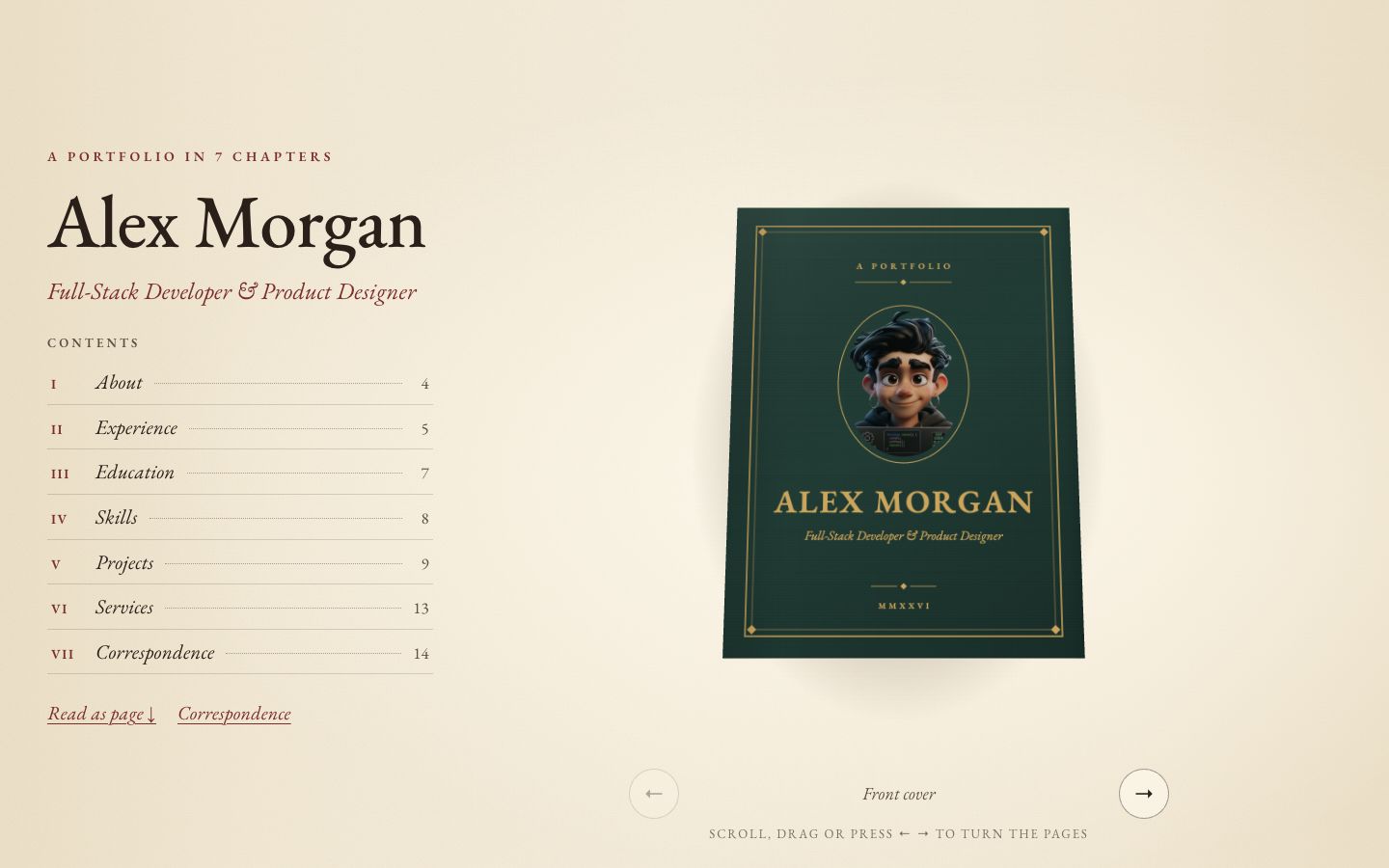
Chapter
Your story as a 3D hardcover on warm paper — scroll to turn curling pages, with a full reading view and letter-style contact form.
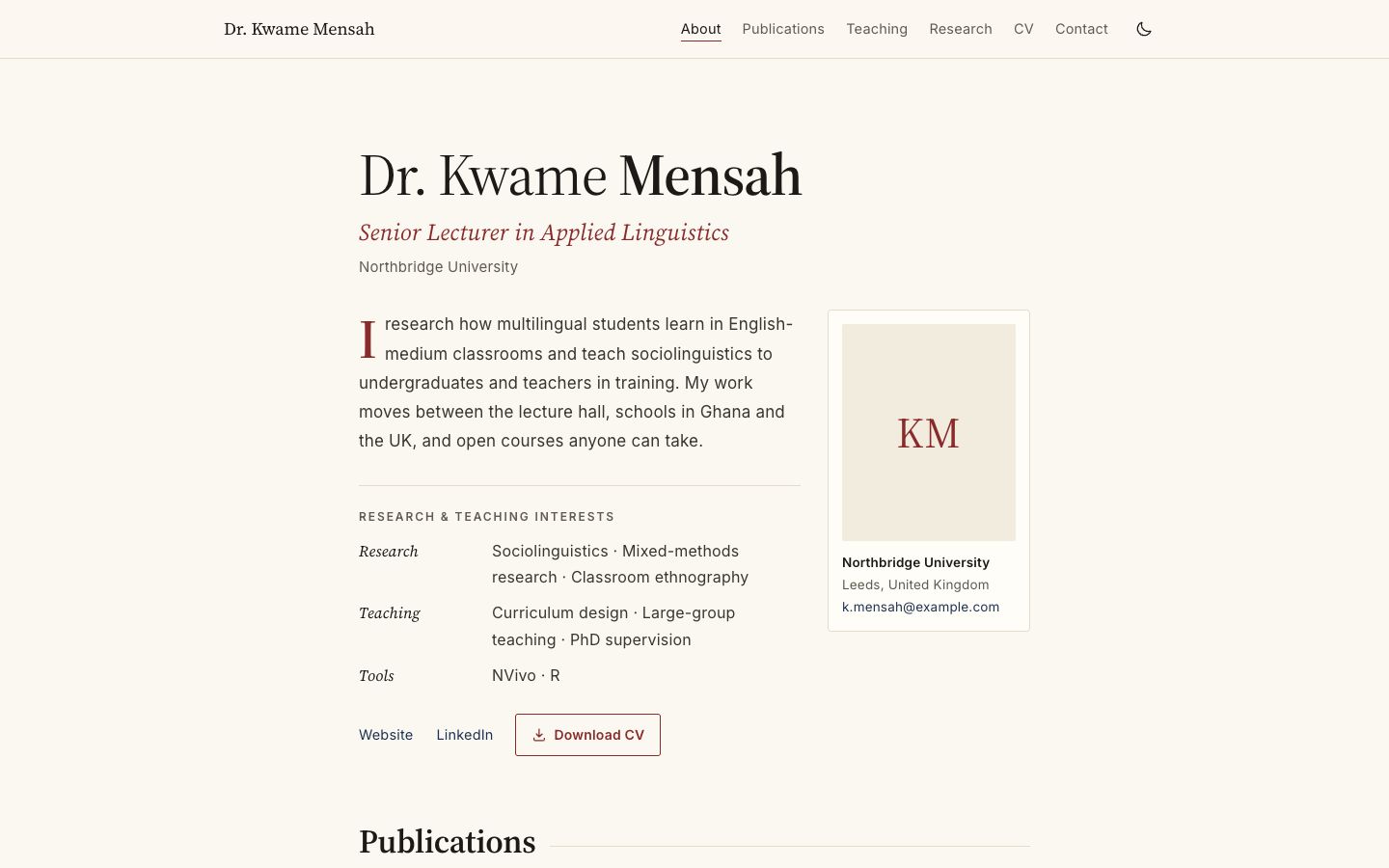
Academica
Scholarly single column: publications by year, teaching table, grants and talks.
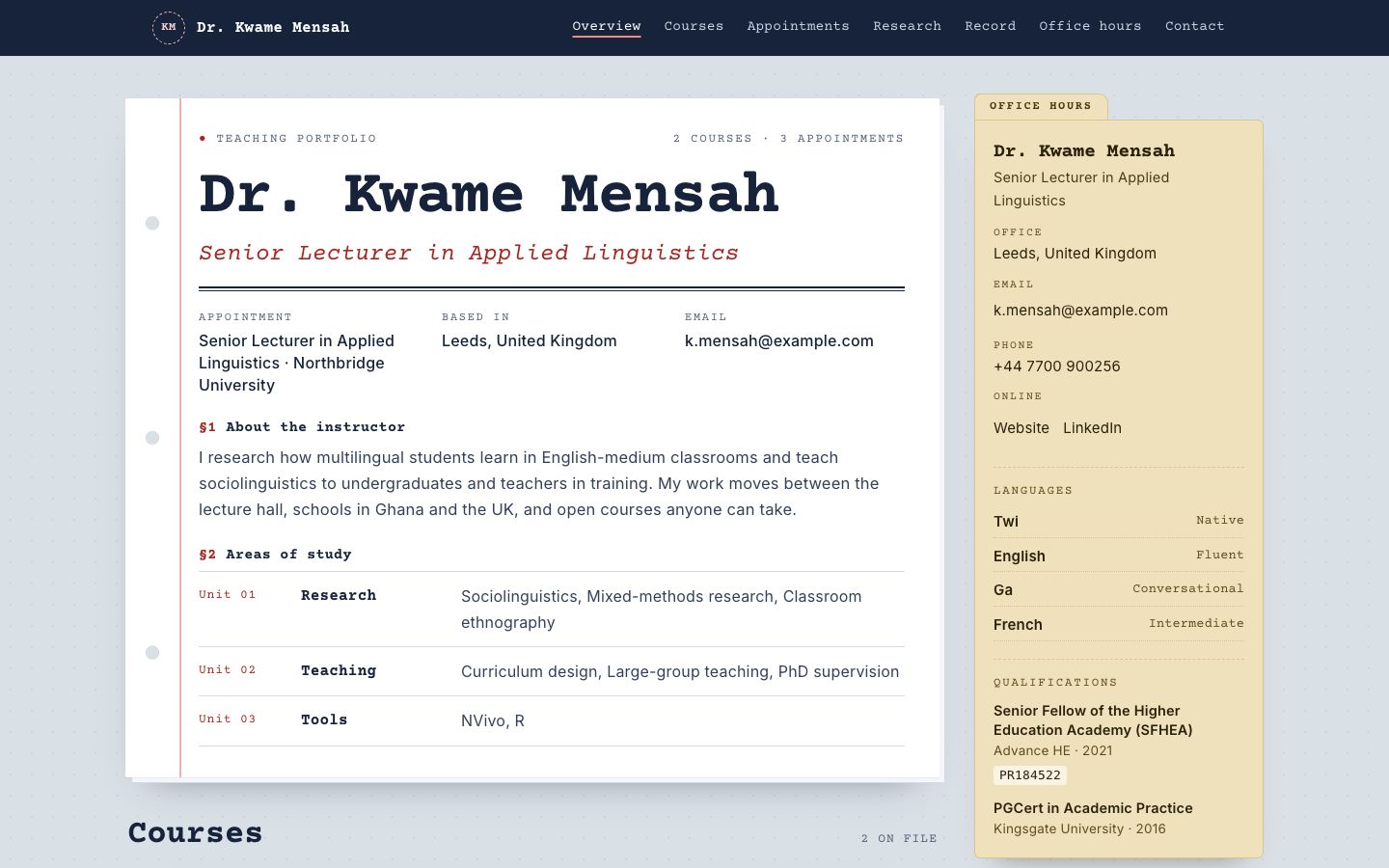
Syllabus
Courses as printed syllabus cards, with an office-hours sidebar and reading list.
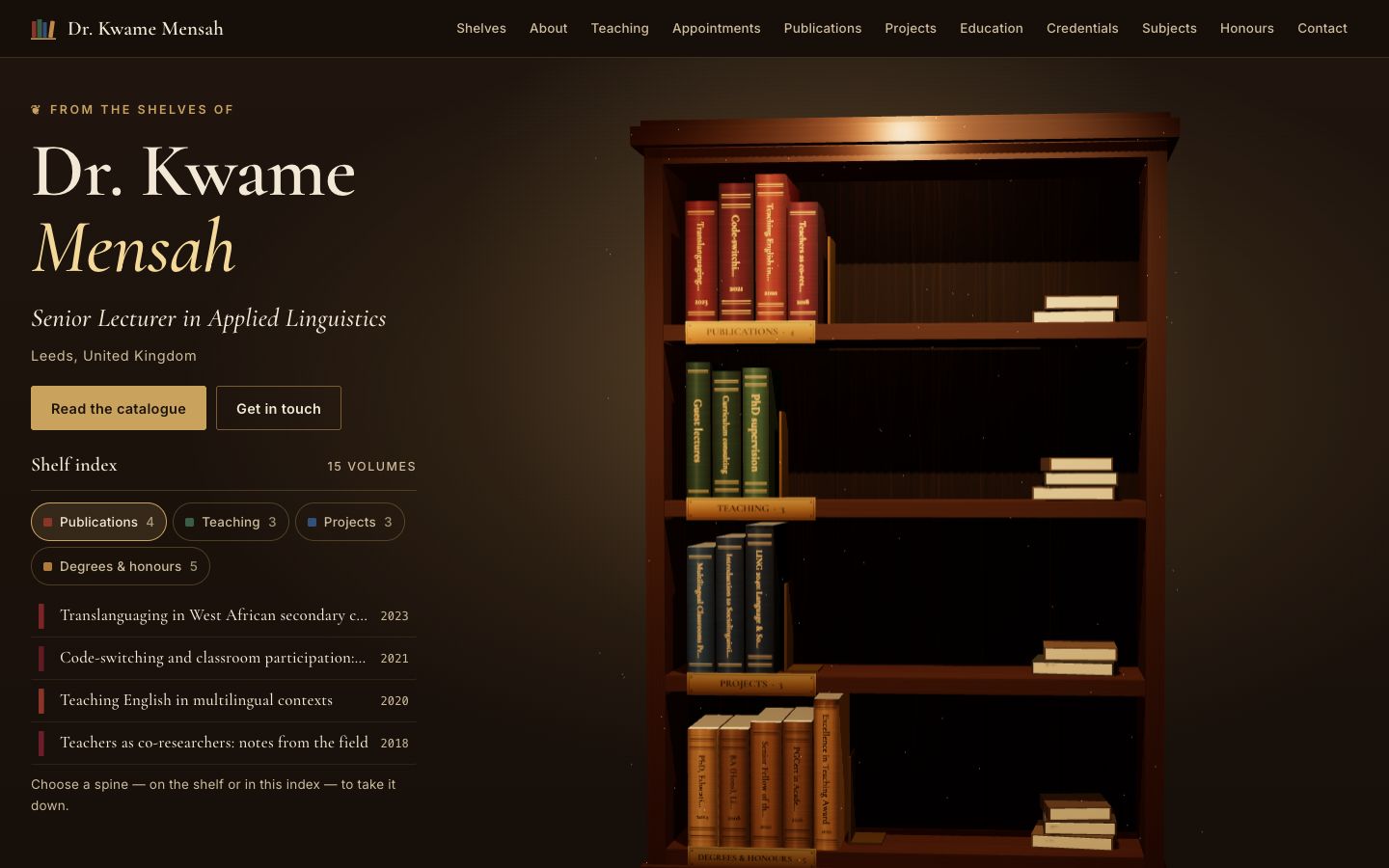
Stacks
A lamplit 3D bookcase: every spine is one of your publications, courses, projects or degrees — take one down to read it.
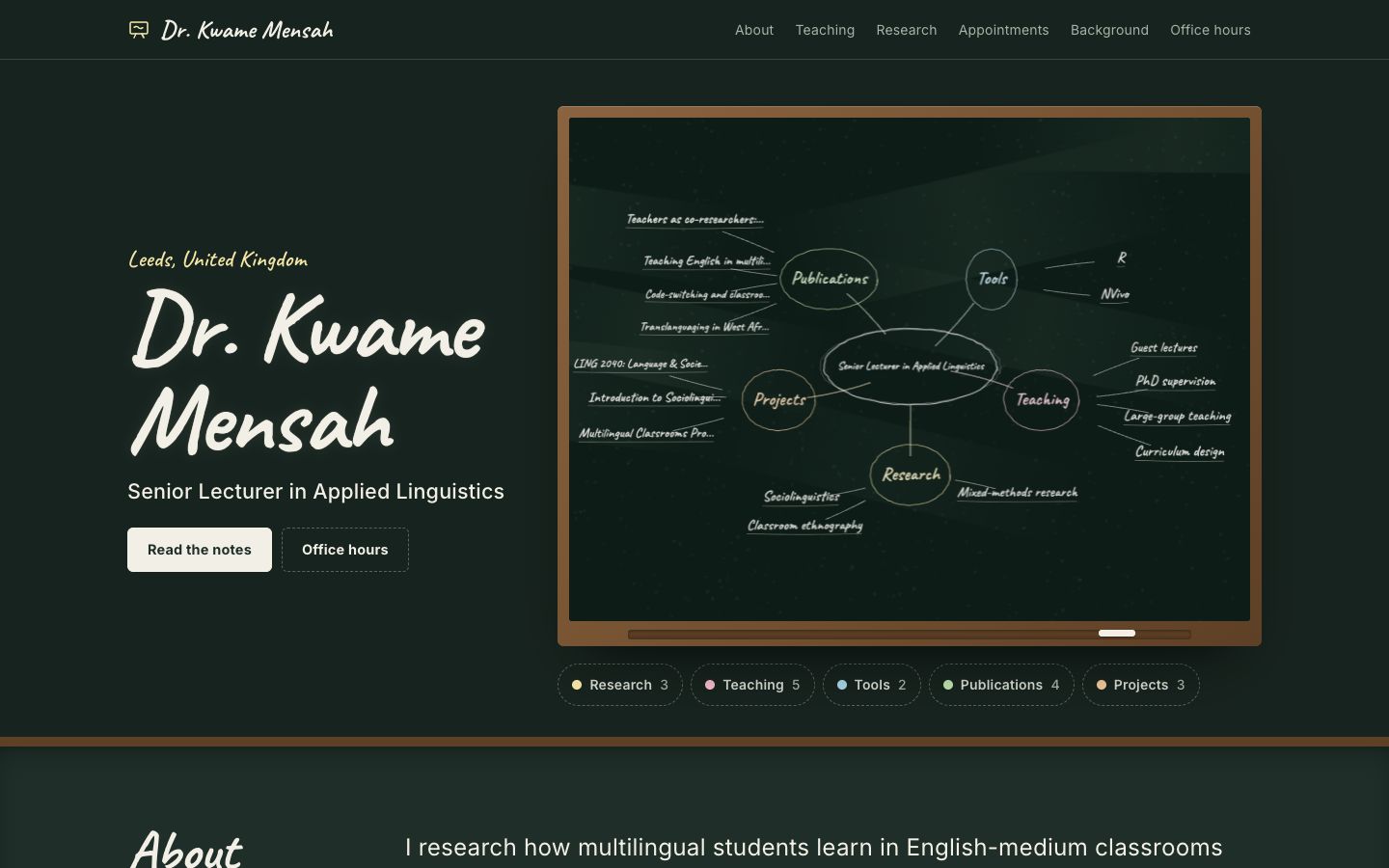
Chalkline
A framed chalkboard with a floating 3D chalk diagram of your subjects, teaching and publications.
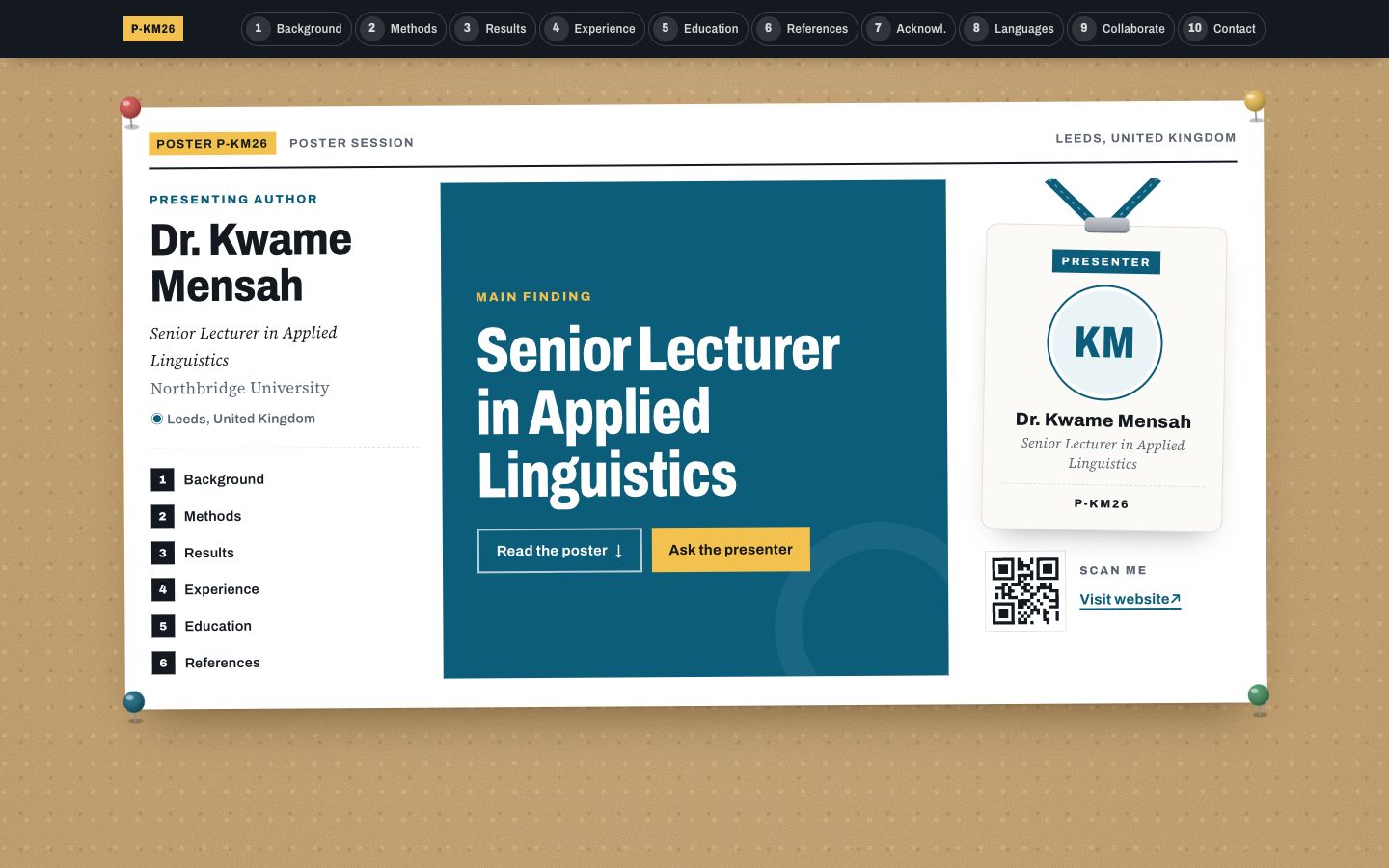
Poster Session
Your profile as a research conference poster: one big takeaway in the middle, methods-style columns around it and a scan-me corner.