Portfolio basics
How to create the best portfolio online: a guide for students at African universities
For students at the University of Lagos, Nairobi, Cape Town, Wits, Legon, KNUST, Makerere and others: a portfolio that wins local jobs and remote work abroad.
By Numan Qamar, Founder, Folitox AI · · 4 min read
If you study at the University of Lagos, the University of Ibadan, Obafemi Awolowo University, Covenant University, the University of Nairobi, Strathmore, JKUAT, the University of Ghana, KNUST, the University of Cape Town, Wits, Stellenbosch, the University of Pretoria, Makerere, Addis Ababa University or any other university in Africa, you have an option that earlier generations didn't. Companies in other countries hire remotely, and a clear portfolio lets you compete for those roles as well as for local ones.
This guide focuses on what matters most for students in Africa: showing your work to employers and clients who have never heard of your university, and making sure your site works on the connections your audience may use.
Two audiences, one portfolio
You may be speaking to two kinds of readers:
- Local employers, who may know your university and want to see practical skills.
- Clients and companies abroad, who don't know your university and care about whether you can deliver.
Write your portfolio so that both can understand it. Use plain English (or the language your target employers use), explain your degree in a simple line, and let your projects carry the weight.
Put your location, time zone and availability up front
If you want remote work, tell employers where you are and when you can work. "Based in Nairobi (EAT, UTC+3), available for roles that overlap with European working hours" answers a question every remote employer asks. Mention your availability, such as full-time, part-time or for a specific project. See portfolios for remote jobs.
Make the site light
Pages that load slowly lose readers, especially on mobile data. Keep your site light:
- Compress images before you upload them.
- Avoid large videos on the first screen. Link to them instead.
- Keep the layout simple and the text readable on a phone.
- Check how the page loads on a mobile connection, not only on Wi-Fi.
See mobile-friendly portfolio websites.
Choose projects that show you can deliver
Pick three to five projects that fit the work you want. Good ones include:
- Final year projects or dissertations
- Software, apps, designs or analysis you built for a real person, a small business, a community group or a student organisation
- Hackathon and competition work
- Internship or attachment work, with what you actually did
- Freelance jobs, even small ones, with the client's permission to mention them
For each, say the problem, your role, what you did and the result. Real outcomes matter most: someone used it, it saved time, it solved a problem. See how to write a case study and building a portfolio with no work experience.
Add proof that is easy to check
Clients abroad can't phone your lecturer. Make your claims verifiable:
- Link to live projects and code repositories.
- Add short testimonials from supervisors, clients or team leads, with their permission. See testimonials and references.
- Show your work with screenshots and short demos.
- Add a LinkedIn profile that matches your portfolio.
Explain your degree and institution
In your education section, give the degree name, university, city, country and years. If your grading system is unusual, add a short note on how it works rather than leaving employers to guess. Mention a thesis topic or key modules in one line. See portfolios for international job applications.
Be careful with personal details
Public portfolios are visible to everyone. Share your email address and LinkedIn link. Leave out your home address, ID numbers and other details that scammers can misuse. See personal information on your portfolio.
Be cautious with job offers that arrive after someone sees your portfolio. A genuine employer won't ask you to pay to get a job. If something looks wrong, check the company before you reply.
Publish and share it
Folitox AI can read your CV and draft a portfolio website with your bio, projects, skills and education. You choose a template, correct anything that's wrong, add your images and links, and publish at your own address. It is free to start. Then add the link to:
- The top of your CV
- Your LinkedIn profile
- Your GitHub profile README, if you write code
- Your freelancing and job-site profiles
- Your email signature and messages to recruiters and alumni
Your university's career office, alumni network and student societies can also give feedback and introductions. See where to share your portfolio and the freelancer portfolio guide.
By field
- Computer science and IT: live demos, code and one clear design decision. See the software developer portfolio guide.
- Engineering: drawings, designs, analysis and reports. See the engineering portfolio guide.
- Business and marketing: campaigns, case studies and internships. See the marketing portfolio guide.
- Design and media: process and a few strong pieces. See the designer portfolio guide.
Quick checklist
- Location, time zone and availability stated
- Site light and easy to read on a phone
- Three to five projects with problem, role and result
- Proof that others can check: links, testimonials, repositories
- Degree and grading explained simply
- Personal details limited to email and LinkedIn
- Link on your CV, LinkedIn and applications
Putting it together
A good portfolio lets people far away trust your work without knowing your university. State where you are and when you can work, keep the site light, show real results and make your claims easy to check.
Portfolio templates for Education & Teaching
These are Folitox templates designed for education & teaching portfolios, shown with sample content. Every one is filled in from your CV, and you can switch between them at any time.
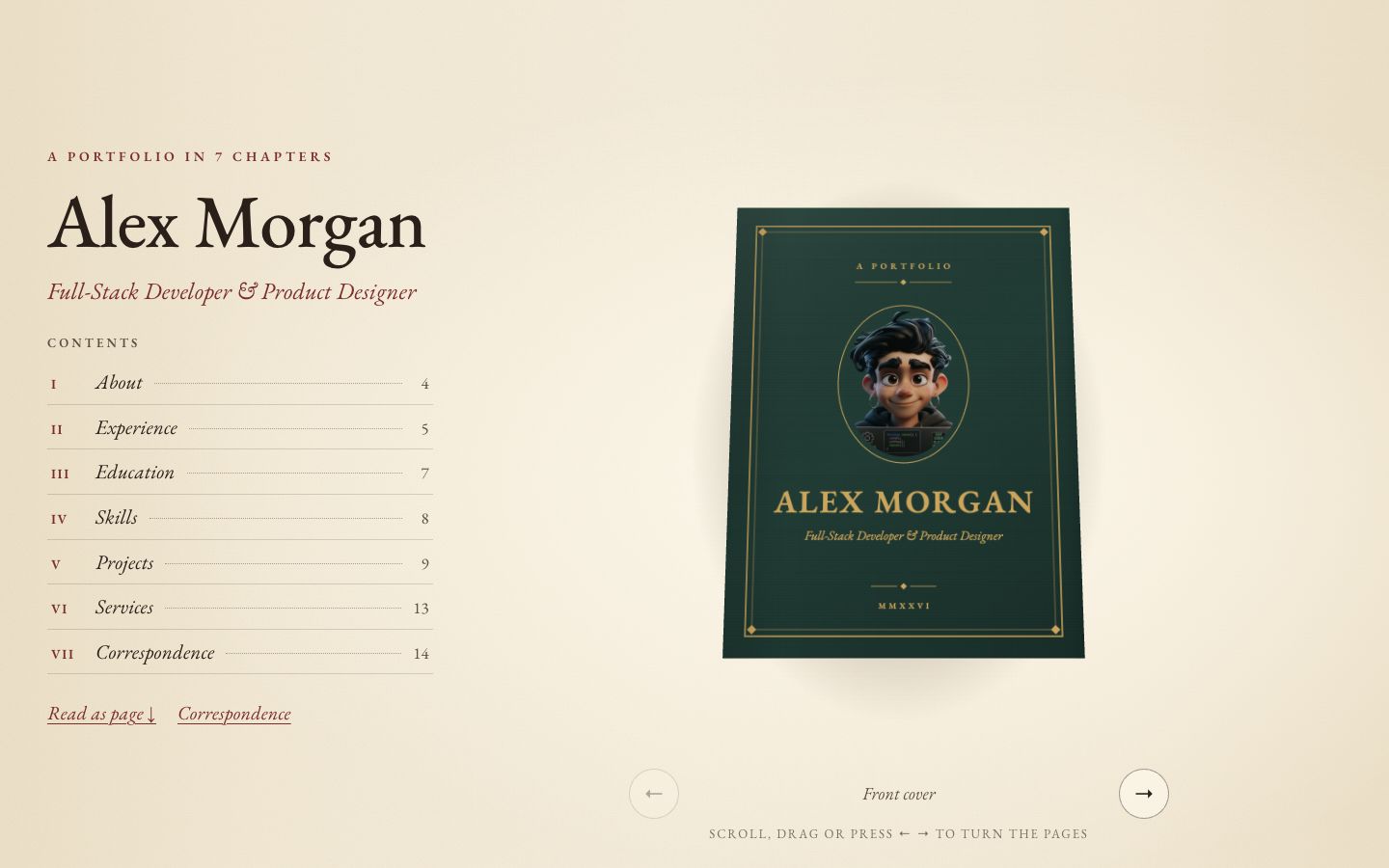
Chapter
Your story as a 3D hardcover on warm paper — scroll to turn curling pages, with a full reading view and letter-style contact form.
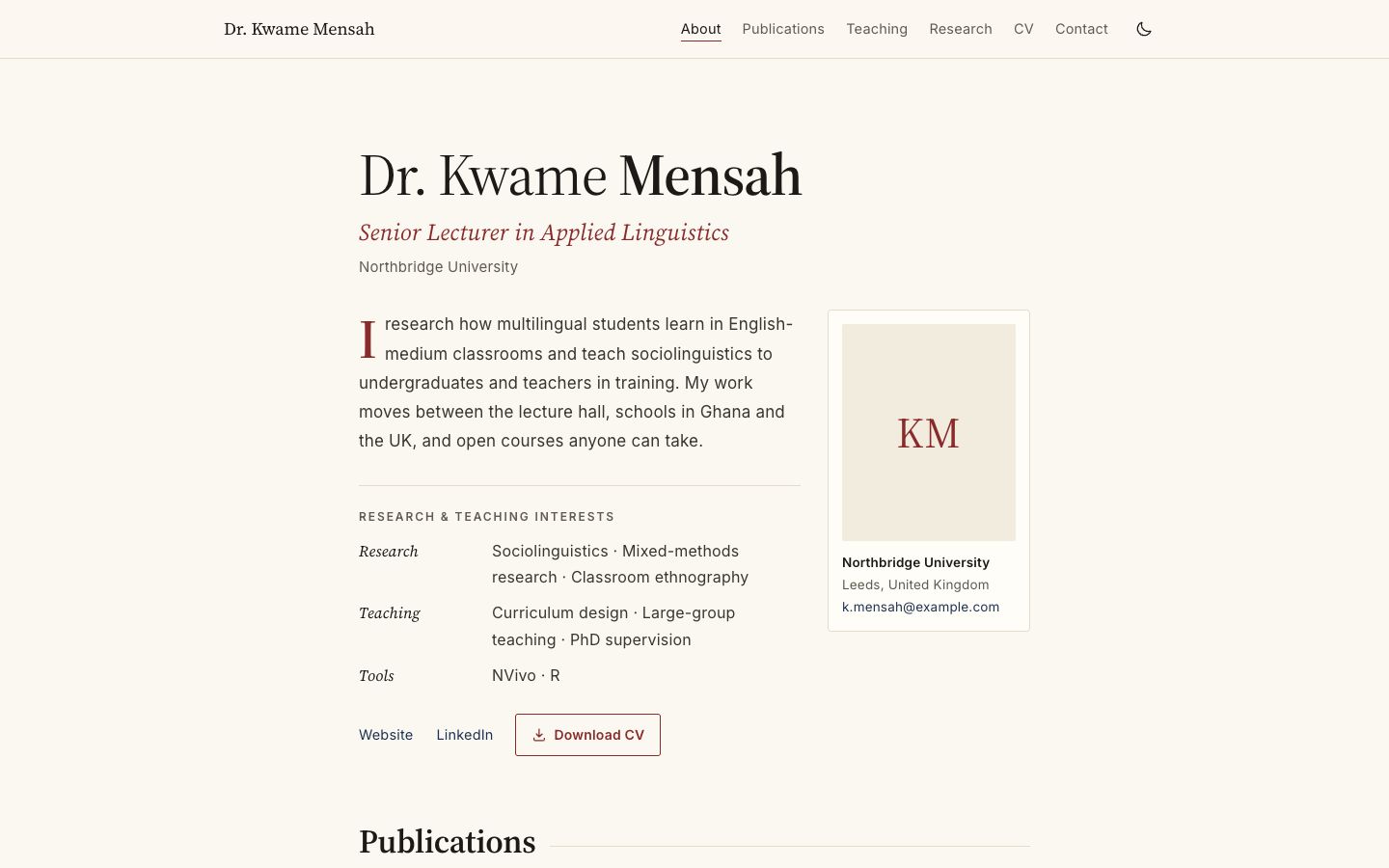
Academica
Scholarly single column: publications by year, teaching table, grants and talks.
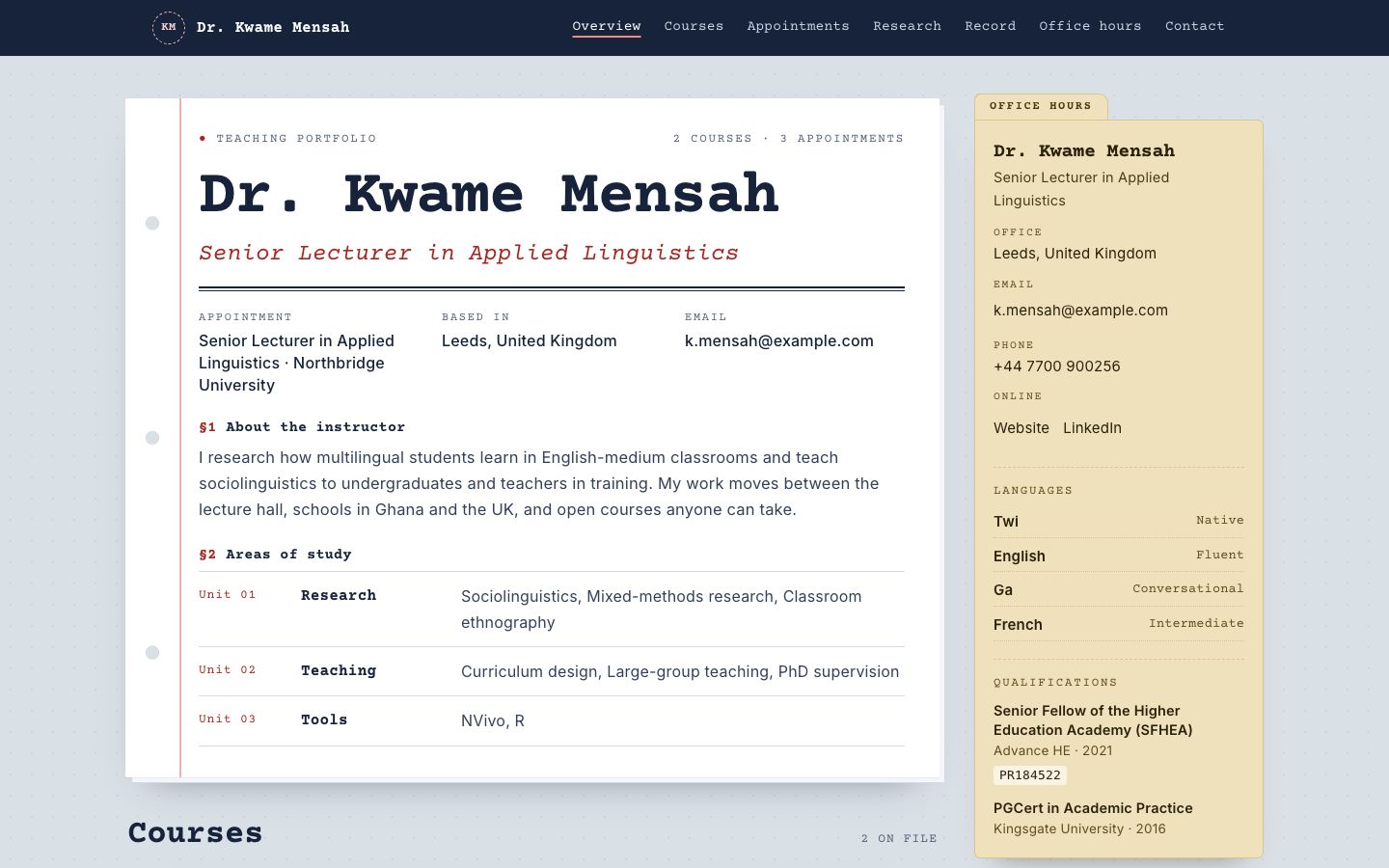
Syllabus
Courses as printed syllabus cards, with an office-hours sidebar and reading list.
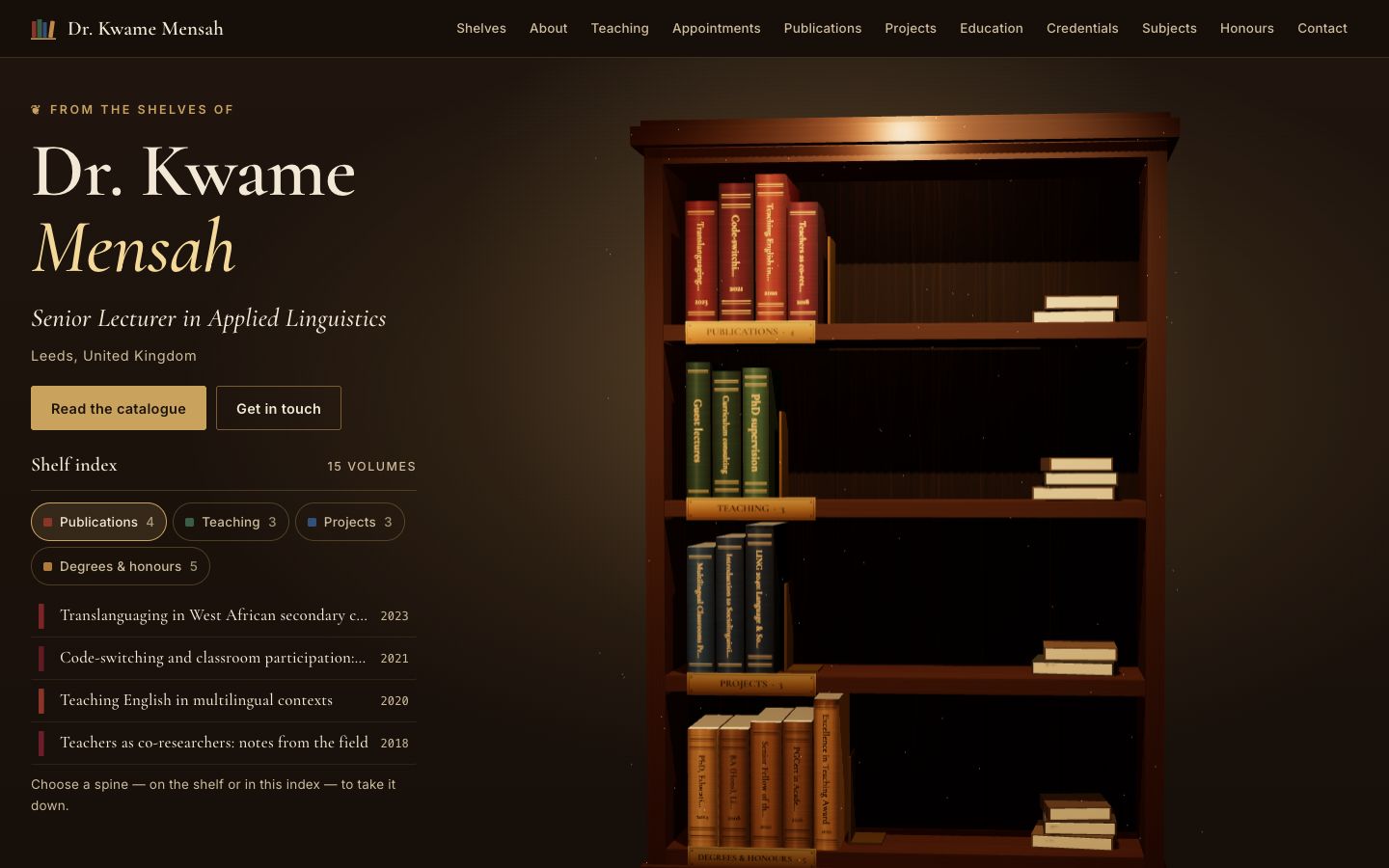
Stacks
A lamplit 3D bookcase: every spine is one of your publications, courses, projects or degrees — take one down to read it.
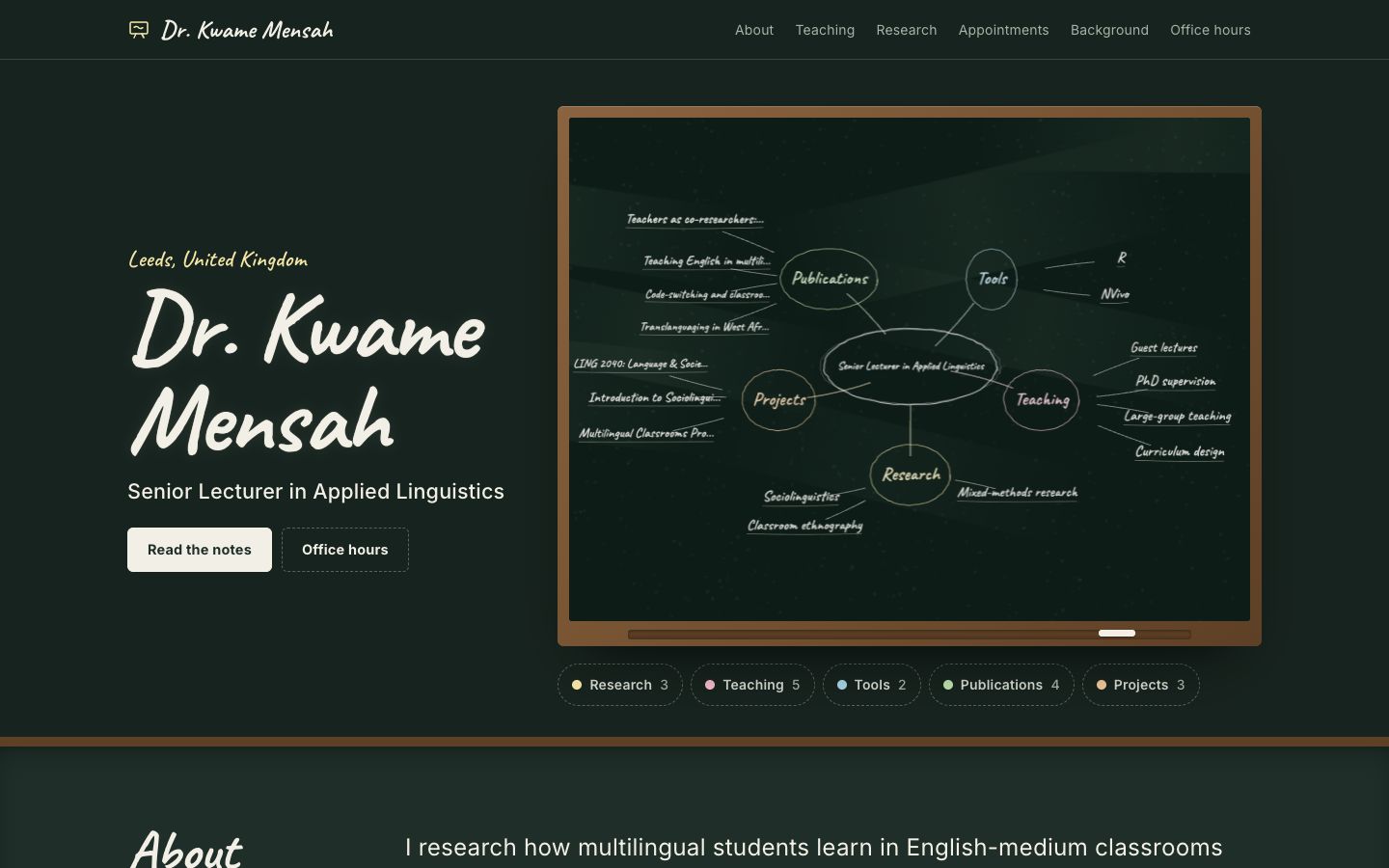
Chalkline
A framed chalkboard with a floating 3D chalk diagram of your subjects, teaching and publications.
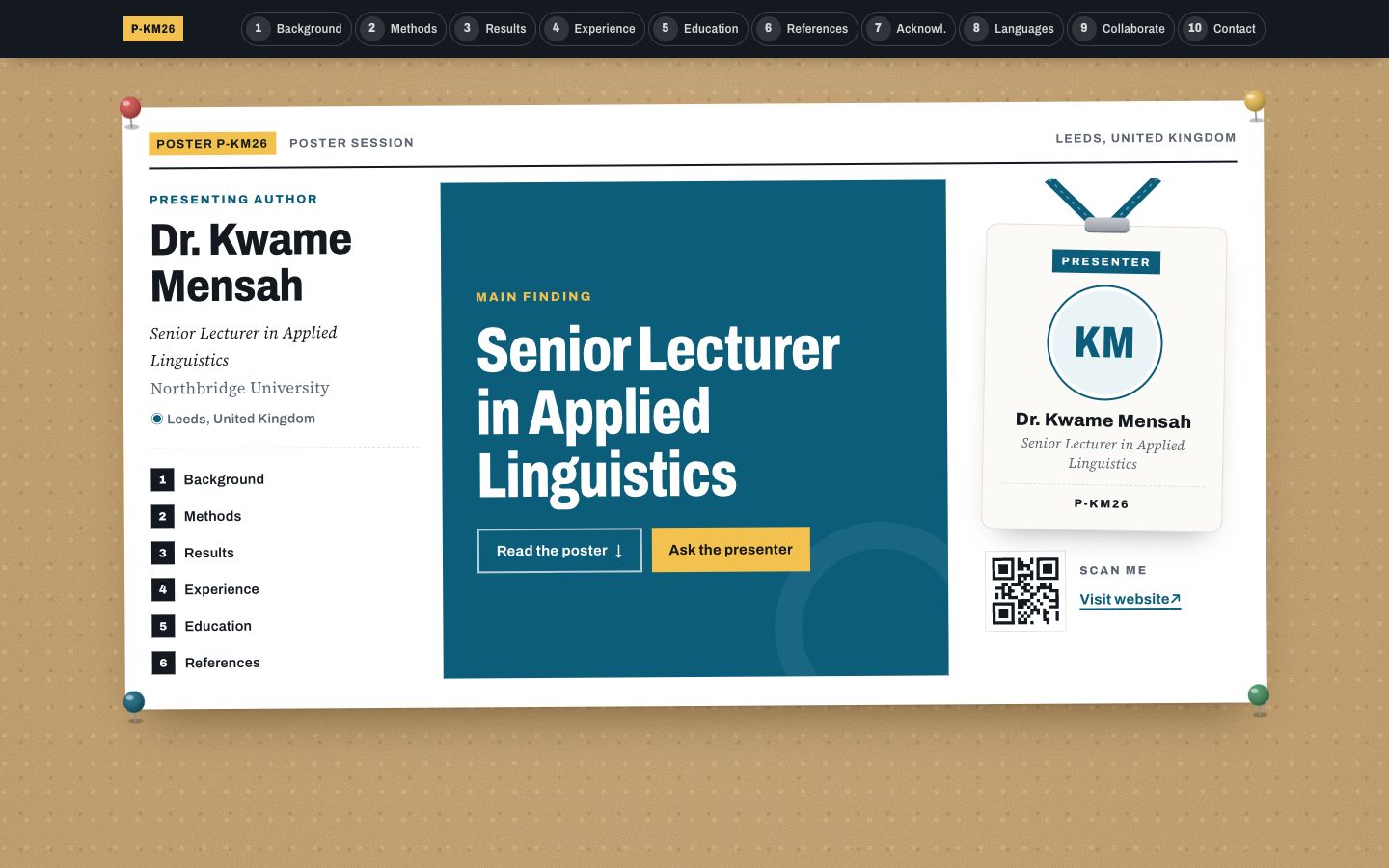
Poster Session
Your profile as a research conference poster: one big takeaway in the middle, methods-style columns around it and a scan-me corner.