Portfolio basics
CV to portfolio for engineering students: turn your resume into a website
Engineering students: how to turn a one-page CV into a portfolio website with project write-ups, code links and a clear story for recruiters.
By Numan Qamar, Founder, Folitox AI · · 5 min read
An engineering CV has a hard job. In one page it has to cover your branch, your marks, your projects, your internships, your skills and your certifications. Everyone in your batch does the same, and recruiters see hundreds of near-identical pages.
Turning that CV into a portfolio website gives your projects the space they need. This guide walks through how an engineering student, whether in computer science, electronics, mechanical, civil or another branch, can go from a CV to a portfolio that is clear, honest and easy to share.
What a CV can't show that a portfolio can
Your CV says "Developed an IoT-based smart irrigation system using Arduino." That is one line. A portfolio can show:
- A photo or short demo of the working system.
- The problem it solved and why you chose those components or that approach.
- Your circuit diagram, a CAD drawing, a flowchart or a screenshot.
- A link to the code repository, a report or a video walkthrough.
- What went wrong, what you changed and what you would do next.
That last part matters. Engineers solve problems, and recruiters want evidence that you can debug, make trade-offs and finish things.
Start from your CV, section by section
You already wrote most of the content. Map each part of the CV to a part of the site:
- Header and objective become your headline and a three or four sentence bio.
- Projects become individual project pages or sections with more detail.
- Internships and training become a short experience section.
- Skills become a grouped skills list, tied to the projects where you used them.
- Education stays brief: degree, college, years. Marks can stay on the resume.
- Certifications and achievements stay short and support the story.
If you want help with the wording, read how to write a professional bio and writing a skills section.
Choose your best three to five projects
Engineering students often have many projects: mini projects, major project, lab work, hackathon builds. Don't show all of them. Pick three to five that meet these tests:
- It relates to the role you want. A core-branch role and a software role need different proof.
- You did a meaningful part of the work yourself.
- You can explain it in two minutes without notes.
- There is something to show: images, a repository, a report, a demo.
For group projects, say clearly what you personally did. "Our team built a drone" is vague. "I wrote the flight controller tuning code and tested the battery setup for our team's quadcopter" is honest and much more useful.
How to write up a project
Use the same structure every time so recruiters can scan quickly:
- Problem. What were you trying to solve, and for whom?
- Approach. Key decisions: why this microcontroller, this algorithm, this material, this tool.
- Your contribution. Exactly what you built or analysed.
- Result. What worked, how you tested it, what you measured if you did.
- What you learned or would improve. One or two honest sentences.
An example for a final-year project:
"Problem: our college lab used manual readings for temperature monitoring, which were often missed. Approach: I used a temperature sensor with a microcontroller and wrote a small web dashboard that logged readings every minute. My part: the firmware, the data logging and the dashboard. Result: it ran for two weeks in the lab with no missed readings. Next step: add alerts when a value goes out of range."
Do not invent numbers. If you didn't measure something, don't claim a percentage. See quantifying your achievements for ways to use real facts without overstating.
Differences by branch
The content changes depending on your field, but the structure stays the same.
- Computer science and IT: link to GitHub, include a live demo where possible and explain the tech stack and one design decision. See the software developer portfolio guide and GitHub vs a portfolio website.
- Electronics and electrical: show circuit diagrams, simulation results, photos of the working hardware and the components you chose.
- Mechanical and civil: show CAD models, drawings, analysis screenshots, site visit notes or design reports. The engineering portfolio guide covers this in more depth.
- Data and AI: show the dataset, your approach, results and a short notebook or write-up anyone can follow.
Internships and training
Keep this section factual and short. For each one, give the company or institute, the dates, and two or three lines about what you did, not what the program covered. "Worked on the testing of a billing module and wrote 40 test cases" is better than "Learned about software testing."
Keep the design plain and the page fast
Recruiters often check links from a phone, sometimes on a slow connection. A clean layout with good spacing, readable text and compressed images wins over heavy animation. Put your best project near the top and your contact details where they're easy to find.
Where to use the link
Once the site is live, put the link:
- At the top of your CV, near your email and phone number.
- On your LinkedIn profile, in the Featured and About sections.
- In your GitHub profile README.
- In application forms that ask for a website or portfolio.
- In your email signature and cold emails to recruiters.
The fast way: let a tool draft it from your CV
You don't have to retype everything. Folitox AI reads your CV and drafts the portfolio for you: bio, projects, skills and education. You pick a template, correct anything that isn't right, add images and links for your projects and publish it at your own web address. It is free to start, and the draft is only the starting point. The strongest part of your portfolio will still be the project write-ups you add yourself, using the structure above.
A quick checklist
- Headline that names your branch and the kind of role you want
- Three to five projects with a problem, your role and a result
- Images, diagrams or code links for each project
- Skills limited to what you have actually used
- Short, factual internship descriptions
- Contact details that are easy to find
- A mobile check before you share the link
Putting it together
Your CV got you this far; your portfolio is where you prove it. Take the projects that are already on your resume, give each one a proper write-up with visuals and a link, keep the design simple and share the link wherever you share your CV. A recruiter who clicks through should leave knowing what you built, how you think and how to reach you.
Portfolio templates for Engineering
These are Folitox templates designed for engineering portfolios, shown with sample content. Every one is filled in from your CV, and you can switch between them at any time.
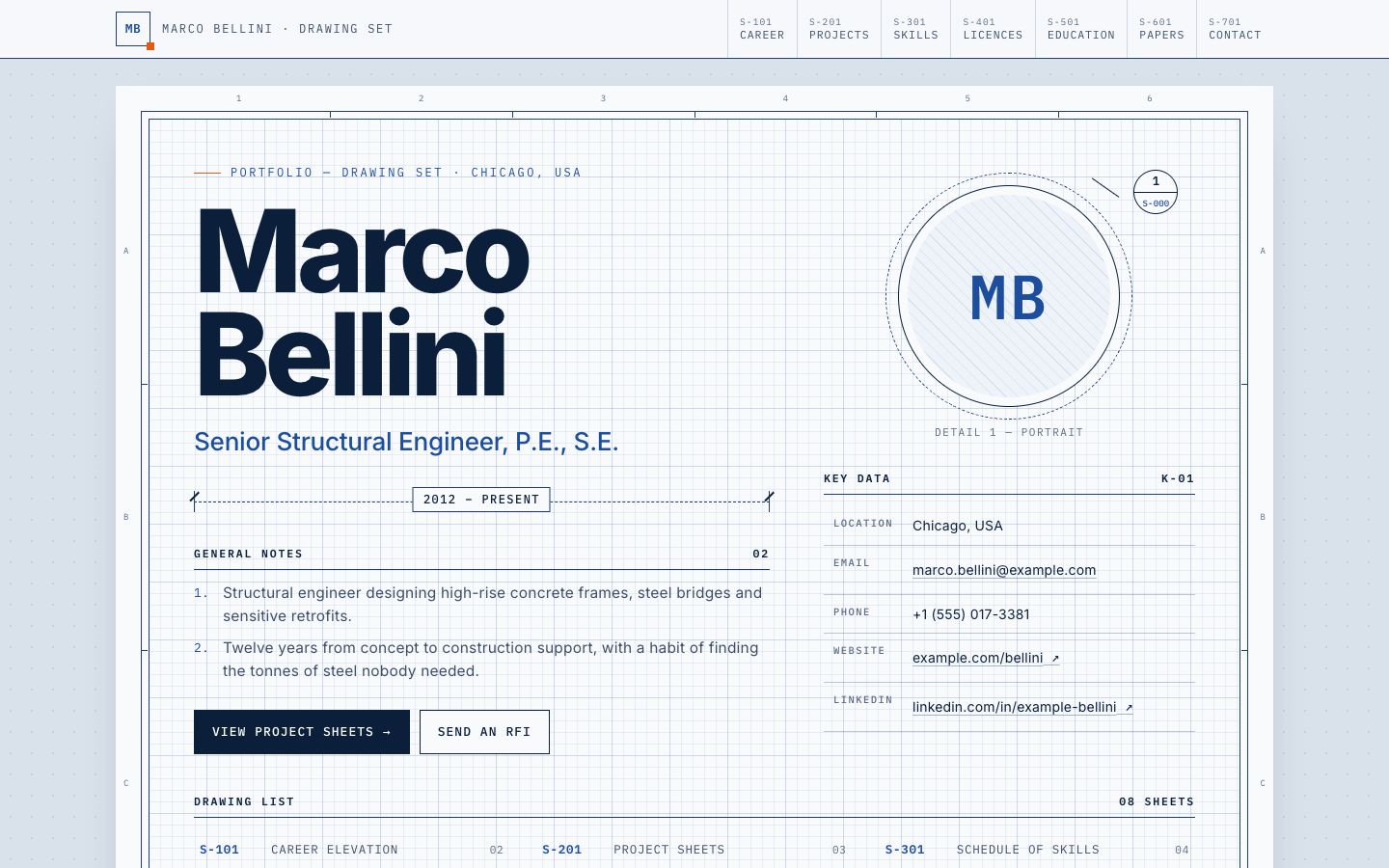
Title Block
Drawing-set portfolio: every section is a framed sheet with a title block (rev, date, sheet no., licence no.).
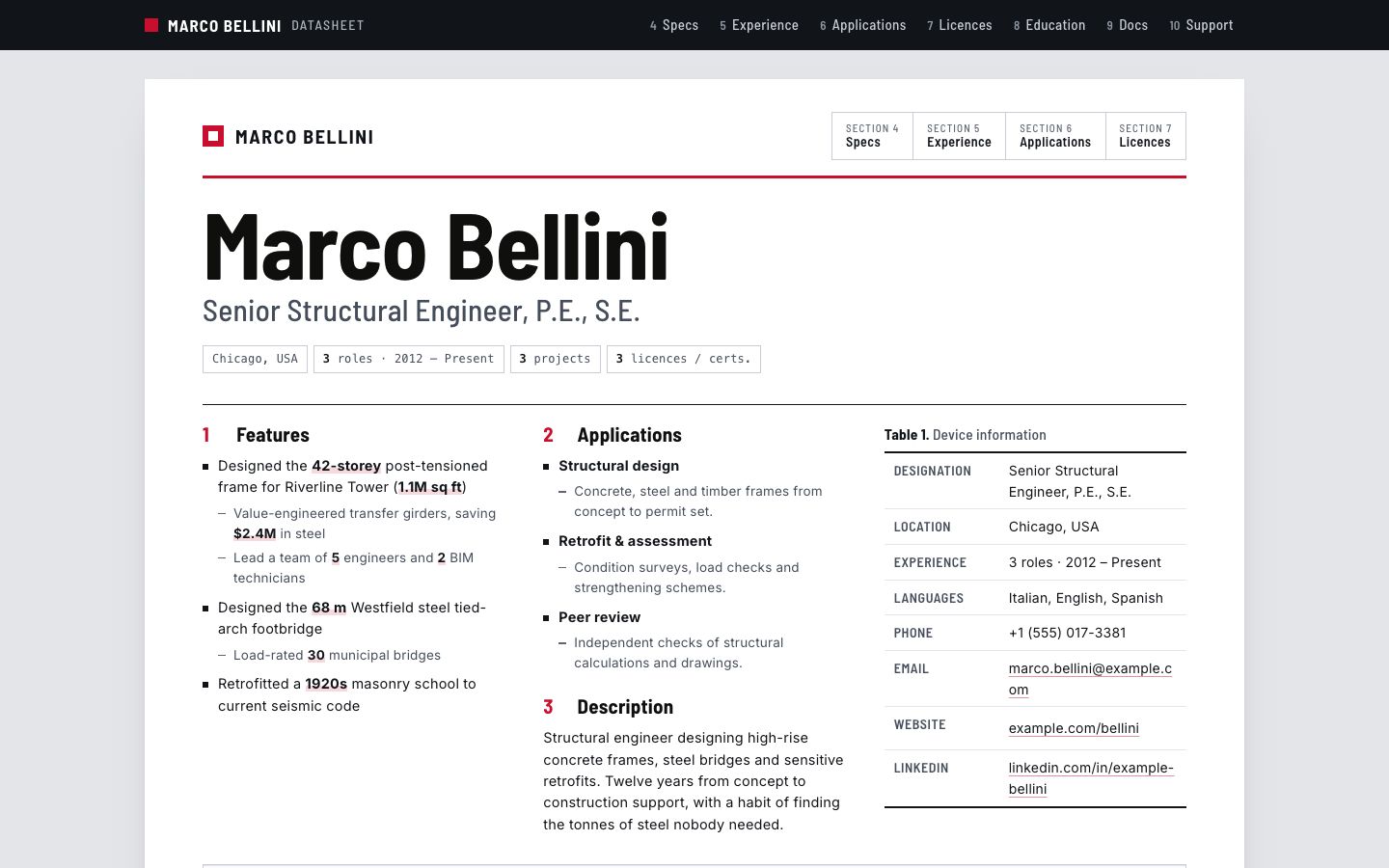
Spec Sheet
Component-datasheet layout: numbered sections, block diagram, figures for projects and licence tables.
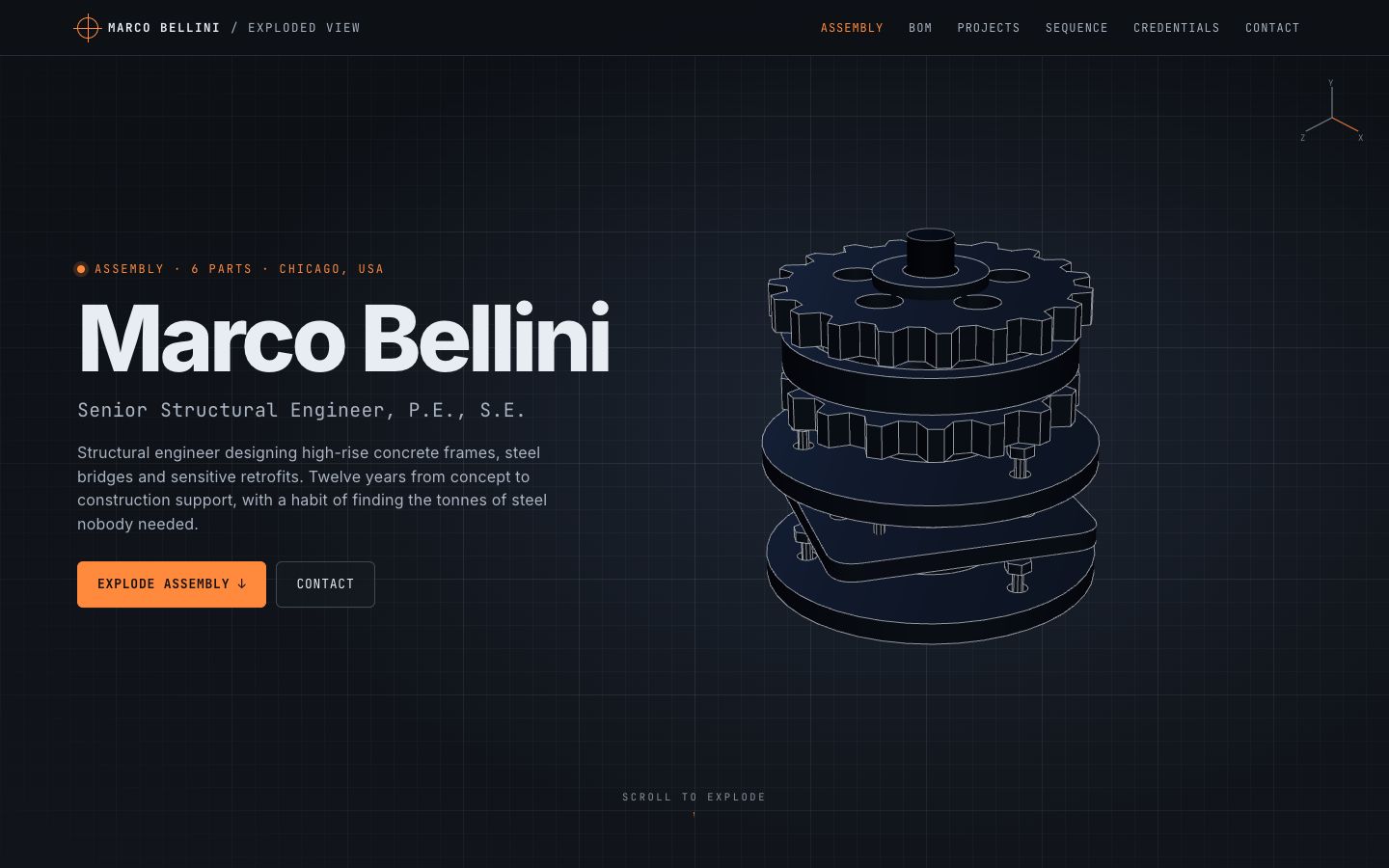
Exploded View
A procedural 3D assembly that explodes on scroll, one labelled part per skill group or project.
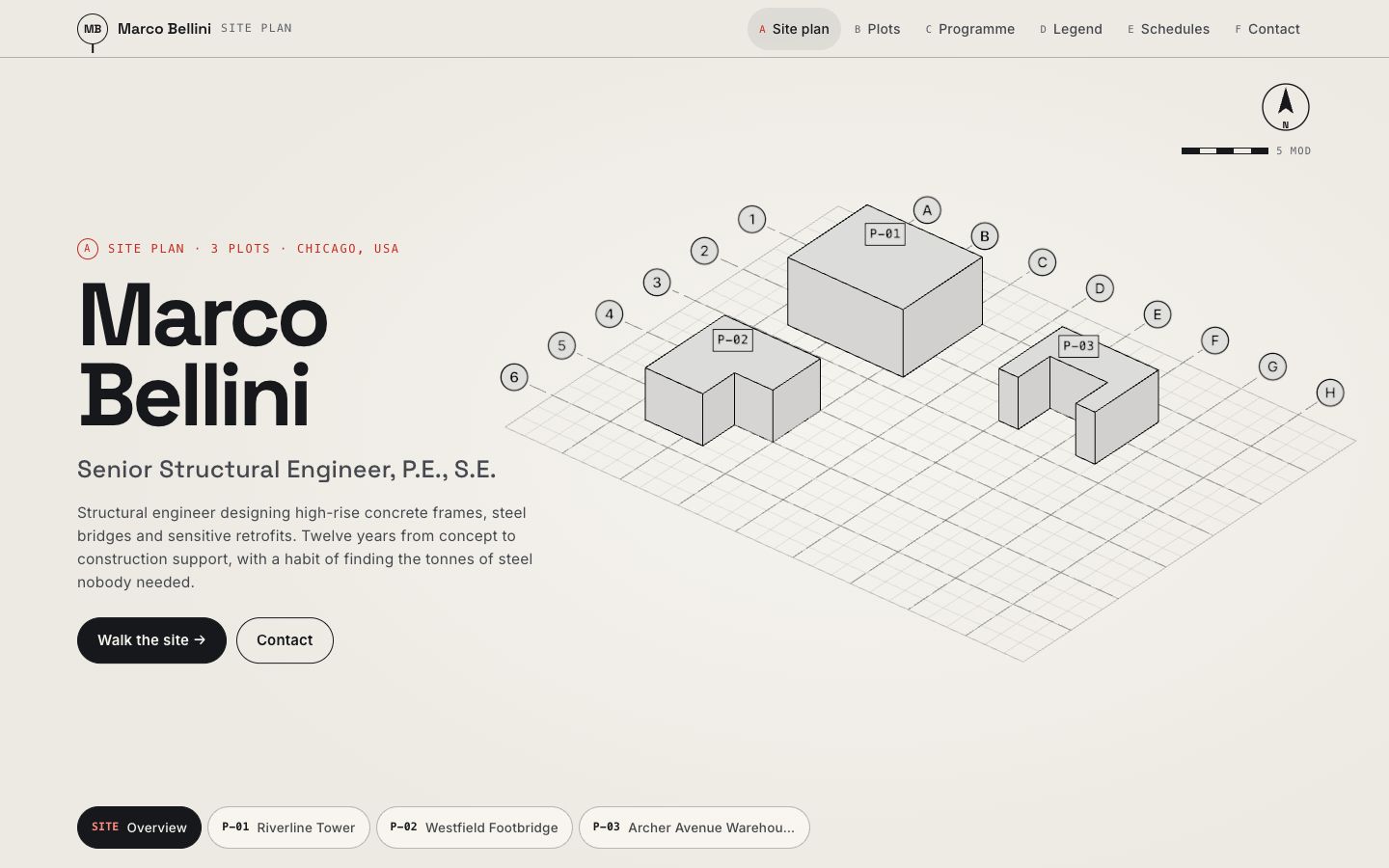
Gridline
Axonometric 3D site plan where each project is an extruded plot, with dimension callouts as you walk the site.
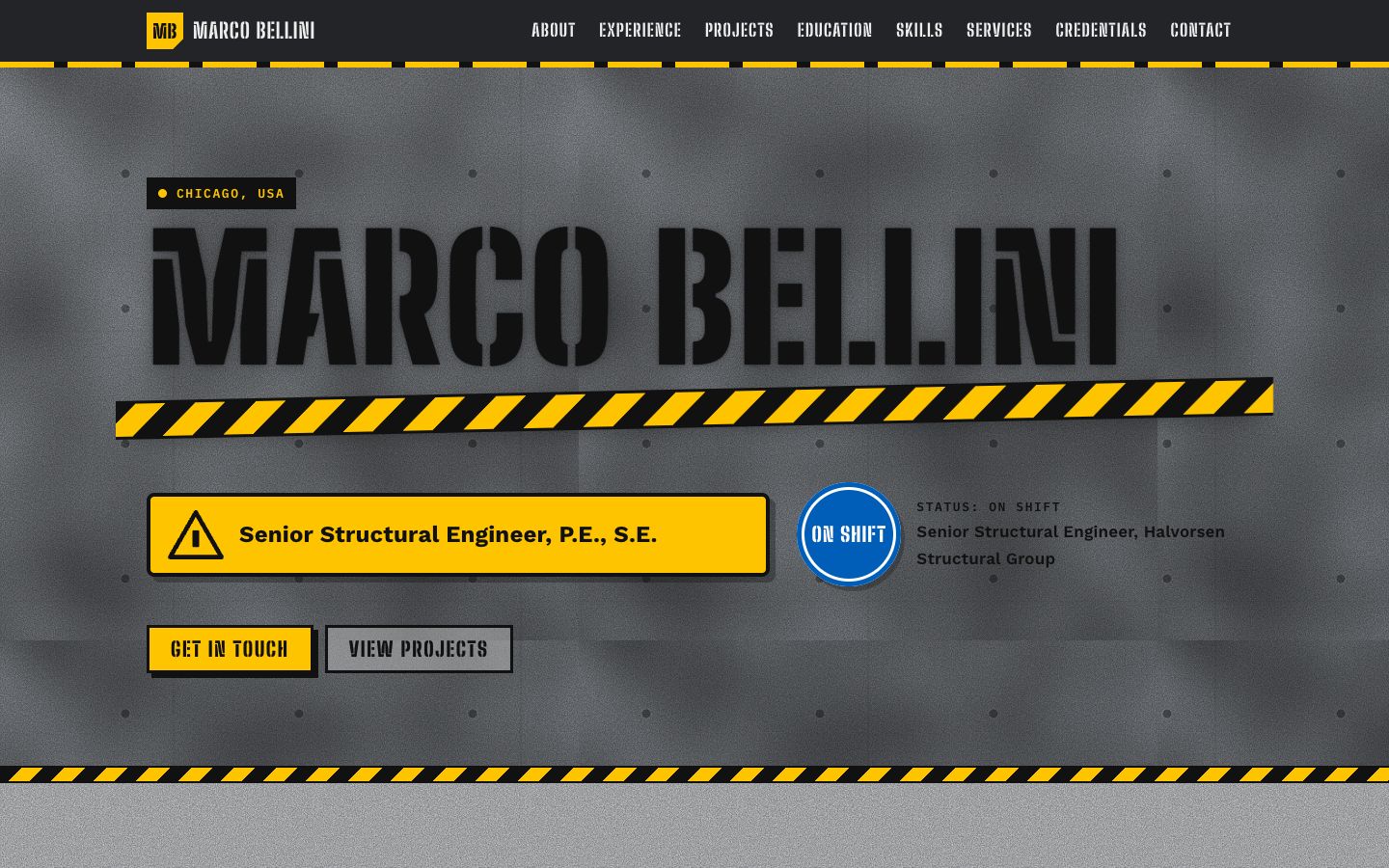
Stencil
Plant-floor industrial look: spray-stencilled name, hazard-stripe dividers, safety-sign colour coding and riveted equipment tags for each role.
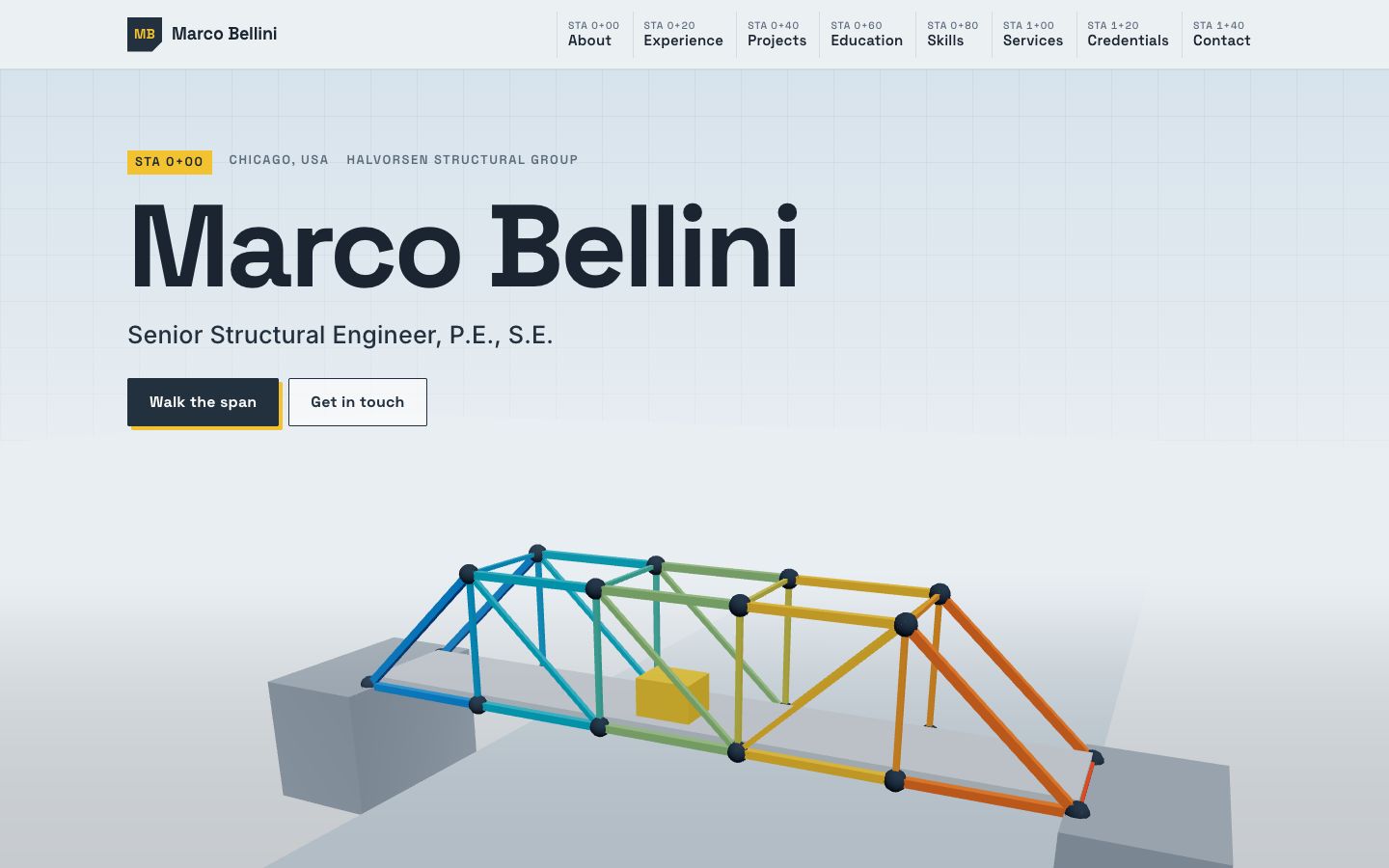
Truss
A 3D steel truss bridge assembles member by member as you scroll; each panel is a role, and the stress colours glow along the span you've built.