By profession
Writing portfolio: what to include, with examples
How to build a writing portfolio: choosing clips, presenting bylines, showing ghostwritten or NDA work and organizing samples, with examples to follow.
By Numan Qamar, Founder, Folitox AI · · 7 min read
Editors and clients hiring a writer want to answer a narrow question quickly: can this person write the kind of thing I need? A writing portfolio exists to make that answer obvious within a minute or two. This guide covers which clips to include, how to present them, what to do with ghostwritten or confidential work, and how to organize everything so the right sample is easy to find on your writer portfolio website. It ends with a few illustrative writing portfolio examples.
Start with the work you want more of
Writers often have scattered samples: a few blog posts, a published article, some marketing emails, a grant proposal, a newsletter. The temptation is to include all of it. Resist that, and start instead with the kind of writing you want to be hired for next.
Write it down in one line:
- "Long-form features about food and agriculture for magazines."
- "B2B content for software companies: blog posts, guides and case studies."
- "UX writing and product copy for mobile apps."
- "Speechwriting and executive communications."
Every clip you include should either show that kind of writing directly or show a skill it depends on. A technical blog post supports a B2B content portfolio. A poem probably doesn't, however good it is.
Choosing clips for your writing portfolio
Six to twelve samples is a comfortable range for most writers. Fewer if they're long, more if they're short (product copy, headlines, social posts).
For each potential clip, ask:
- Is it representative of my current skill? Old pieces can be cut even if they ran somewhere impressive.
- Is it in the format the reader hires for? An editor reading pitches for features wants features.
- Was it edited heavily? If an editor rewrote most of it, it's not a fair sample of your writing. Use it only if you're comfortable defending every sentence.
- Will the link still work in a year? Publications redesign, paywalls appear and pages disappear.
Your first three clips do most of the work. Many readers open one or two and decide. Put your strongest, most relevant pieces at the top of each section.
Bylined, unbylined and self-published
Bylined pieces in recognizable outlets carry obvious weight, but they aren't the only valid samples. Unbylined work for companies (blog posts, help center articles, emails) is real professional writing. Self-published pieces on your own blog or newsletter are fine too, especially when you're building toward a new niche, as long as they're edited to the same standard you'd hold for a client.
Be honest about which is which. Don't present a guest post on a small blog as if it were a staff piece at a major publication.
Presenting each clip
A bare list of headlines with links makes the reader do all the work. Give each clip a little context:
- Headline, linked to the live piece.
- Publication or client, and the date.
- Type and length: "Feature, about 2,500 words" or "Onboarding email series, five emails."
- One or two sentences of context: the brief, the audience, what was interesting about it.
- Results, if you have them and are allowed to share: "Became the most-shared post on the client's blog that quarter," but only if it's true and you know it.
Before and after: a clip description
Before:
"How Small Farms Survive Drought - Regional Farm Weekly, 2025"
After:
"How Small Farms Survive Drought. Regional Farm Weekly, June 2025. Reported feature, about 2,000 words. I interviewed six growers across three counties about water-sharing arrangements most of them had never discussed publicly. The editor ran it as the cover story."
The second version tells the reader what kind of reporting you did and why the piece stands out, before they click.
Protect against link rot
Links to published work break more often than people expect. For every clip:
- Save a PDF copy of the published page, with the date.
- Where your agreement allows it, host the PDF on your portfolio as a backup.
- Check your links every few months and replace broken ones with the archived copy.
A portfolio full of "page not found" errors suggests the writer isn't paying attention, even when it's not their fault.
Ghostwriting and NDA work
Ghostwriters and many content writers produce their best work under someone else's name. That doesn't mean it has to disappear from your portfolio, but it does mean you need to be careful.
- Check your contract. Some agreements forbid you from ever mentioning the client. Others allow you to describe the work generally, or to share it privately with prospective clients.
- Ask for permission. Many clients are happy to let you show work after it's published, especially if you ask before or at the end of the project.
- Describe without naming. "Wrote a 40,000-word memoir for a retired engineer about building bridges in three countries" shows scope and range without identifying anyone.
- Use excerpts, anonymized. A few paragraphs with names and identifying details removed can show your voice and structure.
- Offer samples on request. A line like "Additional ghostwritten samples are available privately on request, with client permission" tells readers the work exists.
Never present ghostwritten work in a way that suggests the named author didn't write it, and never share something marked confidential just because it would look good.
When describing confidential work, focus on the problem and the craft: the audience, the constraint, the structure you chose. That's what a prospective client actually needs to know.
Organizing your writing portfolio by type or topic
Once you have more than a handful of clips, organization matters. There are two common approaches, and you can combine them.
By type
Group samples by format: features, essays, blog posts, case studies, email, web copy, scripts. This works well when clients hire you for a specific format, such as a company that needs someone to write customer case studies.
By topic
Group samples by subject: health, personal finance, travel, software. This works well when editors hire for subject expertise, such as a health desk looking for someone who can report on medical research accurately.
A combined approach
A common pattern is to lead with topics and label each clip with its type, or the reverse. For example, a section called "Health and science" containing clips labeled "Feature," "Explainer" and "Interview." Keep the number of sections small; three or four is plenty. If one section has only one clip, fold it into another or drop it.
The words around the clips
Your bio and headline are writing samples too. Every editor reading your portfolio will notice if the "About me" section is vague or padded.
- Write a headline that names what you write and for whom: "Freelance writer covering personal finance for people early in their careers." See writing a portfolio headline.
- Keep the bio short and specific. Mention your beats, a couple of notable outlets or clients, and what you're open to. Our guide on how to write a professional bio has examples.
- State how to reach you and what kinds of assignments you're looking for.
Writing portfolio examples
These outlines are made up for illustration and don't describe real writers or publications. They show how the same principles produce quite different sites.
Example 1: a freelance features journalist
- Headline: "Freelance journalist covering food, farming and rural life."
- Clips: eight reported features grouped under two topics, each with the outlet, date, length and a sentence on the reporting, plus saved PDF copies.
- Extras: a short bio, the kinds of assignments they're pitching for and a contact email.
Example 2: a B2B content writer
- Headline: "Content writer for software and fintech companies."
- Clips: sections for guides, case studies and email, with mostly unbylined work described by client type, and two anonymized excerpts from NDA projects.
- Extras: a note that more samples are available privately on request, and a line on the industries they know well.
Example 3: a UX writer moving from marketing
- Headline: "UX writer focused on onboarding and error messages."
- Clips: before-and-after screens from a self-initiated app rewrite, product copy from a previous role shared with permission, and two short explanations of the decisions behind them.
- Extras: a brief bio linking their marketing background to product writing.
If your bylines and clients already sit on a resume or CV, you can turn your resume or CV into a portfolio website with Folitox AI for free, then add your clips and context to the draft. Text-friendly portfolio templates keep long lists of samples easy to scan.
A short checklist
- Six to twelve clips, strongest and most relevant first.
- Every clip has a publication or client, a date, a type and a line of context.
- Backup copies saved for every link.
- Ghostwritten and confidential work cleared, anonymized or described generally.
- Clips grouped into three or four clear sections.
- Bio and headline that read as well as your best clip.
Putting it together
A writer portfolio works when a busy editor can find a relevant sample in seconds and understand why it's good before opening it. Choose clips that point toward the work you want, add a sentence or two of context to each, protect against broken links, and handle ghostwritten work with care and permission. Organize the result into a few clear groups, and make sure your own bio is as tight as the work it introduces. When you're ready to send it out, see where to share your portfolio.
Portfolio templates for Design & Creative
These are Folitox templates designed for design & creative portfolios, shown with sample content. Every one is filled in from your CV, and you can switch between them at any time.
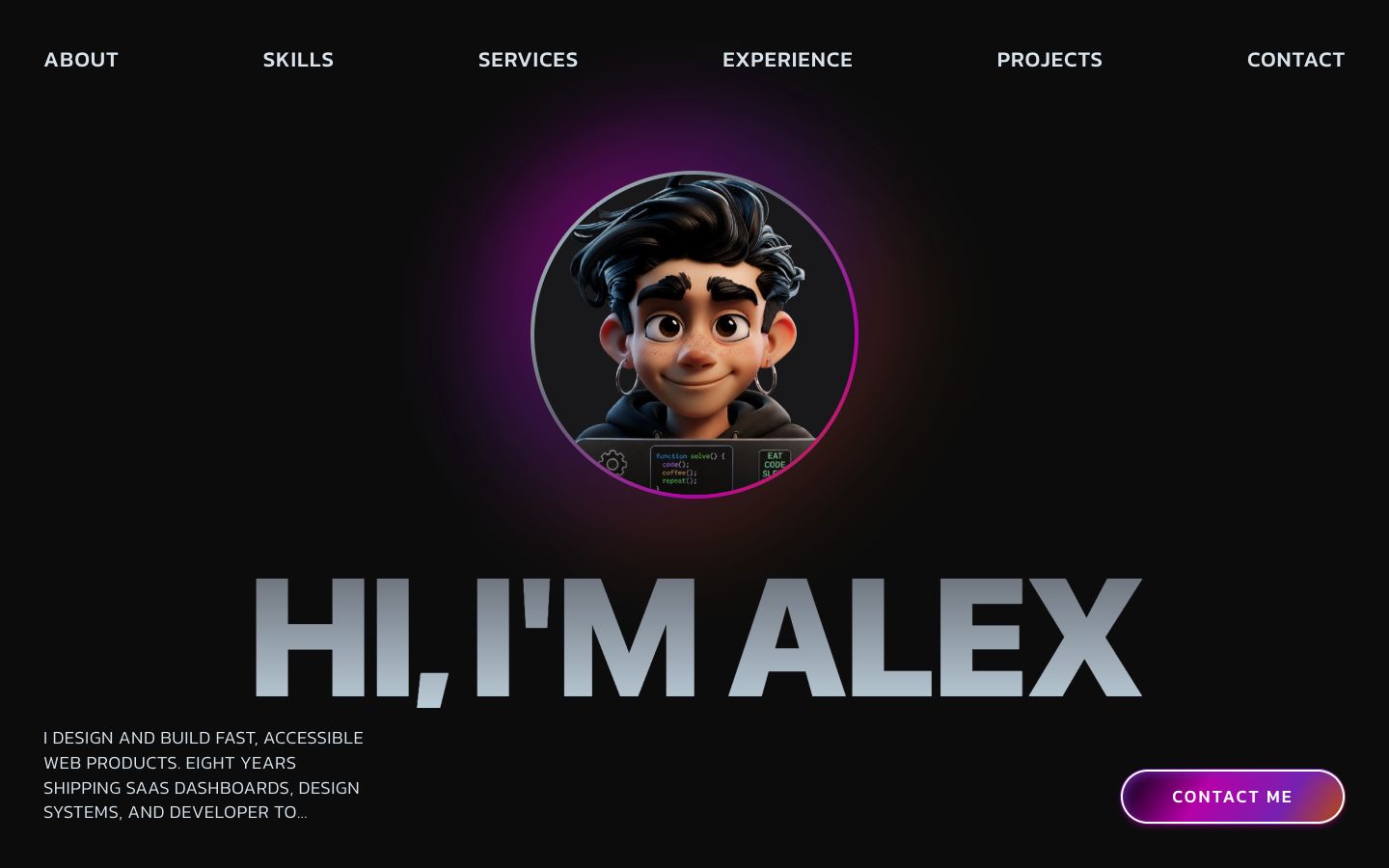
Jack
Dark "3D Creator" portfolio with brushed-steel gradient type, a magnetic portrait, scroll-driven marquee, character-reveal about, and sticky-stacking project cards.
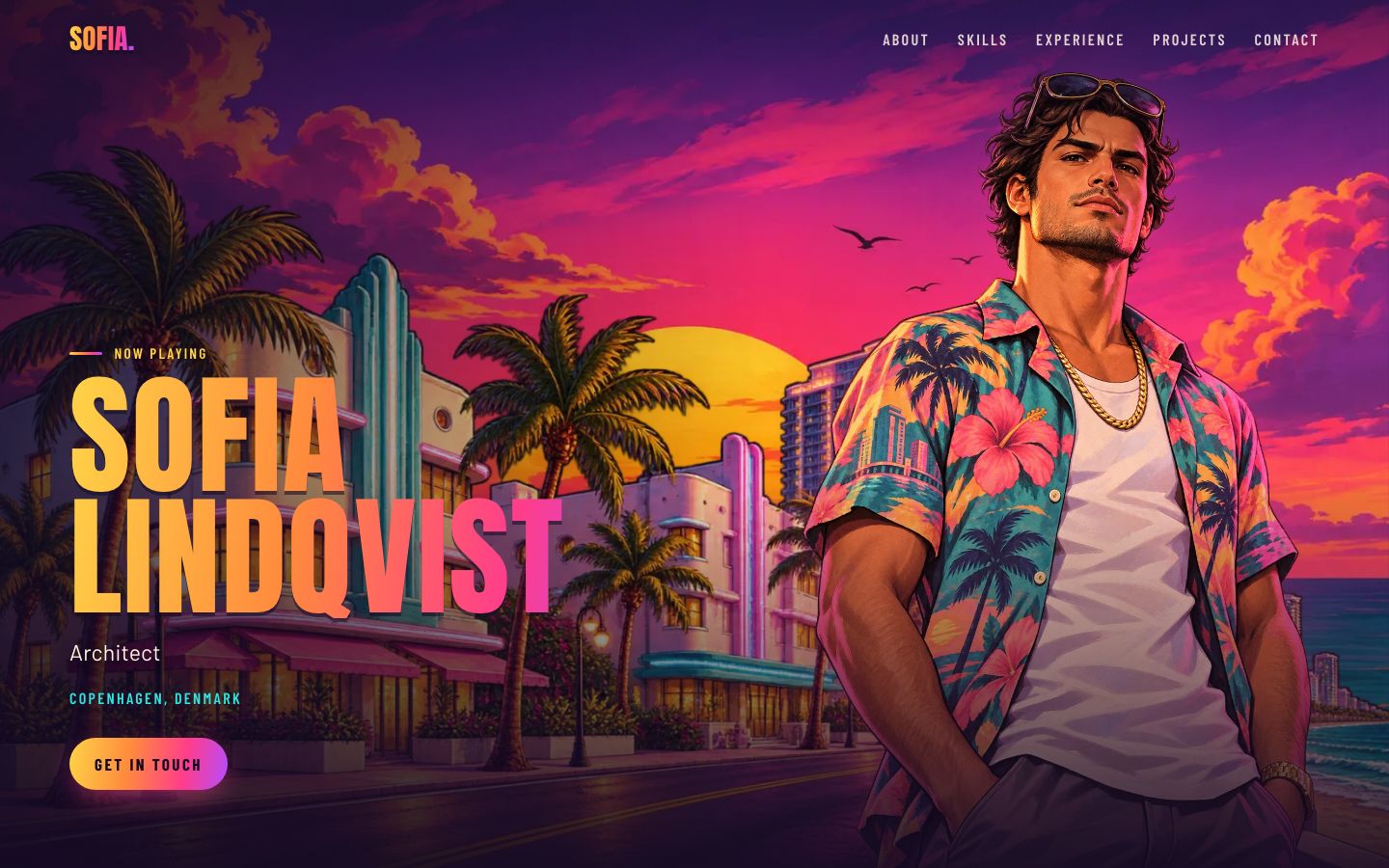
GTA VI
Cinematic open-world poster portfolio — your name as a window that zooms out over a painted neon-sunset beach city, parallax skyline and hero character, neon skill chips, a career-mode timeline and mission-style project cards.
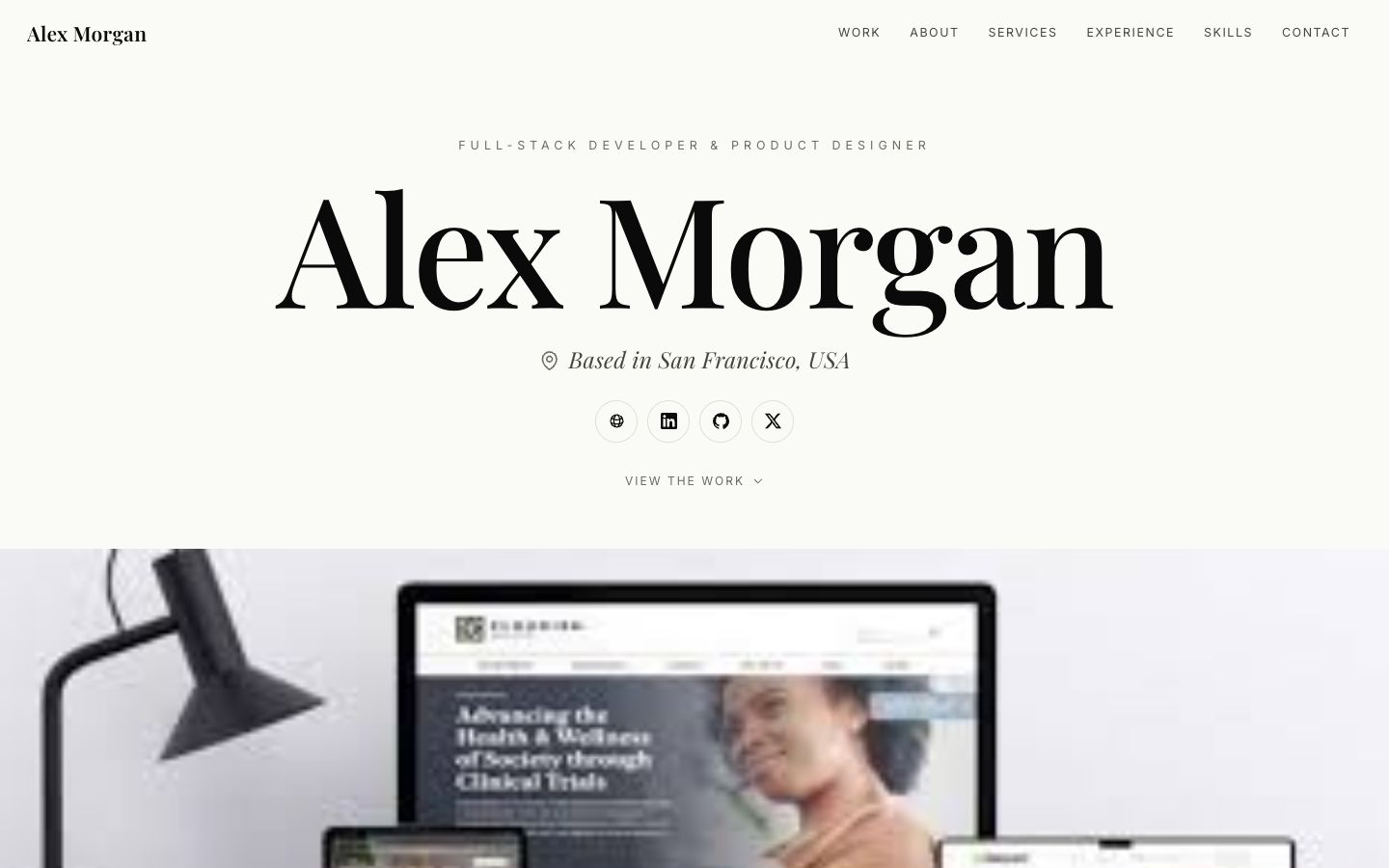
Lumen
Photographer portfolio — light editorial canvas, Playfair serif display, full-bleed parallax hero, filterable masonry gallery with a lightbox.
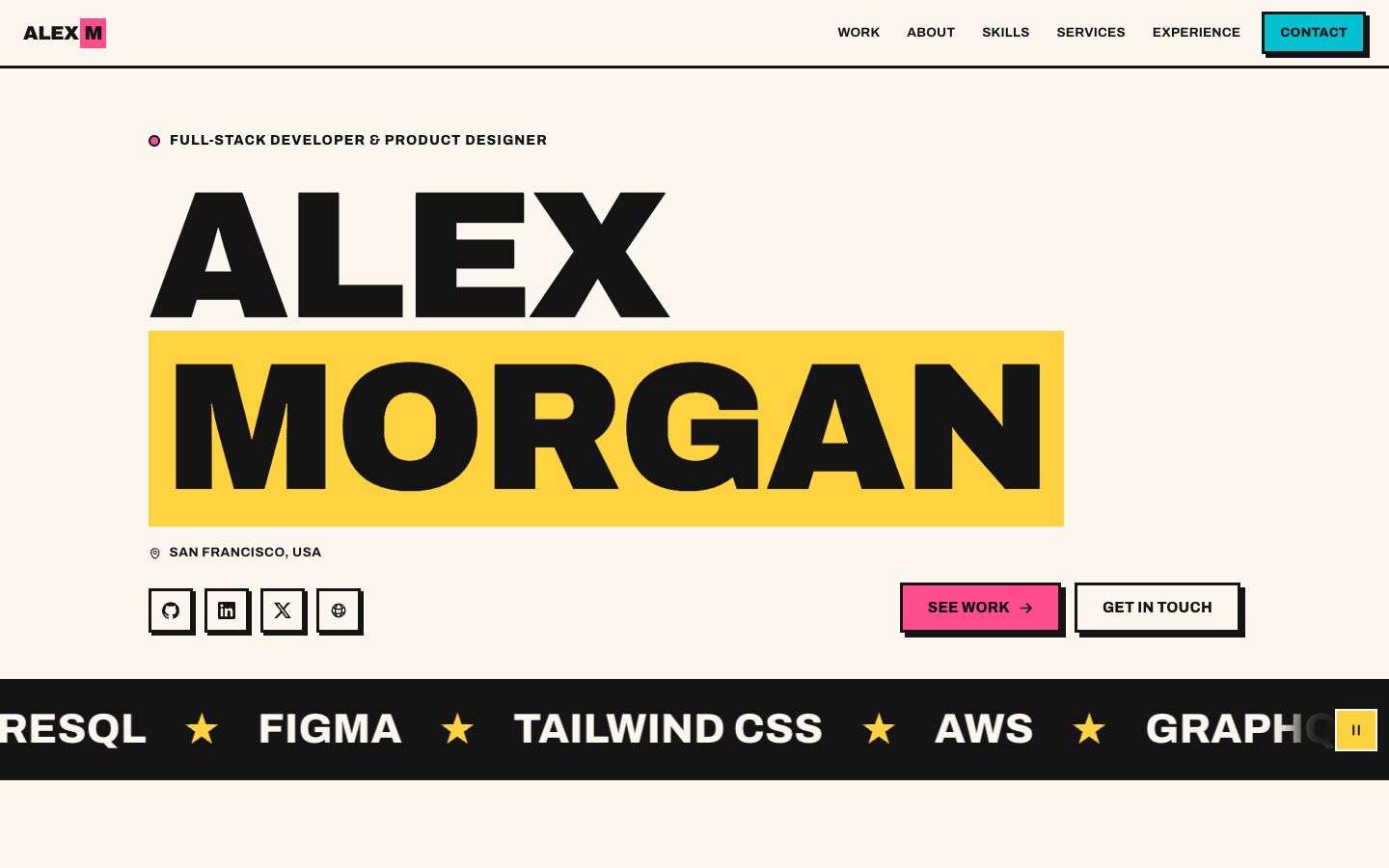
Vivid
Graphic-designer portfolio — neo-brutalist and expressive, heavy Archivo type, color blocks, hard offset shadows, a scrolling marquee, and bold project cards.
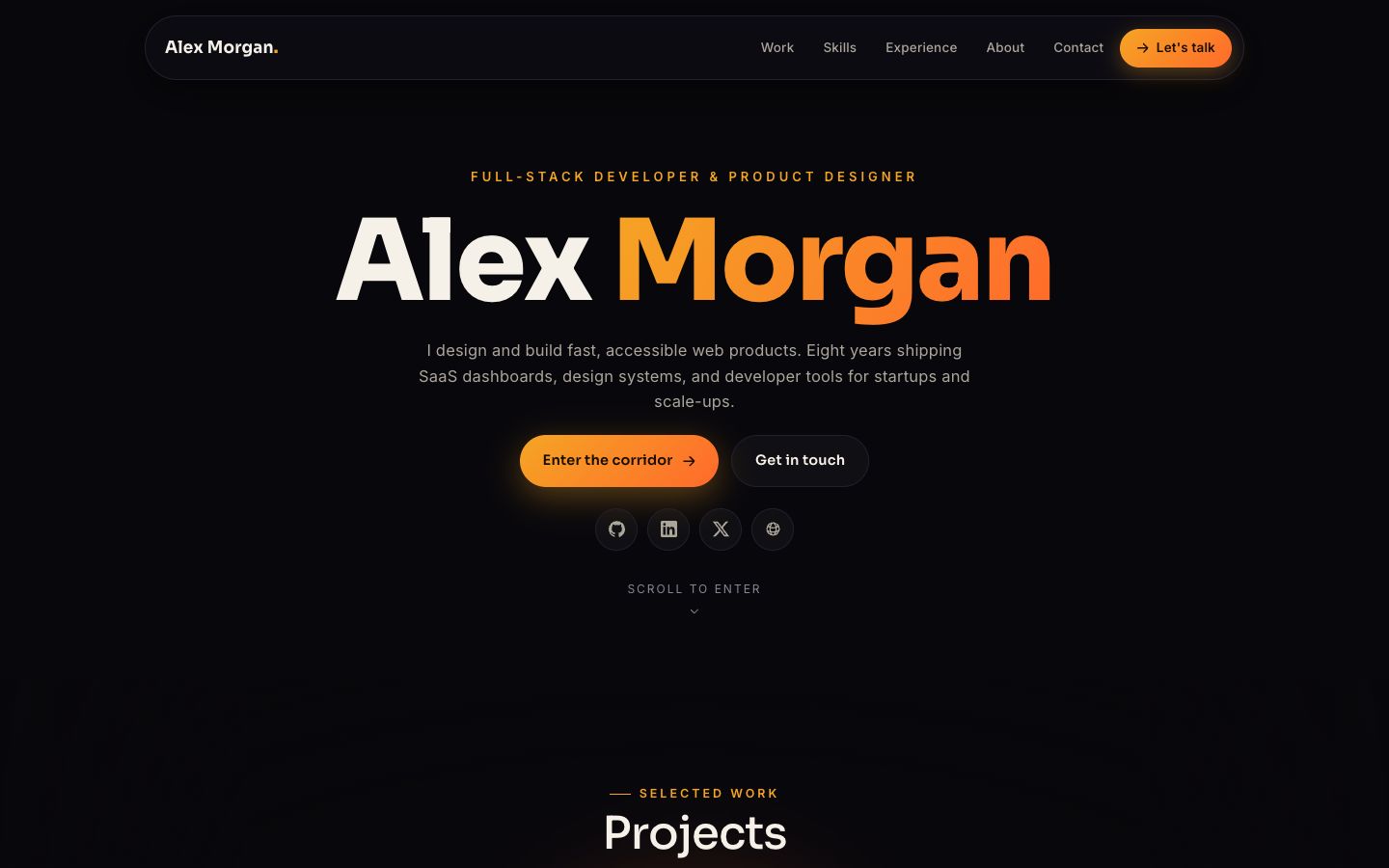
Corridor
Cinematic 3D-corridor portfolio (CSS 3D + scroll) — fly down a dark tunnel as projects stream past on alternating walls toward a warm vanishing point.
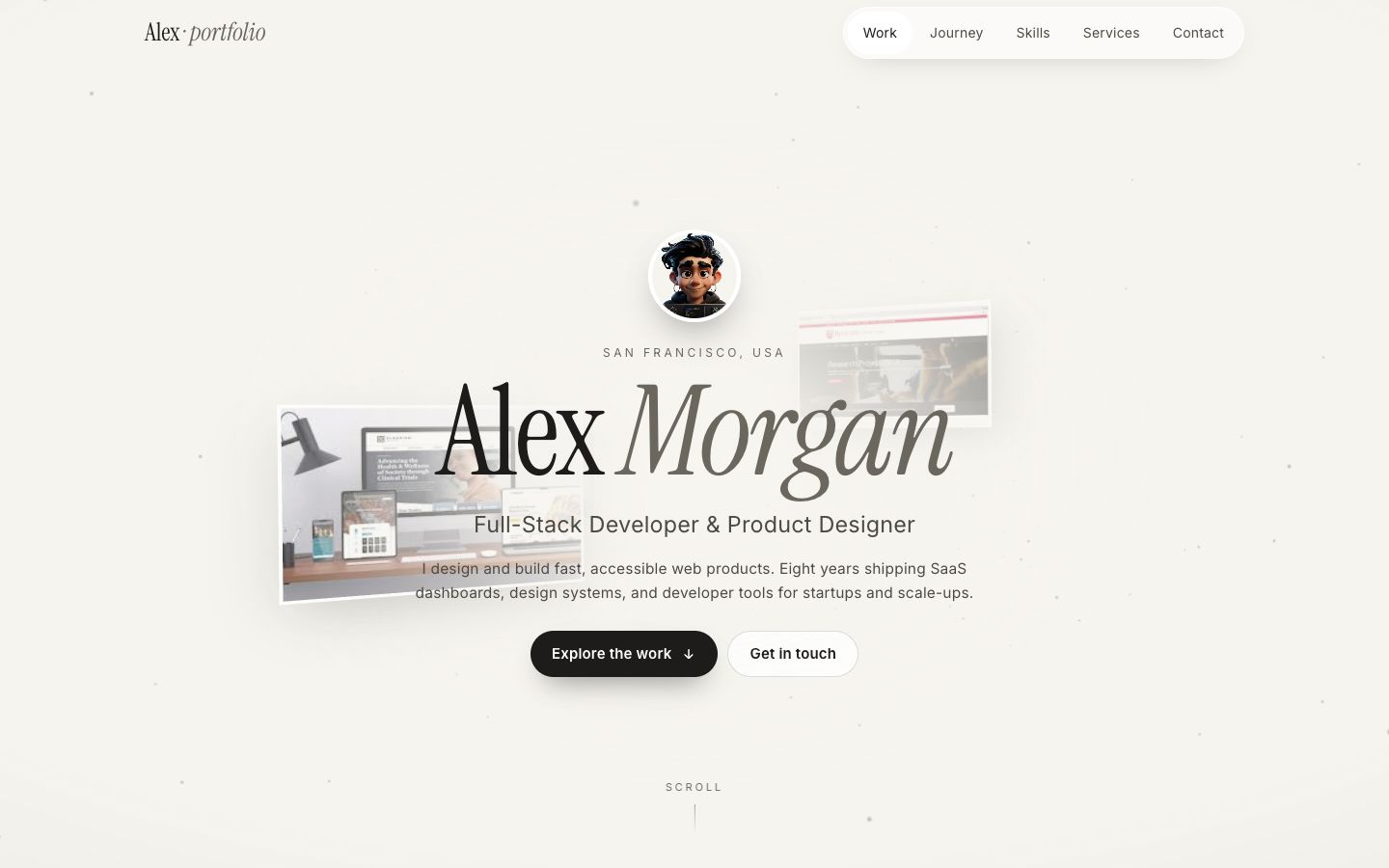
Depthfield
Airy 3D gallery — glide down a corridor of your projects while the colours shift to match each one.