By profession
Architecture portfolio: what to include, with examples
How to build an architecture portfolio: choosing projects, showing process, crediting team work and presenting drawings online, with example outlines.
By Numan Qamar, Founder, Folitox AI · · 8 min read
An architecture portfolio has to do a lot in a short time. A principal or hiring committee may spend only a few minutes with it before deciding whether to talk to you, and in those minutes they're trying to understand how you think, what you can draw, what you actually did on each project and whether your work fits theirs. This guide covers how to choose projects, show your process, credit team work honestly, balance drawings with renders, describe your licensure status correctly and keep a heavy, image-rich portfolio fast on the web. It ends with a few illustrative architecture portfolio examples you can borrow a structure from, whether you're a student or an experienced architect updating your architect portfolio.
Know who you're showing it to
Architecture portfolios get read in a few different situations, and each one changes what matters:
- Students applying for internships or graduate programs are judged mostly on design thinking, drawing ability and range.
- Early-career designers are judged on technical skill and how they'd contribute to a project team: drawing sets, detailing, software, coordination.
- Experienced architects are judged on the projects they've led, the roles they've held and the kind of work they want to do next.
Before you pick anything, write one sentence about the role you want. "A junior position at a small practice doing residential and community projects" points to very different work than "a role on large healthcare projects at a big firm." Every choice that follows should serve that sentence.
Selecting projects for your architecture portfolio
Most strong portfolios hold four to eight projects. A short, deep selection almost always reads better than a long, shallow one.
For each candidate project, ask:
- Does it match the work I want next? Lead with the project closest to the job, even if another one is more striking.
- Can I explain my role clearly? If not, it needs work before it goes in.
- Does it show something different from the projects around it: a scale, a building type, a skill, a way of working?
- Does it represent my current ability? An early studio project can stay if it shows something nothing else does. Otherwise, let it go.
Range without clutter
Aim for a mix that shows breadth: perhaps a built project, a competition entry, a detailed technical package and one exploratory or academic piece. For students, a range of scales, from a small pavilion to an urban proposal, helps. For professionals, show the project types and phases you want to keep working in.
Put your strongest, most relevant project first. Many reviewers form their view from the first project and only skim the rest.
Showing process: sketches and iterations
Final images show what a building looks like. Process shows how you got there, and that's what reviewers are really trying to judge. The goal isn't to include every sketch; it's to show the moments where the design changed for a reason.
A simple structure for each project:
- The brief and site, in two or three sentences: the client or program, the place and the main constraint.
- The key idea, stated plainly, with one diagram that explains it.
- Two or three turning points: early sketches or models that show options you tested and why one won.
- The developed design: plans, sections and elevations.
- The result: final images, photographs if it was built, and a short reflection.
Before and after: a project caption
Before:
"Community library. Concept sketches, massing studies, final renders."
After:
"Early massing put the reading room on the street edge, but the site's south side faced a busy road. These three models test moving it to the back of the site around a courtyard. The courtyard version won because it gave the reading room quiet and daylight without losing the entrance on the main street."
The second version turns a set of images into a design argument. A reviewer learns how you weigh options, which is exactly what they're trying to find out. For more on structuring a project like this, see how to write a case study.
Hand drawing and physical models
If you sketch by hand or build physical models, show them. Photograph them in even, natural light against a plain background, and crop tightly. A few honest, slightly rough sketches next to a finished drawing often say more about your thinking than a polished render does.
Crediting team projects
Almost all professional architecture, and much student work, is done in teams. Reviewers know this, and what they want is to understand your part. Being vague here is one of the fastest ways to lose trust.
On every team project, include:
- The firm or studio, and the project's lead architect or design principal where appropriate.
- Your role, stated plainly: "Project designer," "Part of a four-person team," "Responsible for the facade studies and the construction drawings for the east wing."
- What you produced, especially for drawings: mark which drawings, models or renders are yours.
- Collaborators, where you can name them, such as other designers, engineers or a landscape architect.
An example credit line
"Designed at a mid-sized practice as part of a team of six. My role: design development of the ground floor and entrance, interior elevations and coordination of the construction drawing set. Renders by the firm's visualization team."
If a reviewer could reasonably assume you did something you didn't, add a line to correct that. Overclaiming is easy to discover, because the people hiring you often know the people you worked with.
Also check what your current or former employer allows you to show. Some firms are happy for staff to include project work with credit; others have rules about images, unbuilt or confidential projects, and client names. Ask, and get permission in writing if there's any doubt.
Drawings vs renders
Renders are attractive and get attention, but many architecture reviewers care more about drawings, because drawings show whether you understand how a building goes together.
A balanced project usually includes:
- Orthographic drawings: plans, sections and elevations, cleaned up and legible at screen size.
- Diagrams that explain the idea, circulation, structure or environmental strategy.
- Details, especially for technical or construction-focused roles.
- Renders or photographs to show atmosphere and the finished result.
Making drawings work on screen
Drawings made for print often fall apart on a monitor or phone. Thin lines disappear and small text becomes unreadable. Adjust them for the web:
- Increase line weights and simplify hatching.
- Crop to the part that matters, then show the full sheet separately for those who want it.
- Add a scale bar and north arrow where relevant.
- Caption each drawing with what it shows and why it's there.
If a render was made by someone else, such as a visualization team or an outside studio, credit it.
Licensure status: wording matters
In many places, "architect" is a protected title, and only people who hold a current license can use it to describe themselves. The exact rules depend on where you live and work, so check with your licensing body before you choose your title.
Until you're licensed, accurate options include:
- "Architectural designer"
- "Architecture graduate" or "Architecture student"
- "Designer at [firm name], working toward licensure"
Once you're licensed, list where your license is held and keep it current. If you're licensed in one place but working in another, make that clear. A heading that's slightly less impressive is far better than one that's not allowed.
Keeping an architecture portfolio fast on the web
An architecture portfolio is mostly images, which makes it easy to end up with a site that looks beautiful on your machine and loads slowly everywhere else. A slow portfolio feels careless, and many reviewers will open it on a phone.
Practical rules:
- Export images at the size they'll display, not at full print resolution. A large image on screen rarely needs to be wider than about two thousand pixels.
- Compress every image. Most export tools have a quality setting; a medium-high setting usually looks the same and loads far faster.
- Use the right format. Photographs and renders suit compressed photo formats; line drawings and diagrams often look crisper in formats designed for graphics.
- Avoid uploading large PDFs as the main way to view your work. Offer a downloadable PDF portfolio as an option, but put the key images directly on the page.
- Check on a phone before you share the link. Look at whether drawings are still readable and whether pages load quickly on a normal connection.
The words around the work
Short, specific text makes the images make sense. Use a clear headline that says what you do, such as "Architectural designer focused on housing and adaptive reuse." Give each project a one-line summary at the top, and write a short bio about your interests and the kind of practice you want to join. How to write a professional bio can help with that part.
Architecture portfolio examples
The outlines below are made up for illustration, not taken from real people or sites. Each shows how the advice above fits together for a different stage of career.
Example 1: a graduate applying for a first job
- Headline: "Architecture graduate interested in housing and timber construction."
- Projects: a final-year housing scheme with process models and a wall section detail, a group competition entry with a clear credit line, a small built pavilion from a summer workshop, and a short technical drawing set from an internship.
- Extras: a one-paragraph bio, a software and skills list, and a downloadable PDF version for applications that ask for one.
Example 2: an architectural designer moving to a larger practice
- Headline: "Architectural designer working toward licensure, focused on education buildings."
- Projects: two school projects from current employment, each with the firm credited and the designer's drawings marked; one adaptive reuse study; one detailed construction package.
- Extras: a short note on the software and project phases they've worked in, plus the firm's permission noted for each image.
Example 3: a licensed architect running a small studio
- Headline: "Licensed architect designing homes and small workplaces in coastal towns."
- Projects: five built projects with photographs, plans and a short paragraph on the brief, each crediting engineers and consultants.
- Extras: where the license is held, a simple contact page and a short description of how a project usually runs.
If you already have a resume or CV with your projects listed, you can turn your resume or CV into a portfolio website with Folitox AI, which is free, then edit the draft and swap in your drawings. Image-led portfolio templates give plans and renders the most room.
Putting it together
A strong architecture portfolio is edited and honest. Choose a handful of projects that point at the work you want, show the turning points in your process, and credit team work so clearly that no one has to guess what you did. Balance drawings with renders, adjust drawings so they read on screen, use your title accurately, and keep images light enough to load quickly. Then look through it once on a phone, as a busy reviewer would, and cut anything that gets in the way. For a final check, see common portfolio mistakes.
Portfolio templates for Design & Creative
These are Folitox templates designed for design & creative portfolios, shown with sample content. Every one is filled in from your CV, and you can switch between them at any time.

Jack
Dark "3D Creator" portfolio with brushed-steel gradient type, a magnetic portrait, scroll-driven marquee, character-reveal about, and sticky-stacking project cards.

GTA VI
Cinematic open-world poster portfolio — your name as a window that zooms out over a painted neon-sunset beach city, parallax skyline and hero character, neon skill chips, a career-mode timeline and mission-style project cards.

Lumen
Photographer portfolio — light editorial canvas, Playfair serif display, full-bleed parallax hero, filterable masonry gallery with a lightbox.
Vivid
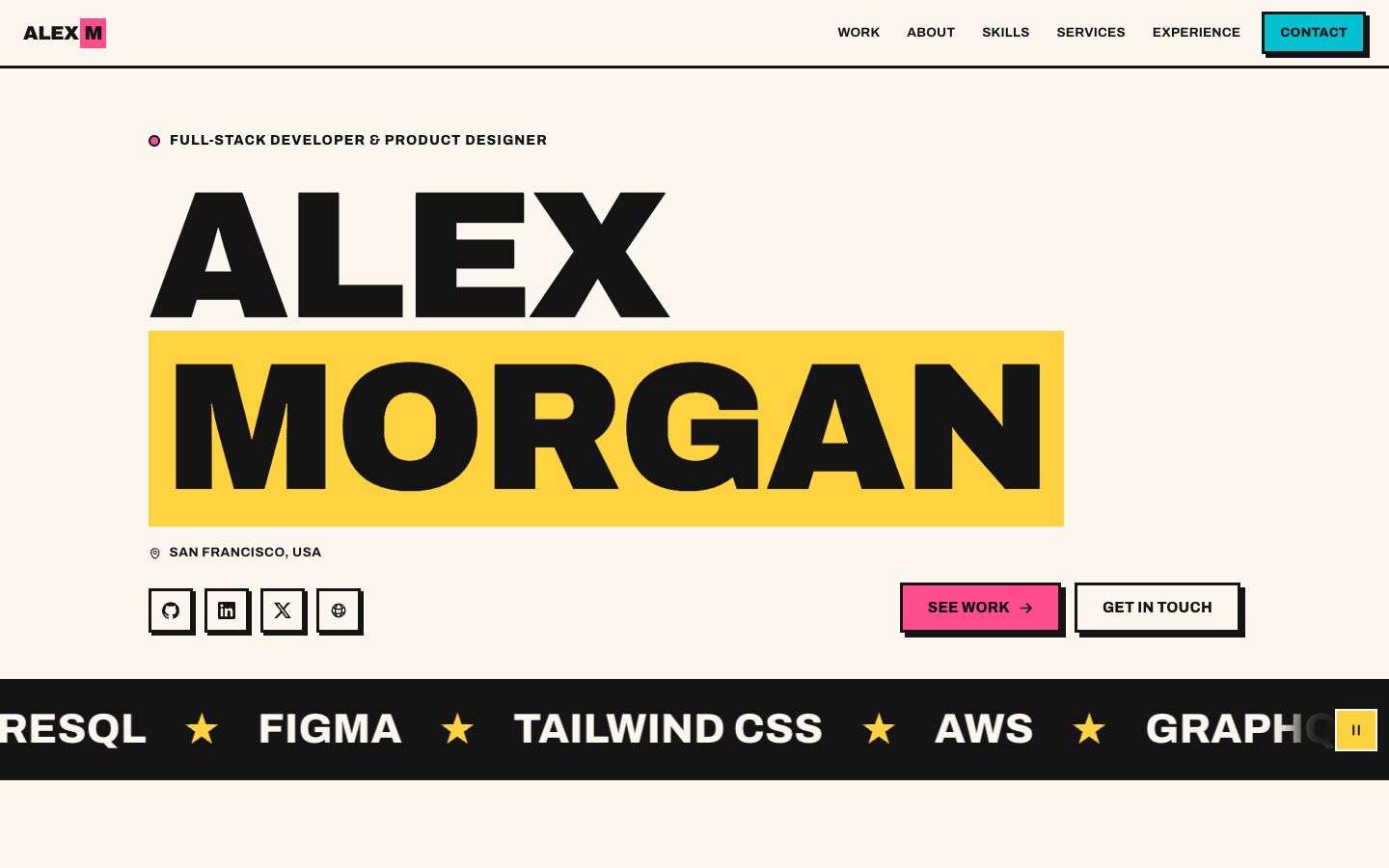
Graphic-designer portfolio — neo-brutalist and expressive, heavy Archivo type, color blocks, hard offset shadows, a scrolling marquee, and bold project cards.

Corridor
Cinematic 3D-corridor portfolio (CSS 3D + scroll) — fly down a dark tunnel as projects stream past on alternating walls toward a warm vanishing point.
Depthfield
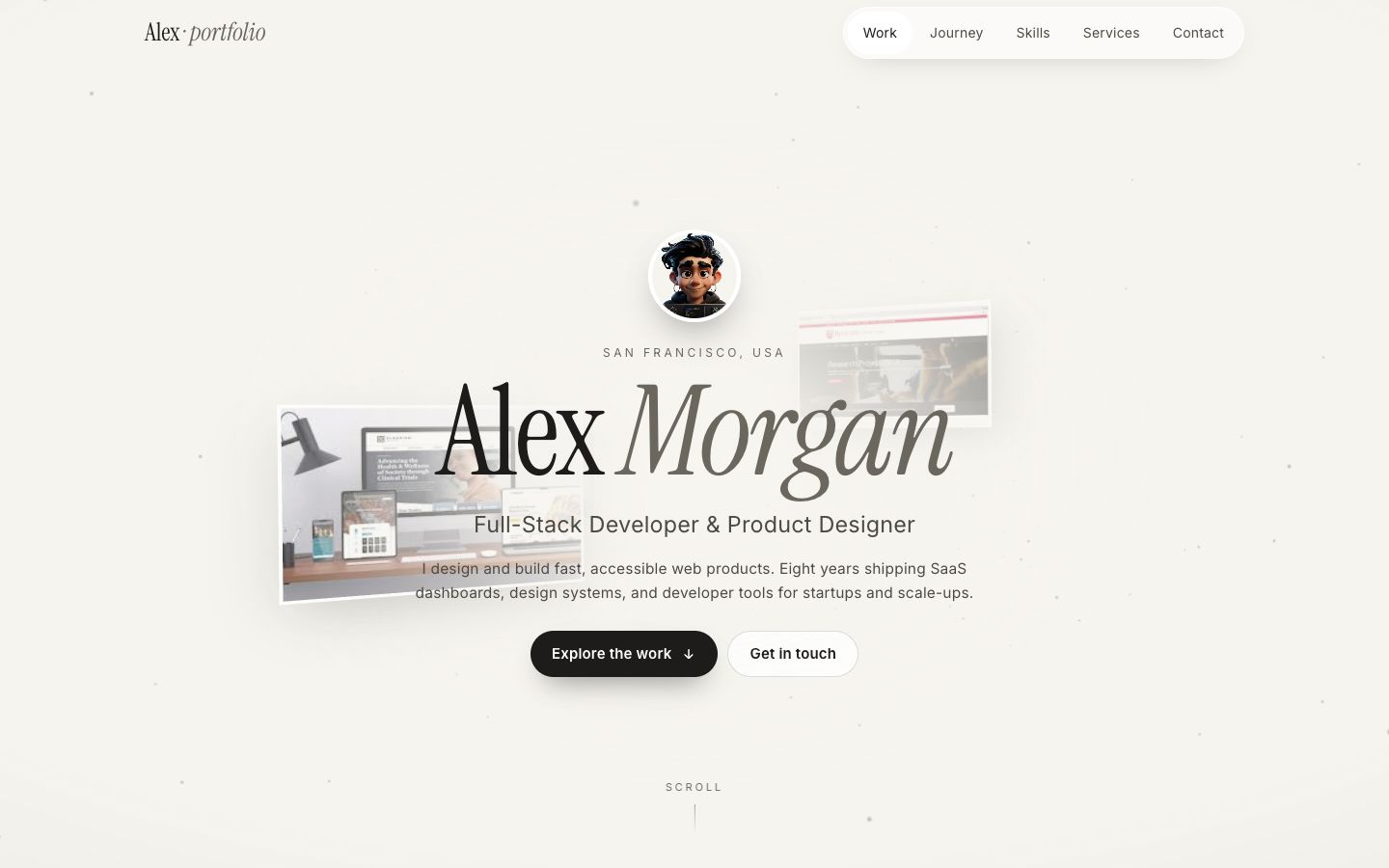
Airy 3D gallery — glide down a corridor of your projects while the colours shift to match each one.